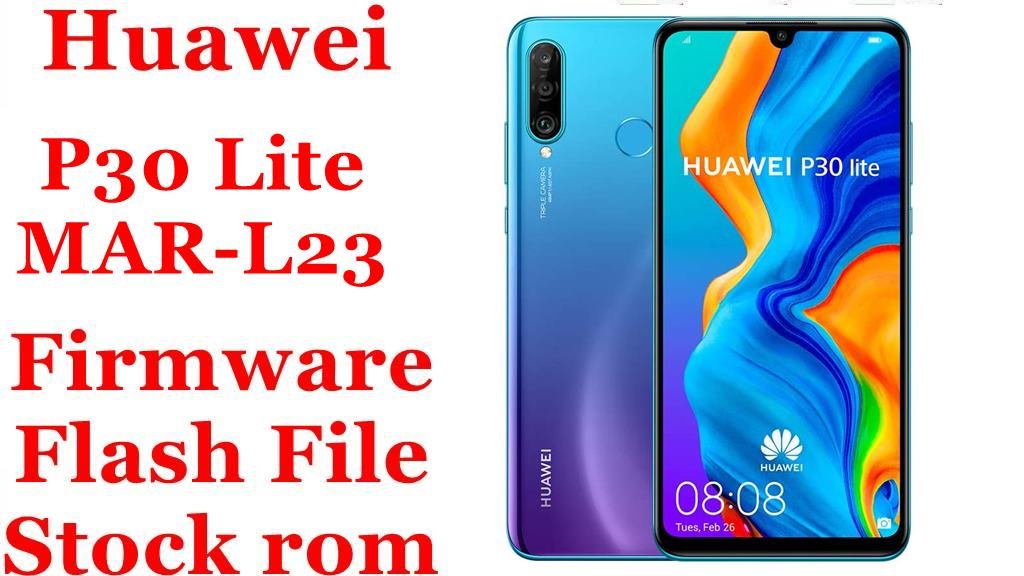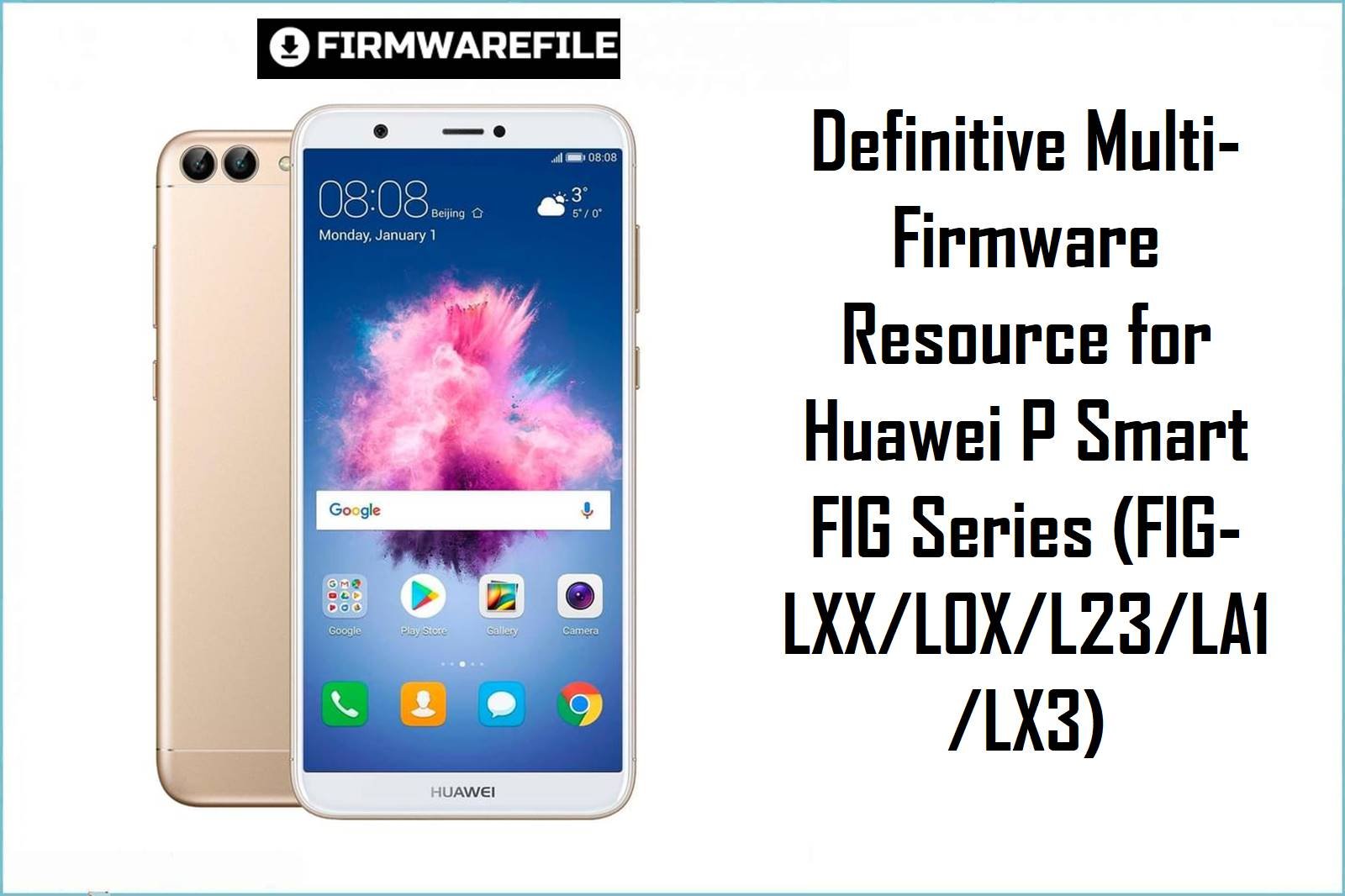
Definitive Multi-Firmware Resource for Huawei P Smart FIG Series (FIG-LXX/L0X/L23/LA1/LX3)
The Huawei P Smart family—encompassing models FIG-L02, FIG-L03, FIG-L11, FIG-L23, FIG-L31, FIG-LA1, FIG-LX1, FIG-LX3 and all regional variants—runs on the HiSilicon Kirin 659 chipset. These mid-range Android phones, released between 2017 and 2019, have a strong user base because of their build, reliable performance, and ongoing developer support. However, their region-locked bootloaders and strict firmware partitioning lead to frequent flashing complications, especially with mismatched model codes, CUST numbers, and carrier-branded builds.
CRUCIAL WARNING: Not all firmware builds are cross-compatible! For the Huawei P Smart (FIG Series), flashing firmware with the incorrect Model, CUST, or Region can cause permanent IMEI loss, carrier-lock, or bootloop. Always match your exact model (e.g., FIG-LX1 vs. FIG-L11), region code (C432, C636, etc.) and pay attention to downgrade vs. upgrade packages.
Prerequisites: Before You Begin
Click Here for the Essential Pre-Flashing Checklist
- Exact Model Verification: Dial
*#*#1357946#*#*or check in Settings → About Phone to confirm your variant (e.g., FIG-LX1, FIG-L03). - Backup Everything: Flashing wipes all data from internal storage. Use HiSuite or Google Backup for contacts, messages, and apps.
- Charge Device: Ensure a minimum of 50% battery charge before you start.
- PC & Official USB Cable: Attempt only on a Windows PC with the original Huawei cable for best results.
Huawei P Smart (FIG Series) Firmware Details
- Device Name
- Huawei P Smart (FIG Series): FIG-L02, L03, L11, L23, L31, LA1, LX1, LX3
- Primary Chipset
- HiSilicon Kirin 659, octa-core 2.36GHz, Mali-T830 MP2 GPU
- Release Years
- 2017–2019
- Android Version
- 8.0/8.1 (EMUI 8) up to 9.1 (EMUI 9.1)
- File Types
- DLOAD Update.app, ZIP/RAR, CUST-specific packages
- Battery
- 3000 mAh Li-Po (non-removable)
- Main Features
- 5.65″ 1080×2160 display, dual-sim, up to 3GB RAM, microSD slot, fingerprint, face unlock
- Common Model Codes
- FIG-LX1, FIG-L11, FIG-L03, FIG-L23, FIG-LA1, FIG-L31, FIG-LX3
Required Tools & Downloads
| File / Tool | Download Link |
|---|---|
| Huawei USB Drivers + HiSuite | Download HiSuite |
| Main Huawei Firmware (all region/model links below) | See next section |
| MicroSD Card (for DLOAD packages), or working USB cable | – |
Huawei P Smart (FIG Series) Stock ROM / Firmware Downloads
| Filename | Model/Region/Notes | Link | Size |
|---|---|---|---|
| Figo-L02 9.1.0.115(C636E5R1P1T8)_Firmware_9.0.0_r3_EMUI9.0.1_05015AEE.rar | FIG-L02, Asia/Global, EMUI 9.0.1, RAR, C636 | Download | 2.75GB |
| Huawei_P_Smart_FIG-L03_9.1.0.150_C771_Enable_Downgrade_Dload.zip | FIG-L03, Latin America, Downgrade package, C771 | Download | 2.20GB |
| Huawei P Smart FIG-LX1 FIG-L11 FIG-L31 hw eu HLRCF Figo-L11 Figo-L31 9.1.0.115(C432E5R1P3T8)…zip | FIG-LX1/L11/L31, Europe, C432, EMUI 9.0.1 | Download | 3.5GB |
| Huawei_P_Smart_FIG-L11_9.1.0.164_C02E11R1P5T8_Firmware_EMUI9.1.0_05014XVU_Dload.zip | FIG-L11, C02E11, EMUI 9.1.0, Dload Updater | Download | 3.08GB |
| Huawei P Smart FIG-LX1 Fig-L31 hw eu HLRCF Figo-L31 9.1.0.163(C432E8R1P5T8)…zip | FIG-LX1/L31, Europe, C432, EMUI 9.1.0 | Download | 3GB |
| Huawei_P_Smart_Figo-L23_9.1.0.125_E5R1P1T8_Firmware_9.1.0_R4_EMUI9.1.0_05014Y_Dload.zip | FIG-L23, Latin America, EMUI 9.1.0, Dload | Download | 2.18GB |
| Huawei P Smart FIG-LX1 Fig-L31 Figo-L31 8.0.0.124(C530)…zip | FIG-LX1/L31, C530, EMUI 8.0, Android 8 | Download | 2.4GB |
| Huawei_P_Smart_FIG-LA1_9.1.0.219_C185E10R1P5T8_Dload.zip | FIG-LA1, Africa/MENA, C185, EMUI 9.1.0, Dload | Download | 2.90GB |
| Huawei_P_Smart_FIG-LX1_9.1.0.122_C432E8R1P5T8_Firmware_9.0.0_r3…zip | FIG-LX1, Europe, C432, EMUI 9.0.0 | Download | 2.85GB |
| Huawei_P_Smart_FIG-LX3_9.1.0.150_C771_Enable_Downgrade_Dload.zip | FIG-LX3, LATAM, Downgrade, C771 | Download | 2.20GB |
| DOWNGRADE 8.0.0 FIG-LX3 IMEI FRP By GEEKLOCK.rar | FIG-LX3, IMEI/FRP Repair, Android 8.0 | Download | 2.3GB |
| UPGRADE FIG-LX3 9.1.0.130 (C605) By GEEKLOCK.rar | FIG-LX3, UPGRADE, C605 | Download | 2.4GB |
| FIG-LX1 Fig-L31 Figo-L31 8.0.0.160(C432) Firmware 8.0.0 r1…zip | FIG-LX1/L31, Europe, C432, EMUI 8.0, ZIP | Download | 3.02GB |
| FIG-L11 FIG-LX1 Figo-L11 8.0.0.145(C432) Firmware Android 8.0… | FIG-LX1/L11, Europe, C432, EMUI 8.0 | Download | 3.06GB |
Quick Flashing Guide
- Download and extract the correct firmware for your exact model and region (e.g.,
Huawei_P_Smart_FIG-L11_9.1.0.164_C02E11R1P5T8_Firmware_EMUI9.1.0_05014XVU_Dload.zip). - Copy the ‘dload’ folder containing UPDATE.APP to a FAT32-formatted microSD card.
- Turn off device. Insert the SD card, then hold Volume Up + Volume Down + Power until the flashing screen appears.
- Firmware will automatically install. Do not remove SD or interrupt power. On reboot, setup your device.
- For advanced guide (unbricking, split or upgrade/downgrade), see our main tutorial: Full Tutorial: How To Flash Firmware To Huawei Smartphone
Frequently Asked Questions (FAQs)
- Q1. Can I cross-flash my P Smart with firmware for a different model code or CUST region?
- No—doing so risks IMEI loss, bootloop, or disabling network/camera. Always match your model exactly: FIG-LX1 is not always compatible with FIG-L11 or others. Flash only the firmware matching your variant shown in Settings or on the device box.
- Q2. My phone is stuck on “eRecovery” after firmware update, what should I do?
- This is a known issue if the wrong firmware is flashed, update fails, or CUST is mismatched. Try to enter eRecovery and select “Download latest version and recovery.” If stuck, reformat SD and try another update package. Sometimes, forced factory reset or flashing via HiSuite is necessary.
- Q3. Which real-world issues should P Smart users watch for after flashing?
- Frequent complaints: camera not starting (wrong region flash), “Your device isn’t compatible” app errors (mostly after downgrades), touch jitter on cheap chargers, and loss of Google Play (on downgraded phones). Avoid region mismatches, and if Play Store is missing, see the workaround at XDA forums for re-enabling GMS.
- Q4. How can I enable “OEM Unlock” or “Bootloader Unlock” on my P Smart?
- As of late 2018, Huawei globally disabled public bootloader unlocking. Unless you obtained an official unlock code before then, you cannot unlock. Purchase of unofficial codes online is not recommended—proceed with caution.