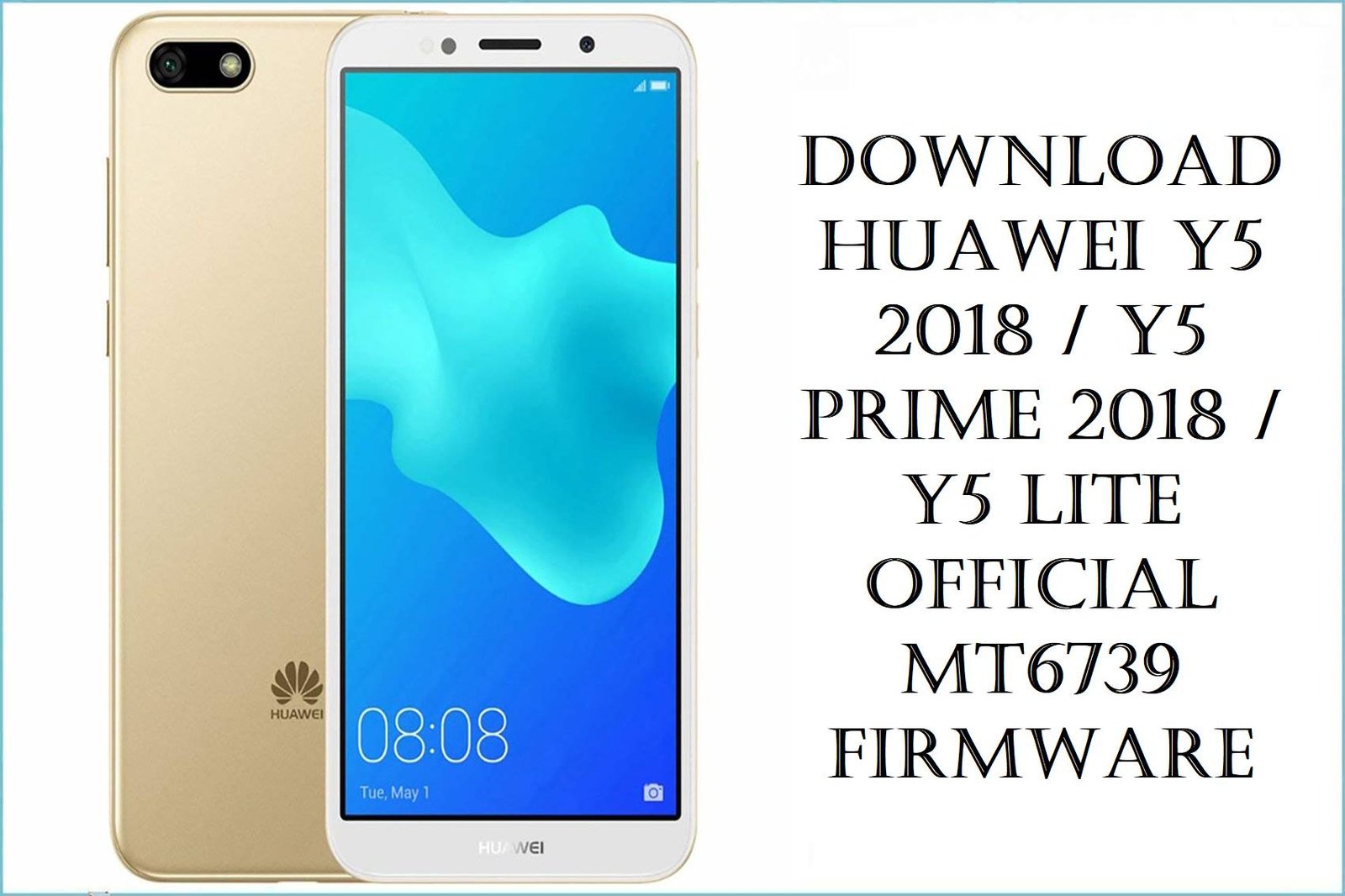
The 2018 Huawei Y5 family (Y5 2018, Y5 Prime 2018 and Y5 Lite 2018) targets budget users with a compact 5.45‑inch screen, modest MT6739 chipset, 1–2 GB RAM and 16 GB storage, making them very affordable but easy to overload over time. Real‑world owners frequently complain about slow or laggy UI, apps opening slowly, crashes when storage is nearly full, fast battery drain, and devices stuck on the Huawei logo or in endless restart loops after failed updates or experiments with custom ROMs.
The official scatter‑based firmware packages below are built for SP Flash Tool and allow you to unbrick dead phones, fix bootloops, restore factory performance, or re‑align your Y5 with the correct regional EMUI 8.1 build.
Complete Device & Firmware Overview
- Series & Model Codes
- Huawei Y5 Prime 2018: DRA-LX2, DRA-L22, Dura-L22/Dura-L21. Huawei Y5 2018: DRA-L01, DRA-L21, DRA-L23, DRA-LX3, DRA-AL00/AL00B, DRA-TL00. Huawei Y5 Lite 2018: DRA-LX5, DRA-L42 / Dura-L42 / Dura-L42HN.
- Chipset & Platform
- All listed firmwares target the MediaTek MT6739 quad‑core platform, which powers the full Y5 2018 / Prime / Lite (Android Go) range.
- Display & Battery
- 5.45‑inch IPS LCD at 1440×720 (HD+) and a 3020 mAh battery on both Prime and Lite variants, offering decent full‑day endurance when software is healthy.
- Memory & Storage
- Y5 Prime 2018 typically ships with 2 GB RAM and 16 GB storage, while Y5 Lite 2018 is limited to 1 GB RAM and 16 GB storage, which makes them sensitive to low free space and background app load.
- Software & UI
- Android 8.1 Oreo with EMUI 8.0 on Prime and standard Y5 2018, and Android 8.1 Go Edition with a stripped‑down EMUI 8 skin on Y5 Lite 2018.
- Original Pain Points
- Common complaints include laggy interface, slow app launches, crashes under heavy multitasking, random restarts, devices stuck on the Huawei logo, and very slow performance on the Lite due to 1 GB RAM.
- How Stock Firmware Helps
- Flashing clean stock ROMs via SP Flash Tool can fix dead‑boot and bootloop cases, remove incompatible tweaks or malware, restore factory partitions, and significantly improve stability once storage is cleaned up.
- Regions & C‑Codes in This Pack
- C185 – Middle East & Africa; C432 – Europe; C461 – CEE/EU/CEA multi‑region; C150 – Latin/carrier markets; C469 – Latin America; C25 – Americas; C10 – Russia/CIS; C00 – China open; C01 – China Mobile.
- Firmware Types
- Most archives are full scatter‑based SP Flash Tool ROMs (system, boot, vendor, userdata, etc.), with a few multi‑model service packages (DRA‑LX2/DRA‑L22/DRA‑L42) designed to handle dead‑boot and regional normal/eu/cea combinations.
- Android Version & EMUI
- All listed builds are Android 8.1 Oreo/Go Edition with EMUI 8.x for the Y5 2018 line; there are no official Android 9+ upgrades for these MT6739 models.
- Security Patch Levels
- Most firmwares belong to the 1.0.0.xxx EMUI branch with 2018–2019 security patches; exact patch dates vary slightly by region (for example some C185 builds around April 2020 for Lite).
- Flash Method
- All packages here are intended for use with SP Flash Tool on a Windows PC using the MT6739 scatter file, along with appropriate VCOM/USB drivers; some may also be repacked from official Huawei UPDATE.APP content.
- Bootloader & Auth Notes
- SP Flash Tool on newer secure MTK devices generally requires an auth bypass tool or authorized account, and stock ROM flashes will typically wipe userdata while not changing SIM unlock status.
- Typical Use Cases
- Recovering from bootloops or logo‑stuck issues, fixing dead‑boot devices after failed root attempts, resolving system app crashes, downgrading to a simpler build for stability, or rebranding within the same hardware family/region under expert guidance.
CRUCIAL WARNING: These MT6739 firmware packages are strictly for Huawei Y5 2018 / Y5 Prime 2018 / Y5 Lite 2018 variants whose model codes (DRA‑LX2, DRA‑L22, DRA‑L21, DRA‑LX3, DRA‑L01, DRA‑L23, DRA‑LX5, DRA‑L42, DRA‑AL00/AL00B, DRA‑TL00, Dura‑L21/L22/L42) and C‑codes exactly match the file name; never flash them to other Huawei devices or to Snapdragon‑based Y‑series phones, as cross‑flashing can permanently hard‑brick the handset.
Each build is tied to a specific sales region (C185, C432, C461, C150, C469, C25, C10, C00, C01, etc.), so you should normally stay on the same C‑code your phone shipped with; flashing a different region without a clear plan can break LTE bands, VoLTE, or create subtle network and update issues.
All scatter ROMs here are designed for SP Flash Tool and will overwrite system partitions—most procedures wipe user data, and using insecure tools or interrupting the flash can leave the phone stuck in bootloop or dead‑boot state requiring professional recovery, especially on secure MTK with auth.
Download Firmware for Huawei Y5 2018 / Y5 Prime / Y5 Lite
Newer builds (higher 1.0.0.xxx numbers or newer dates) usually include more bug fixes and regional optimizations, so prefer the latest matching build for your exact model and C‑code, and keep older builds only for downgrade or special repair cases. The table starts with the newest or highest‑branch firmwares and moves down to earlier releases.
Quick clarity: If your About phone shows DRA‑LX2C461, choose a C461 DRA‑LX2/Dura‑L22 build; if it shows DRA‑L22C185, use the C185 L22 ROM; if it shows DRA‑LX5C461 or DRA‑LX5C185, pick the corresponding Lite firmware—never mix Prime (LX2/L22/L21) and Lite (LX5/L42) ROMs.
Preparation Before Flashing
Click here for the Huawei Y5 2018 / Y5 Prime / Y5 Lite pre‑flash checklist
- Confirm exact model and C‑code: In Settings > About phone (or recovery/fastboot), verify you have DRA‑LX2, DRA‑L22, DRA‑L21, DRA‑LX3, DRA‑L01, DRA‑L23, DRA‑LX5, DRA‑L42, DRA‑AL00/AL00B or DRA‑TL00 and note the C‑code (C185, C432, C461, C150, C469, C25, C10, C00, C01).
- Backup your data: SP Flash Tool stock‑ROM flashes overwrite system and often userdata, so back up photos, chats and documents to SD, PC or cloud before you begin.
- Charge the battery: Ensure at least 50–60% charge to avoid shutdown mid‑flash, which is a common trigger for bootloops and dead‑boot on Huawei Y‑series phones.
- Install MTK drivers and tools: On your Windows PC, install MediaTek VCOM/USB drivers, SP Flash Tool, and any required MTK auth bypass utility for secure MT6739 devices.
- Extract firmware & check integrity: After downloading, fully extract the ZIP/RAR, confirm the scatter file is present, and if possible compare file size or checksum with a trusted firmware source to avoid corrupted flashes.
Quick Firmware Flash Instructions
These high‑level steps summarize flashing any of the listed MT6739 ROMs (for example de>Huawei_Y5_Prime_2018_DRA-L22_MT6739_1.0.0.150_C185… or de>DRA-LX5_Dura-L42_1.0.0.139(C461)…) with SP Flash Tool on a Windows PC.
- Prepare PC and drivers: Install MediaTek VCOM/USB drivers, SP Flash Tool and, if required, an MTK auth bypass utility as described in modern MT6739 flashing guides.
- Extract ROM and load scatter: Extract the downloaded firmware archive to a simple folder path, launch SP Flash Tool, click “Scatter‑loading” and select the included de>MT6739_Android_scatter.txt file.
- Select mode and partitions: For standard repair, keep “Download Only” selected with all default partitions ticked; avoid “Format All + Download” unless a trusted guide specifically requires it.
- Connect phone in preloader mode: Power off the Y5, remove and re‑insert the battery if possible (or hold Power long until it fully shuts down), click “Download” in SP Flash Tool, then connect the phone via USB and wait for the progress bar to complete.
- Wait for success & reboot: After the green success checkmark, disconnect the cable, power on the phone and let the first boot finish (it can take several minutes while Android optimizes apps and EMUI rebuilds cache).
For a detailed, screenshot‑rich walk‑through (including auth bypass, error codes and alternative connection tricks), follow the main SP Flash Tool firmware guide for MediaTek devices together with the secure MTK auth‑bypass guide, then simply substitute your extracted Huawei Y5 2018 / Y5 Prime / Y5 Lite scatter ROM whenever the tutorial asks you to choose a firmware folder.
Frequently Asked Questions (FAQs)
- Q1. Which firmware here is safest for my Huawei Y5 2018 / Y5 Prime / Y5 Lite?
- The safest option is always the latest 1.0.0.xxx build that matches both your model (DRA‑LX2, DRA‑L22, DRA‑L21, DRA‑LX5, etc.) and C‑code (C185, C432, C461, C10, C00, C01, etc.) exactly as shown in Settings > About phone. For example, DRA‑LX5C461 owners should use Lite 1.0.0.139(C461), while DRA‑L22C185 Prime owners should pick 1.0.0.150(C185) or the newer Dura‑L22 2019 dump.
- Q2. Can I flash a Y5 Prime (DRA-L22/LX2) ROM on Y5 Lite (DRA-LX5/L42) to get more features?
- No—Prime and Lite variants have different memory layouts and software builds (standard EMUI 8 vs Android Go), so cross‑flashing between DRA‑LX2/L22 and DRA‑LX5/L42 is unsafe and often leads to bootloops or dead‑boot. If you need better performance on Lite, it is safer to flash the latest Lite firmware for your C‑code and aggressively remove heavy apps instead.
- Q3. Will a clean stock ROM flash actually fix my laggy Y5 Prime 2018?
- In many cases yes: guides and user reports show that wiping and reflashing the correct stock ROM can resolve bootloops, severe lag, slow app starts and overheating caused by corrupt data or problematic apps. However, the MT6739 with 2 GB RAM is still modest, so you should also keep at least 30–40% internal storage free and uninstall RAM/battery “booster” apps that aggressively kill background processes.
- Q4. My Y5 keeps restarting at the Huawei logo even after a factory reset. Which file should I try?
- For Prime (DRA‑LX2/L22/L21), technicians commonly fix restart‑on‑logo issues by flashing a full scatter ROM that matches the device, such as 1.0.0.150(C185) for DRA‑L22C185 or the March 2019 DRA‑LX2/Dura‑L22 dumps for LX2. For Lite (DRA‑LX5/L42), the dedicated C461/C185 or C10 dead‑boot packs are more appropriate depending on region.
- Q5. What is the difference between the big multi‑model RARs and the smaller single‑model ZIPs?
- Large archives like the DRA‑LX2_DRA‑L22_Dura‑L22 1.0.0.139(C461) or DRA‑LX2/DRA‑L42 C461/C185 packs include images for several related variants and are aimed at repair shops that service multiple models. The smaller ZIPs usually target a single model/C‑code and are simpler for one‑device owners, making it harder to accidentally tick the wrong variant in SP Flash Tool.
- Q6. How do the two Dura-AL00B C00 firmwares differ (1.0.0.113 vs 1.0.0.160 Google)?
- The 1.0.0.113(C00) build is an earlier pure‑China firmware that expects you to add Google services later if needed, while 1.0.0.160(C00) “Google” bundles GMS for China devices from the start. For most AL00B owners who want Play Store out of the box, 1.0.0.160 is the more convenient and feature‑complete choice.

💬 Comments