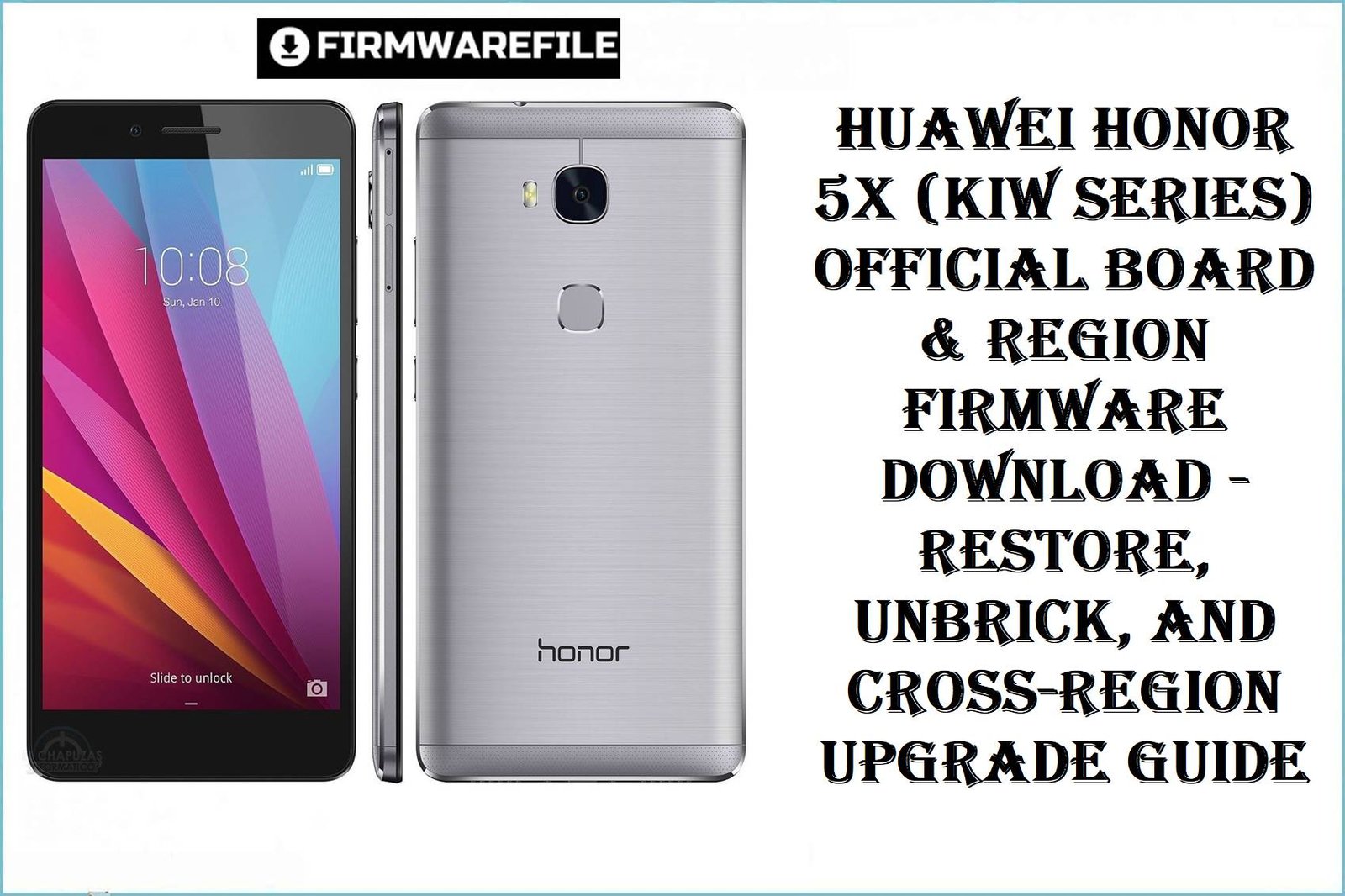
The Huawei Honor 5X, codenamed “kiwi,” launched in late 2015 and rapidly became one of Huawei’s global best-sellers due to its robust aluminum build, Snapdragon 616 chipset, and wide operator/region support across Asia, Europe, and the Americas. Users attempting firmware restoration or region swap on this device must take care—major variants (KIW-L21, L22, L24, TL00, CL00, UL00, AL10) feature operator-locked modems and strict region partitioning, especially when cross-flashing or reviving dead boards. Public forum complaints specifically highlight partial IMEI loss, “No Service” errors, and board mismatch after the wrong variant firmware is applied, with China-specific models facing unique issues around language packs, Google services, and persistent Chinese bloatware.
Flashing the correct board and region firmware for your exact Honor 5X model (KIW-TL00, KIW-L21, KIW-L24, etc.) is essential to avoid “brick” and network problems. The official dload package (.zip/.rar) and board software dumps below cover both full stock restores and board-level unbricking, supporting Android 5.1.1 and 6.0.1 EMUI 4.0. Always verify your model number (“About phone” or Fastboot) and use the matching firmware.
CRUCIAL WARNING: Never attempt to flash a KIW-L, TL, CL, UL, or AL “board” or “region” firmware to a different regional variant. Forcing China operator firmware on European or US devices (or vice versa) may irreversibly damage the modem, break radio, or remove Google certification. Always use dload method for stock recovery and ensure battery is above 50%. Double-check variant by dialing *#*#1357946#*#* or running fastboot getvar product before any flash. Board software (Dump or MFU/EDL) is for debrick or deep repair only—do not apply over a working system.
Prerequisites: Before You Begin
Click Here for the Essential Pre-Flashing Checklist
- Backup Important Data: All data is erased during this process.
- Verify Exact Device Variant: Model (KIW-L21, L22, etc.), custom code (C432, C567, etc.), and operator.
- Charge Battery: Ensure at least 50% capacity.
- Extract Firmware: Use latest 7-Zip or WinRAR; avoid nested folders.
- Prepare microSD Card (at least 8GB): For dload method, format to FAT32 and copy UPDATE.APP into a
dloadfolder.
Honor 5X (KIW Series) Firmware Details
- Device Name
- Huawei Honor 5X
- Model Codes & Operators
- KIW-L21 (Europe/Global), L22 (India, Asia), L24 (USA), CL00 (China CDMA), TL00/TL00H (China Mobile), UL00 (China Unicom), AL10 (China Full Netcom)
- Chipset
- Qualcomm MSM8939v2 Snapdragon 616, Octa-core Cortex-A53 (4×1.5GHz + 4×1.2GHz), Adreno 405
- Android & EMUI Version
- 5.1.1 / 6.0.1 (Lollipop/Marshmallow) with EMUI 3.1 / EMUI 4.0
- Notable Features
- Fingerprint scanner, 5.5″ FHD display, 16GB/2 or 3GB RAM, microSD slot, metal unibody
- Proven Issues
- IMEI/network loss after region flash, Play Store errors on China firmware, Google apps missing, CUST/vendor partition mismatch, bootloop after downgrading
Required Tools & Downloads
| File / Tool | Download Link |
|---|---|
| Huawei HiSuite (drivers & backup) | Download Tool |
| Minimal ADB & Fastboot | Get Minimal ADB |
| Official dload Firmware Format Guide | Flashing Tutorial |
Huawei Honor 5X All Variants – Firmware & Board Software Download Table
Quick Flashing Guide
- Using a PC, extract your chosen firmware ZIP or RAR. For official updates, locate the
UPDATE.APPfile. - Format an SD card (FAT32) and create a new folder named
dloadin the root. CopyUPDATE.APPinside it. - Insert SD into your powered-off Honor 5X. Hold Volume Up + Volume Down + Power until the flashing process begins.
- Wait for the update bar to fill and reboot. First boot may take 5–10 minutes.
For advanced unbricking or board dump flash, see: Full Tutorial: How to Flash Huawei Board & dload Firmware
Frequently Asked Questions (FAQs)
- Q1. Why does my Honor 5X lose IMEI or show “No Service” after flashing?
- This often happens if region or operator firmware is mismatched (e.g., China firmware on Europe device). Always match your model and region codes!
- Q2. Can I flash KIW-L21 or L24 firmware to a China (TL00/AL10) variant?
- No. Cross-flashing may brick network partitions. Use only China firmware for Chinese variants, and always check board/operator codes.
- Q3: After flashing, my device bootloops or is stuck at a logo—what now?
- Trouble is common if downgrading or unmatching system components (e.g., CUST mismatch). Re-flash the proper board dump or upgrade to a newer stock build.
- Q4. My Play Store/Google apps are missing after flash—how to fix?
- This is expected on China ROMs—install Google Apps via a GApps package or use a global/Europe firmware with full GMS support.

💬 Comments