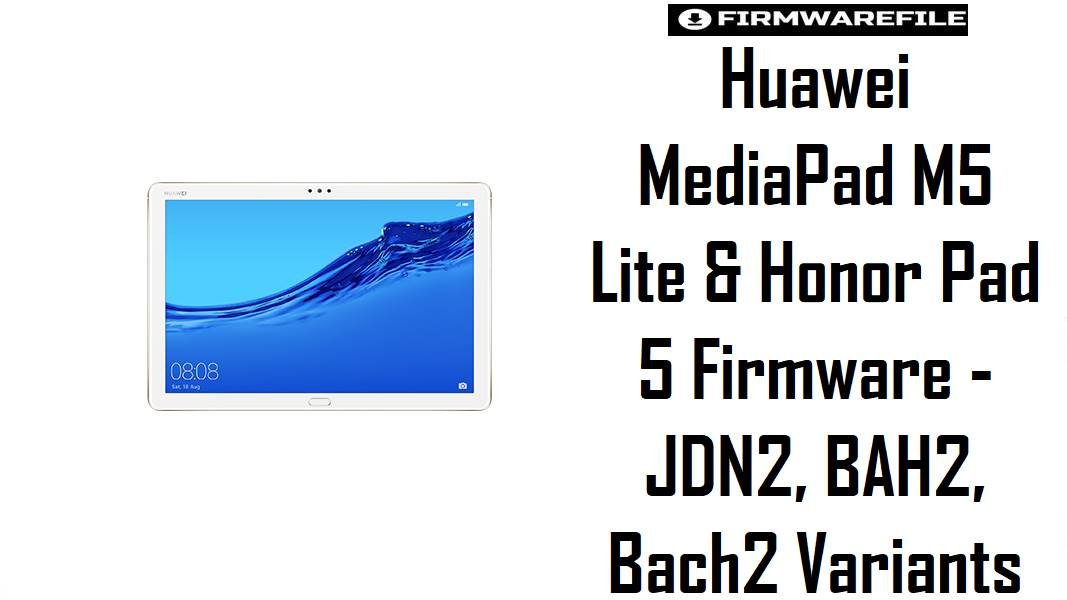
Huawei’s MediaPad M5 Lite series and the closely related Honor Pad 5 use different model codes like JDN2, BAH2 and Bach2, each tied to specific regions and EMUI branches. Choosing the correct firmware for JDN2-W09, JDN2-L09, BAH2-W19, BAH2-L09 or Bach2-AL10D is essential to avoid modem issues, boot loops or failed updates when restoring EMUI 8.0 and 9.1.
Download Firmware for MediaPad M5 Lite / Honor Pad 5
The table below groups all provided ROMs by family: JDN2 (MediaPad M5 Lite 8 / Honor Pad 5), BAH2 (MediaPad M5 Lite 10.1) and Bach2 (Honor Pad 5 line), ordered from newer Android 9.1 builds down to earlier EMUI 8.0 releases where both exist. Dload packages are meant for SD-card three‑button updates, while OTA files and some archives target recovery-based upgrades or specific regional repairs.
Complete Device & Firmware Overview
- Families Covered
- Huawei MediaPad M5 Lite 10.1 (BAH2), MediaPad M5 Lite 8 (JDN2) and closely related Honor Pad 5 tablets based on Kirin 659 and Kirin 710 platforms.
- Key Models / Codes
- BAH2-W19 (Wi‑Fi), BAH2-L09 (LTE), JDN2-W09 (Wi‑Fi 8″), JDN2-L09 (LTE 8″), JDN2-AL00B/AL50C/AL00BHN (China), Bach2-AL10D and Bach2-W19C for 10″ Honor Pad series.
- Chipsets
- Kirin 659 for most 10.1″ M5 Lite variants and Kirin 710 for 8″ M5 Lite / Honor Pad 5 tablets, which means JDN2 and BAH2/Bach2 firmware are not interchangeable.
- Original Software
- BAH2/Bach2 launched with Android 8.0 EMUI 8.0 and later received minor security updates, while JDN2 8″ models ship or update to Android 9.0 EMUI 9.x.
- Firmware Types
- Dload full packages for SD-card key‑combo installation, full firmware archives for service repair, and some OTA/update.zip files for recovery‑based incremental updates.
- Region Codes
- C432 (Europe), C10/C00 (China/Asia variants), OCEC432/HW_RU/OCEC10 (regional customisations for EU/Russia); matching these is important for modem, language pack and service compatibility.
- Battery & Use Case
- MediaPad M5 Lite focuses on media and light productivity with 10.1″ 1080p or 8″ 1200p displays, long battery life (7500 mAh or 5100 mAh) and EMUI features; firmware updates mainly improve stability and security rather than adding big new features.
- Flash Methods
- Dload three‑button update using a dload folder on SD, stock recovery “apply update” for OTA zips, and in some service cases eRecovery or PC‑based tools according to Huawei’s procedures.
- Bootloader & Lock State
- These ROMs keep the tablet on official EMUI and do not unlock the bootloader; they are intended for repair and maintenance, not for installing custom ROMs.
CRUCIAL WARNING: These packages are strictly for the exact model and region codes shown in the filenames (for example JDN2-W09 C432, JDN2-L09 C10, BAH2-L09 OCEC432, Bach2-AL10D C00). Flashing JDN2 firmware on BAH2/Bach2 tablets, or mixing Chinese C00/C10 builds with EU C432/OCEC432 devices, can cause boot loops, network loss or unrecoverable bricks.
Before updating, always confirm the tablet’s model and region in Settings > About tablet or on the product label, and treat dload flashes as full system operations that may wipe data. Do not attempt cross‑model conversions between MediaPad M5 Lite and Honor Pad 5 unless you fully understand Huawei’s partition layout and rollback limitations.
Preparation Before Flashing
Tap to view preparations for MediaPad M5 Lite / Honor Pad 5
- Check Settings > About tablet or the model label to confirm whether you have JDN2-W09/JDN2-L09, JDN2-ALxx, BAH2-W19/BAH2-L09 or Bach2-AL10D, and note the region code (C432, C10, C00, OCEC432, HW_RU, etc.).
- Back up all important data, because dload and some full firmware updates can wipe user apps, configuration and in rare cases encrypted storage if things go wrong.
- Charge the tablet battery to at least 60% and use a good quality SD card formatted in FAT32 or exFAT for dload packages to avoid read errors during flashing.
- Extract each archive exactly as instructed (for example keeping the
dloadfolder structure for SD updates) and avoid renaming internal UPDATE.APP files or nested directories. - Plan whether you want to stay on EMUI 8.0 for stability (BAH2/Bach2 8.0.0 builds) or move fully to EMUI 9.1 on JDN2/Bach2, and avoid unnecessary upgrade/downgrade loops that increase risk on older hardware.
Quick Firmware Flash Instructions
The steps below summarise safe, high‑level flashing for these tablets using Huawei’s dload and OTA approaches; they do not replace a full step‑by‑step repair manual.
SD dload method (JDN2 / BAH2 / Bach2 full firmware)
- On a PC, extract the downloaded dload package (for example JDN2-W09 9.1.0.192 or BAH2-L09 8.0.0.217) and copy the entire
dloadfolder with UPDATE.APP onto the root of a microSD card. - Insert the SD card into the powered‑off tablet, then hold Volume Up + Volume Down + Power together until the Huawei update screen appears and the dload process starts.
- Wait for the progress bar to reach 100% and the tablet to reboot; do not interrupt power or remove the card during installation.
OTA / stock recovery update (BAH2-W19 OTA file)
- Copy the OTA ZIP (such as BAH2-W19_8.0.0.151_C10_R1) to SD storage, then reboot the tablet into stock recovery using the appropriate key combination.
- Use “apply update from SD card” or a similar menu item, select the OTA ZIP and confirm; after verification, the system will patch the existing EMUI 8.0 build.
For more detailed Huawei‑style flashing procedures and screenshots, you can use this dload guide for EMUI devices:
Flash Huawei firmware using dload / eRecovery
Frequently Asked Questions (FAQs)
Can I flash JDN2 (8-inch) firmware onto a BAH2 (10.1-inch) MediaPad M5 Lite?
No, JDN2 and BAH2/Bach2 tablets use different hardware forms and in some cases different chipsets, so their firmware is not cross‑compatible and flashing across them can hard‑brick the device.
Is EMUI 9.1 available for all MediaPad M5 Lite variants?
EMUI 9.1 builds like 9.1.0.192/370 are available for the JDN2 8‑inch line and some Honor Pad 5 variants, while many BAH2 10.1″ models remain on EMUI 8.0 with security‑focused updates rather than a major OS jump.
Do these firmware packages unlock the bootloader or remove FRP?
No, official EMUI firmware keeps the bootloader locked and honours FRP/account protection; they are meant for repair and updates, not security bypass or development unlocking.
Which build should I pick if the tablet still boots but is laggy?
For a still‑booting device, it is usually safer to stay on the same EMUI generation and region (for example BAH2-W19 8.0.0.151 C10 or JDN2-W09 9.1.0.192 C432) and do a clean reinstall plus factory reset instead of aggressive downgrades or cross‑region flashes.
Can I downgrade a Bach2-AL10D tablet from EMUI 9.1 back to EMUI 8.0?
In many cases you can move from 9.1.0.156 down to 8.0.0.151 using the matching C00 firmware, but you must follow Huawei rollback practices carefully and accept data loss and possible version‑lock constraints.

💬 Comments