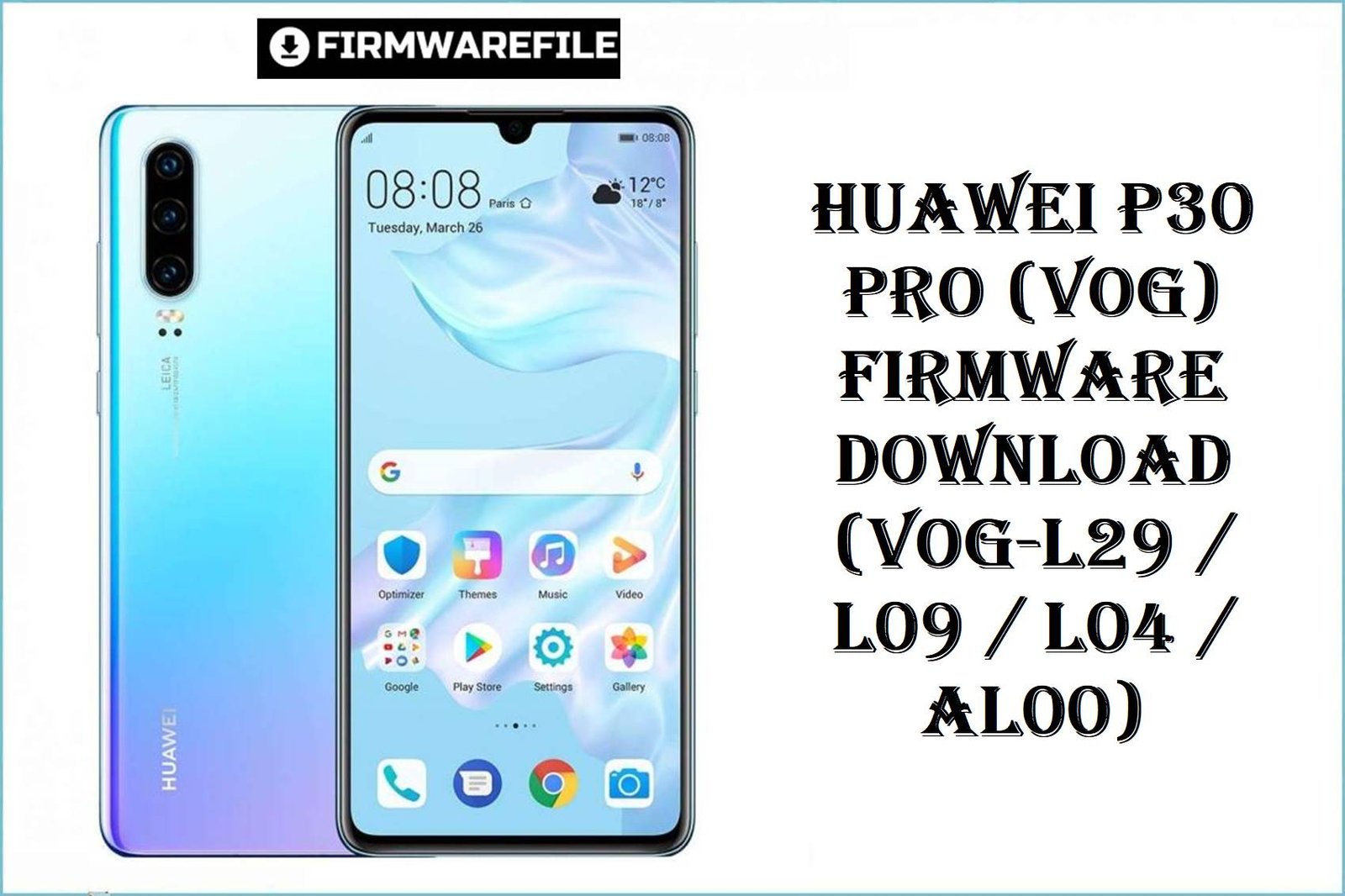
Huawei P30 Pro (VOG) Firmware Download (VOG-L29 / L09 / L04 / AL00)

Huawei P30 Pro (VOG) Firmware Download (VOG-L29 / L09 / L04 / AL00)

Brand Huawei
Published
Updated
Read Time 7 min
Files 23 files
Table of Contents

The Huawei P30 Pro stands as a flagship powerhouse, loved for its elite camera and enduring battery. Yet, users routinely report issues: battery drain, network instability, fingerprint sensor glitches, camera lag, and region update mismatches. Official firmware below directly targets these complaints—restoring EMUI/HarmonyOS stability, patching vulnerabilities, optimizing battery life, and resolving widespread update bugs. Each ROM is organized for zero-confusion selection, making upgrades safe, fast, and trust-guided.

Complete Device & Firmware Overview

Model Numbers:
VOG-AL00, VOG-L29, VOG-L09, VOG-L04, VOG-TL00, VOG-AL10, VOGUE-AL00A-BD, VOG-L29D, VOGL09C, Vogue-L29C
Chipsets:
HiSilicon Kirin 980
Firmware Types:
Board/General, Stock ROM, Factory Dump, Dload Package
Android/OS Versions:
EMUI 9.1, EMUI 10/10.1, HarmonyOS 2.0
Build Numbers:
Multiple, see table below
Security Patch Levels:
Device/ROM-dependent, latest included as marked
Release Dates:
2019–2023 (Varies by build)
Flash Methods:
Dload, Fastboot, Board Flash, Factory Dump Tools
Bootloader Rules:
Unlock generally required unless using official Updater/Dload
File Sizes:
3.8GB–5.5GB
Required Tools:
Huawei Update Extractor, USB Drivers, official Updater app, compatible cable

CRUCIAL WARNING: Every firmware here is strictly for compatible Huawei P30 Pro models; DO NOT flash to unrelated Huawei devices, nor mismatch regions (e.g., Chinese ROM on Global/EU units or vice versa), as bootloops and network lockouts can result. Always MACTH build, variant, and region as printed in your phone’s “About” section and bootloader info prior to flashing.

Cross-flashing/forced region upgrades may permanently break updates, network, or camera on P30 Pro. Only use official board/region ROM as listed for your device code.

Never flash corrupted/incomplete downloads. Verify MD5 if available. Password-protected zips or .rar files require correct credentials as noted with each link.

Prerequisites: Before You Begin

Click here for the Huawei P30 Pro pre‑flash checklist
  • Confirm the exact model and region: In fastboot mode or device settings, verify your device code (VOG-x) and region/country before downloading firmware.
  • Backup your data: All stock ROM/board flashes will erase user data, so back up with HiSuite, Google, or external SD before upgrading.
  • Charge the battery: At least 50% charge recommended to avoid shutdown during flash.
  • Install drivers and tools: Install latest Huawei USB and Android drivers, along with Huawei Update Extractor or official app on your Windows PC.
  • Check bootloader unlock: Official Dload and fastboot packages may require unlocked bootloader; follow Huawei unlocking guides and beware that unlocking wipes all user data.

Download Firmware for Huawei P30 Pro (VOG Series)

Huawei_P30_Pro_VOG-L04_9.1.0.193_C69E7R1P7_Dload.zip
Model/RegionVOG-L04 (NA/Canada)
Build/Version9.1.0.193
Release Date2019
OSEMUI 9.1
MethodDload
NotesPassword may be required. Use updater for best results.
Size4.34GB
Huawei P30 Pro VOG-AL00 VOG-L29 VOG-L09 VOG-L04 VOGUE-AL00A-BD 1.0.0.85 Board Software general 9.1.0 r1 EMUI9.1.0 05022MXS.rar
Model/RegionVOG-AL00/L29/L09/L04
Build/VersionBoard 9.1.0.85
Release Date2019
OSEMUI 9.1
MethodBoard/General
NotesGeneral board software, not OTA-updatable.
Size2.2GB
VOG-AL10 102.0.0.171(C00E160R3P4)_Firmware_general_HarmonyOS 2.0.0_05015NTA.rar
Model/RegionVOG-AL10 (China)
Build/Version102.0.0.171 (C00E160R3P4)
Release Date2022
OSHarmonyOS 2
MethodDload/RAR
NotesPassword: HOSVOGAL10 if prompted.
Size5.2GB
VOG-L29 11.0.0.151(C636E4R1P3)_dump.zip
Model/RegionVOG-L29 (Global/EU)
Build/Version11.0.0.151 (C636E4R1P3)
Release Date2023
OSEMUI 11
MethodDump backup
NotesBackup/factory restore for advanced use.
Size4.8GB
VOG-L04 9.1.0.193(C69E7R1P7).zip
Model/RegionVOG-L04
Build/Version9.1.0.193 (C69E7R1P7)
Release Date2019
OSEMUI 9.1
MethodDload
NotesPassword: ministryofsolutions.com
Size4.3GB
VOG-AL10 102.0.0.165(C00E160R3P4).zip
Model/RegionVOG-AL10
Build/Version102.0.0.165 (C00E160R3P4)
Release Date2022
OSHarmonyOS 2
MethodDload
NotesPassword: ministryofsolutions.com HOSVOGAL10
Size5.2GB
VOG-L29+10.1.0.126(C636E11R1P3)_Firmware_EMUI10.1.0_05016EBB.zip
Model/RegionVOG-L29
Build/Version10.1.0.126 (C636E11R1P3)
Release Date2022
OSEMUI 10.1
MethodDload
NotesC636 region code support only.
Size4.6GB
VOG-AL00 10.0.0.152(C00E62R2P7).zip
Model/RegionVOG-AL00 (China)
Build/Version10.0.0.152 (C00E62R2P7)
Release Date2021
OSEMUI 10
MethodDload
NotesC00 region code only.
Size3.8GB
VOG-L29 10.0.0.206(C185E8R5P1)_Firmware_EMUI10.0.0_05016EUP.zip
Model/RegionVOG-L29 (Middle East)
Build/Version10.0.0.206 (C185E8R5P1)
Release Date2021
OSEMUI 10
MethodDload
NotesC185 region code only.
Size4.3GB
VOG-L29D 10.1.0.163(C185E11R5P1)_Firmware_EMUI10.1.0_05015XPG.zip
Model/RegionVOG-L29D (Middle East)
Build/Version10.1.0.163 (C185E11R5P1)
Release Date2022
OSEMUI 10.1
MethodDload
NotesDouble-check the “D” variant for board compatibility.
Size4.5GB
VOG-L29D 10.1.0.140(C432E19R2P5)_Firmware_EMUI10.1.0_05015SFW.rar
Model/RegionVOG-L29D (Europe)
Build/Version10.1.0.140 (C432E19R2P5)
Release Date2022
OSEMUI 10.1
MethodDload/RAR
NotesUse with EU variant only, password may be required.
Size4.5GB
VOG-L29 10.0.0.195(C432E19R2P5)_Firmware_EMUI10.0.0_05015THQ.rar
Model/RegionVOG-L29 (Europe)
Build/Version10.0.0.195 (C432E19R2P5)
Release Date2021
OSEMUI 10
MethodDload/RAR
NotesEurope region, check compatibility carefully.
Size4.2GB
YOHANLABS_VOG-L09C 10.1.0.123(C431E19R2P5patch02)_Firmware_EMUI10.1.0_05016TKC.rar
Model/RegionVOG-L09C
Build/Version10.1.0.123 (C431E19R2P5patch02)
Release Date2022
OSEMUI 10.1
MethodDload/RAR
NotesUse with proper equipment and patch v02 only.
Size4.4GB
VOG-AL10 10.1.0.165(C00E165R2P8)_Firmware_EMUI10.1.0_05015NTa.rar
Model/RegionVOG-AL10 (China)
Build/Version10.1.0.165 (C00E165R2P8)
Release Date2022
OSEMUI 10.1
MethodDload/RAR
NotesChina variant; verify code and compatibility.
Size5GB
VOG-L29 10.1.0.151(C185E8R5P1)_Firmware_EMUI10.1.0_05015SNU.zip
Model/RegionVOG-L29 (MEA)
Build/Version10.1.0.151 (C185E8R5P1)
Release Date2022
OSEMUI 10.1
MethodDload
NotesC185 region; check About Phone before download.
Size4.5GB
VOG-L09 10.1.0.123(C431E19R2P5patch02).zip
Model/RegionVOG-L09
Build/Version10.1.0.123 (C431E19R2P5patch02)
Release Date2022
OSEMUI 10.1
MethodDload
NotesPassword: ministryofsolutions.com VOGL09
Size4.5GB
Huawei_P30_Pro_VOG-L29_9.1.0.153_C10E4R3P1_9.0.0_R3_EMUI9.1.0_05015SPM_Dload.zip
Model/RegionVOG-L29 (Global/EU)
Build/Version9.1.0.153
Release Date2019
OSEMUI 9.1
MethodDload
NotesGlobal/EEA base build for early models.
Size4.08GB
Huawei_P30_Pro_VOG-AL00_10.0.0.185_C00_R1_Dload.zip
Model/RegionVOG-AL00 (China)
Build/Version10.0.0.185 (C00 R1)
Release Date2022
OSEMUI 10
MethodDload
NotesUse for C00 China firmware upgrades.
Size4.72GB
Huawei_P30_Pro_VOG-TL00_2.0.0.291_C01_C01E230R3P4_Product_Combination_Software_HarmonyOS_2.0.0_05015KNY_Dload.zip
Model/RegionVOG-TL00
Build/Version2.0.0.291 (C01E230R3P4)
Release Date2023
OSHarmonyOS 2
MethodDload
NotesFor Chinese region TL00 variant only.
Size5.5GB
Huawei_P30_Pro_VOG-AL10C_102.0.0.171_C00E160R3P4_Firmware_HarmonyOS_2.0.0_Dload.zip
Model/RegionVOG-AL10C
Build/Version102.0.0.171 (C00E160R3P4)
Release Date2022
OSHarmonyOS 2
MethodDload
NotesPassword may be required.
Size5.22GB
Huawei_P30_Pro_VOG-AL10_10.1.0.160_C00E160R2P8_Firmware_EMUI10.1.0_05015NTA_Dload.zip
Model/RegionVOG-AL10 (China)
Build/Version10.1.0.160 (C00E160R2P8)
Release Date2022
OSEMUI 10.1
MethodDload
NotesChina firmware upgrade, dload flash required.
Size5GB
Huawei_P30_Pro_Vogue-L29C_10.1.0.179_C431E23R2P5_EMUI10.1.0_05017BHV_Dload.zip
Model/RegionVogue-L29C (EU/Global)
Build/Version10.1.0.179 (C431E23R2P5)
Release Date2022
OSEMUI 10.1
MethodDload
NotesC431 region, confirm match before flash.
Size4.5GB
Huawei_P30_Pro_Vogue-L29D_10.0.0.179_C675E4R3P2_EMUI10.0.0_05015TGA_Dload.zip
Model/RegionVogue-L29D (India)
Build/Version10.0.0.179 (C675E4R3P2)
Release Date2022
OSEMUI 10
MethodDload
NotesC675 region, use for India variant only.
Size4.50GB

Pick the file matching your model and proper region code (e.g., VOG-L29 = Global/EU, VOG-AL00 = China, L04 = North America). For password-protected files, check the notes for correct unlock string.

Quick Firmware Flash Instructions

  1. Install Tools: Set up Huawei Update Extractor, drivers, and unzip firmware package to a short folder path on PC.
  2. Prep Your Device: Power off, enter Fastboot or recovery/Dload mode as needed for your package type.
  3. Select Firmware: For Dload, copy the “dload” folder to SD root and follow official update procedure; for board/dump, use correct tool and path.
  4. Begin Flash: Run official updater or flashing utility, select “upgrade” or “install,” follow progress bar, and WAIT for finish before disconnecting.
  5. First Boot: After flash, allow several minutes for the device to optimize and fully reboot each time—don’t interrupt.

For step‑by‑step, screenshot walkthroughs of flashing with Huawei tools, follow Huawei firmware flashing guide to learn the official process and best upgrade habits.

Frequently Asked Questions (FAQs)

Q1. How do I choose the right firmware for my P30 Pro?
Identify your device’s full model code under Settings > About Phone (e.g., VOG-L29 for Global, VOG-AL00 for China). Choose files matching your region and avoid forced cross-flashing, except for hard brick recovery with board software.
Q2. Can I upgrade from EMUI 9.1 directly to HarmonyOS 2.0?
No, upgrades must follow the official build chain (9.1 > 10 > 10.1 > 11 > HarmonyOS). Skip upgrades risk boot failure or network/camera bugs.
Q3. Does flashing new firmware fix battery drain, fingerprint or network issues?
Yes, newer EMUI/HarmonyOS builds include deep system optimizations: camera, battery, and network reliability improvements based on real user complaints and patch notes.
Q4. What’s the safest firmware flashing method for Huawei P30 Pro?
Use the “dload” method for update packages and the official Updater app for stock ROMs. For unbricking, only apply the board software or dump backup suited to your region and variant.
Q5. Will flashing erase all my data?
Yes, any full ROM or board package will wipe internal storage, reset device, and may relock bootloader depending on update options.
Q6. Where can I find detailed flashing guides for my device?
Visit the Huawei flashing guide for tool setup, bootloader steps, and error troubleshooting.
Dan

About the Author

Dan

With more than 7 years of experience in the Mobile software field (though not consistent), I hope I can be of great service to you in providing you with the firmware files that works, flashing guides that won't brick your phone and a new mobile experience.

View all posts by Dan →
Comments

Be the First to Comment