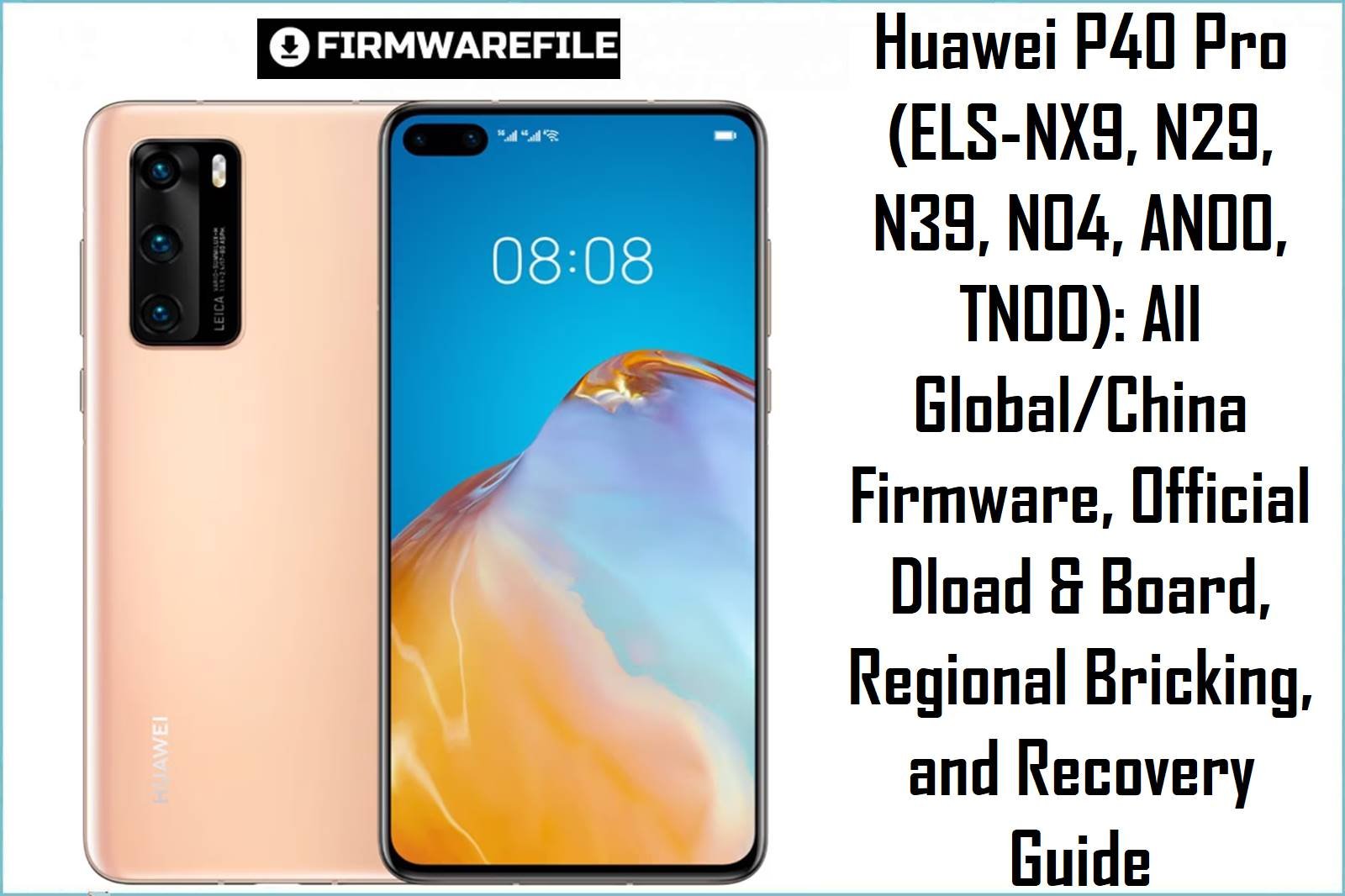
The Huawei P40 Pro family (ELS‑NX9, ELS‑N29, ELS‑N39, ELS‑N04, ELS‑AN00, ELS‑TN00) is a premium Kirin 990 5G flagship with major variants per region (Global, EU, Middle East, China). Firmware (Dload, board, region packs) is strictly SKU locked: incorrectly mixing C432 (EU), C185 (MEA), C605 (LATAM), or any China ROM can hard-brick the device and lose critical services.
Below, find the most complete collection of official Dload updates, region/board files, plus real-world region-safety, bootloop and unbrick warnings for power users and repair shops.
CRUCIAL WARNING: All firmware files in this series are region, carrier and SKU locked. ELS‑N29 (Middle East C185), ELS‑NX9 (Global/Europe C432), and China (AN00/TN00) are not cross-compatible. Flashing the wrong region leads to “Device has loaded a different software version,” total brick, or disables modem/SIM, even after board flash. Board packs also wipe data and IMEI: DO NOT ATTEMPT region conversion unless you have pro tools and backups.
Pre-Flashing Checklist (P40 Pro – ELS Series)
Before You Flash or Unbrick
- Model & Region DOUBLE-CHECK: About phone/build number, box label, or bootloader (C432, C185, C605, etc) must match firmware exactly.
- Backup EVERYTHING: All flashing erases partitions and can remove IMEI/network if wrong pack used.
- Battery 50%+; Official USB cable: Do NOT use hubs/adapters during flash/upgrade/downgrade.
- Dload: Update.app or ZIP in dload folder on SD card—never via TWRP or custom recovery.
- Board File: Use ONLY for hard brick/“no boot” and precise model/region.
Firmware File Types & Real-World Safety Notes
- Dload/Update.APP ZIP
- Safe for in-region upgrades/downgrades only. NEVER cross-flash C185 (MEA) on C432 (EU) or vice versa. “No match” error or brick is guaranteed.
- Board/Region Packs (Board Software/Board.zip)
- Last-resort for dead boot, only if exactly matched to SKU/build. Board zip wipes device and often disables baseband if region mismatch.
- China-to-Global Conversion
- NO current, safe solution for P40 Pro series. Attempting results in unfixable brick in >90% of repairs (see XDA, GSM, case logs).
Huawei P40 Pro (ELS) – Dload, Board & Region Firmware Table
Huawei_P40_Pro_ELS-N29_10.1.0.131_C185E9R4P1_Dload.zip
TypeDload/Update.app
Model/RegionELS‑N29 (MEA, C185)
Android/EMUI10.1.0.131 EMUI 10.1
Huawei P40 Pro hw eu ELS-NX9 ELS-N29 102.0.0.228(C432E3R6P5) Firmware EMUI12.0.0 05016PSR.zip
TypeDload/Update.app
Model/RegionELS‑NX9, N29 (EU/EU HW-EU)
Android/EMUI12.0.0.228 EMUI 12
Size5.4GB
Huawei_P40_Pro_ELS-TN00_10.1.0.155_SP2_C00E155R6P1_Firmware_EMUI10.1.0_05016ENM_Dload.zip
TypeDload/Update.app
Model/RegionELS‑TN00 (China Telecom, C00)
Android/EMUI10.1.0.155 EMUI 10.1
Size6.4GB
ELS-NX9_ELS-N29_Elsa-N29D_10.1.0.159_(C185E9R6P1)_hw_meafnaf_Firmware_EMUI10.1.0_05016QGH.rar
TypeDload/Update.app
Model/RegionELS‑NX9/N29 (MEA C185, HW-MEA)
Android/EMUI10.1.0.159 EMUI 10.1
Size4.87GB
ELS-N29D_10.1.0.176_(C432E8R6P1)_Firmware_EMUI10.1.0_05016PSR.rar
TypeDload/Update.app
Model/RegionELS‑N29D (EU C432)
Android/EMUI10.1.0.176 EMUI 10.1
Size4.87GB
Huawei_P40_Pro_5G_ELS-N29_11.0.0.249_C185E6R6P3_Firmware_EMUI11.0.0_05016QGH_Dload.zip
TypeDload/Update.app
Model/RegionELS‑N29 Pro 5G (MEA, C185)
Android/EMUI11.0.0.249 EMUI 11
Size5.3GB
Huawei_P40_Pro_5G_ELS-NX9_11.0.0.249_C185E6R6P3_Firmware_EMUI11.0.0_05016QGH_Dload.zip
TypeDload/Update.app
Model/RegionELS‑NX9 Pro 5G (MEA, C185 HW)
Android/EMUI11.0.0.249 EMUI 11
Size5.3GB
Huawei_P40_Pro_ELS-AN00_10.1.0.155_SP2_C00E155R6P1_Firmware_EMUI10.1.0_05016ENM_Dload.zip
TypeDload/Update.app
Model/RegionELS‑AN00 (China, C00)
Android/EMUI10.1.0.155 EMUI 10.1
Size6.2GB
Huawei_P40_Pro_ELS-NX9_10.1.0.109_C605E7R3P1_Firmware_EMUI10.1.0_05016QFP_Dload.zip
TypeDload/Update.app
Model/RegionELS‑NX9 (LATAM, C605)
Android/EMUI10.1.0.109 EMUI 10.1
Size4.36GB
Huawei_P40_Pro_Elsa-N29_11.0.0.168_C432E3R6P4_Firmware_EMUI11.0.0_05016PTH_Dload.zip
TypeDload/Update.app
Model/RegionElsa-N29 (EU C432)
Android/EMUI11.0.0.168 EMUI 11
Size5.2GB
Huawei_P40_Pro_5G_Elsa-N29D_ELS-N29_HW_EU_Elsa-N29D_10.1.0.176_C432E8R6P1_Dload.zip
TypeDload/Update.app
Model/RegionElsa‑N29D/N29 (EU C432 HW)
Android/EMUI10.1.0.176 EMUI 10.1
Size4.9GB
Huawei_P40_Pro_Elsa-N29D_10.1.0.109_C605E7R3P1_Firmware_EMUI10.1.0_05016QFP_Dload.zip
TypeDload/Update.app
Model/RegionElsa‑N29D (LATAM, C605)
Android/EMUI10.1.0.109 EMUI 10.1
Size5GB
ELS-N04 10.1.0.112(C605E7R2P1).zip
TypeDload/Update.app
Model/RegionELS‑N04 (LATAM/Asia HW, C605)
Android/EMUI10.1.0.112 EMUI 10.1
Size4.5GB
Huawei_P40_pro_ELS-NX9_Remove_Huawei_ID.rar
TypeRepair Tool (Remove Huawei ID)
Model/RegionELS‑NX9 (Global/Europe)
Size4.8GB
ELS-N04 10.1.0.112(C605E7R2P1)_Firmware_EMUI10.1.0_05016RKX.zip
TypeDload/Update.app
Model/RegionELS‑N04 (LATAM/Asia HW, C605)
Android/EMUI10.1.0.112 EMUI 10.1
Size4.5GB
ELS-N39 11.0.0.168(C10E2R3P4)_Firmware_EMUI11.0.0_05016UWT.zip
TypeDload/Update.app
Model/RegionELS‑N39 (Asia/China, C10)
Android/EMUI11.0.0.168 EMUI 11
Size5.3GB
ELS-N39 11.0.0.178(C301E5R2P4).zip
TypeDload/Update.app
Model/RegionELS‑N39 (Asia/China, C301)
Android/EMUI11.0.0.178 EMUI 11
Size5.5GB
els-nx9-10.1.0.121(C432E8R5P2).zip
TypeDload/Update.app
Model/RegionELS‑NX9 (Euro C432)
Android/EMUI10.1.0.121 EMUI 10.1
Size4.7GB
Quick Flash & Unbrick Guide (Dload/Board, P40 Pro ELS)
- Dload Update (SD Card):
- Extract ZIP, put
UPDATE.APPin a dload folder on SD card (root dir). - Turn off phone, insert SD, hold Vol+, Vol−, Power until update starts.
- If “Device has loaded a different software version” or update aborts, you have a region/build mismatch—reflash with the correct region ROM.
- First boot takes several minutes; if stuck, try HiSuite eRecovery or only matching board file.
- Extract ZIP, put
- Board Repair/Unbrick (Only for Dead Boot/No Recovery):
- Use ONLY file matching your model/region. These packs wipe device, can erase IMEI if mismatched, and are for deep bricking only.
- Advanced users: may require disassembly/test point and USB repair tool.
More details: Full Huawei Board & Dload Tutorial
Common Problems & Real-World Solutions
- Update/Downgrade Fails, “Device has loaded a different software version”: 100% region/board mismatch—get correct CUST/CUSTPKG number.
- BASEBAND/IMEI lost after board flash: Only fixable with pro NV backup; do NOT use generic/China pack on Euro or MEA device.
- Endless bootloop (logo only): Try board file for your model, then Dload upgrade; if still dead, hardware may be corrupt.
- No network/SIM after flash: Mismatched firmware disables modem. Restore only with original CUST/region pack.
- Huawei ID/FRP lock persists: Use service file for your model (e.g. “Remove Huawei ID” pack above); not always possible on EMUI11+ without pro tools.
FAQs (Huawei P40 Pro ELS Series)
- Q1. Can I convert China (AN00/TN00) to Global (NX9/N29/N39/N04)?
- No—hardware locks, partitions, and modem region codes permanently prevent official conversion. Attempts >90% brick rate.
- Q2. Which file for “Device loaded different software version” brick?
- Only the exact original region/build Dload (C432 for Euro; C185 for MEA; C605 for LATAM…) will recover the phone.
- Q3. My phone is dead—will board file recover it?
- Only if you have the correct board pack for the hardware/region. Else, you risk permanent dead boot or network/IMEI loss.
- Q4. Can I use Dload to upgrade/downgrade EMUI major versions?
- Only if version/region releases support. EMUI 12→11 downgrades are almost always blocked, and can kill USB/network.
- Q5. Why am I stuck at logo after successful flash?
- Wrong region/country/baseboard pack or partition corruption. Use matching service board file or pro box for deep unbrick.

💬 Comments