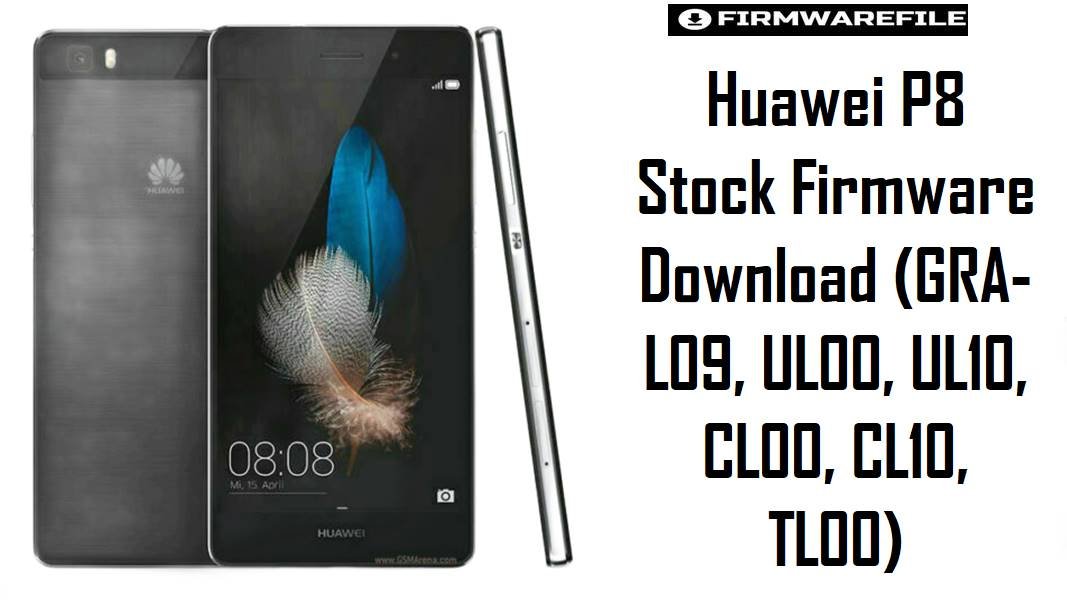
Huawei’s P8 is a 2015 5.2-inch flagship-era phone with 3GB RAM, a 1080p display, microSD expansion, and a 2680mAh battery, but the hardware and software track can differ by variant.
That difference matters on this model family because GRA-L09, GRA-UL00, GRA-UL10, GRA-CL00, and related Huawei P8 branches are not interchangeable firmware targets, and the UL10 branch is commonly listed with Kirin 935 while L09, UL00, and CL00 are documented around Kirin 930.
Most people land on these packages to recover a bootloop, return to the right regional software, or get a stable base after a failed update. The files below are organized so you can separate late Marshmallow builds from older Lollipop releases before choosing a package.
Download Firmware for Huawei P8
The later Android 6 / EMUI 4 branch packages are listed first, followed by older Android 5 / EMUI 3.1 releases. When two files belong to different model suffixes or CUST regions, do not assume the higher build number is “newer” for your phone; exact model and region matching matters more than raw build order.
GRA-UL10C432B520_Android6_EMUI4.0.3.zip
GRA-UL10C185B391_MEA.rar
GRA-TL00C01B376_Android6_EMUI4.zip
GRA-UL10C636B371_Asia_Dload.zip
GRA-UL00C00B370_China_EMUI4.0.2.zip
GRA-UL10B370_81003Lx.zip
GRA-CL10B370_71231Lx.zip
GRA-CL00B370_EMUI4.0.zip
GRA-TL00C01B364_Android6.rar
GRA-CL00C92B363_Android6.rar
GRA-UL00_L03C185B361_MEA.zip
GRA-TL00C01B358_Android6.rar
GRA-CL00B366.zip
GRA-CL10B366_71226Lx.zip
GRA-CL00_CL10C92B230_Android5.zip
GRA-TL00C00B230_Android5.0.1.rar
GRA-L09C432B222_Android5_EMUI3.1.zip
GRA-L09C900B151_Base.rar
GRA-UL00_UL10C900B141_Android5.zip
GRA-UL00_2015-09-30_Android5.0.1.zip
Complete Device & Firmware Overview
- Device family
- Huawei P8, commonly documented under the Grade codename family.
- Main variants in this firmware set
- GRA-L09, GRA-UL00, GRA-UL10, GRA-CL00, GRA-CL10, and GRA-TL00.
- Release window
- April 2015.
- Display
- 5.2-inch IPS LCD, 1080 x 1920 resolution.
- RAM
- 3GB across the documented variants referenced here.
- Storage profile
- 16GB is commonly listed on GRA-L09, GRA-UL00, and GRA-CL00, while GRA-UL10 is widely listed as a premium dual-SIM variant with higher storage.
- Chipset
- GRA-L09, GRA-UL00, and GRA-CL00 are commonly documented around Kirin 930, while GRA-UL10 is commonly listed with Kirin 935.
- Battery
- 2680mAh non-removable battery.
- Expandable storage
- microSD support is documented on the listed P8 variants.
- Firmware type
- Mostly full Huawei stock archives intended for dload-style recovery or local flashing after extraction.
- Android branches in this collection
- Android 5.0 / 5.0.1 with EMUI 3.1, plus Android 6.0 / EMUI 4.0 or 4.0.3 packages.
- Build naming
- Huawei-style CUST plus build numbering, such as C432B222, C636B371, C185B391, or C92B230.
- Release date
- Usually – in the package names, except one UL00 file stamped 2015-09-30.
- Flash method
- Primarily dload after extraction, usually via UPDATE.APP or a structured Huawei package folder.
- Bootloader rules
- Do not cross-flash between suffixes or CUST branches, and do not relock anything unless you are certain the installed firmware matches the phone’s real sales region and hardware.
- Required tools
- Computer for extraction, microSD card, charged battery, and the correct Huawei dload package structure.
- Best use cases
- Stock recovery, bootloop repair, region restoration, rollback to a clean branch, or moving back from modified software.
CRUCIAL WARNING: These packages are only for the exact Huawei P8 variant named in each filename, including suffixes such as GRA-L09, GRA-UL00, GRA-UL10, GRA-CL00, GRA-CL10, and GRA-TL00; they must not be flashed across variants just because they share the P8 name.
This model family also spans different regional tracks and chipset listings, so a wrong CUST or variant mix can leave the phone unable to boot properly, unable to register on mobile networks, or stuck on incompatible software.
Preparation Before Flashing
Open Huawei P8 preparation checklist
- Confirm the exact suffix on the phone or label first: GRA-L09, UL00, UL10, CL00, CL10, or TL00. On the P8 family, the shared product name is not enough.
- Match the CUST code where possible: C432 for Europe, C636 for many Asian markets, C185 for Middle East/Africa, and C92/C00/C01 for Chinese branches in this list.
- Extract the archive before doing anything else and check whether it contains a proper
dloadfolder or at least anUPDATE.APPfile. Some smaller packages may be less complete than the large full dload archives. - Use a reliable microSD card because the Huawei P8 commonly relies on local package access for recovery flashing. Bad cards are a frequent reason for stalled dload installs.
- Back up all data, charge the phone well, and remove any assumption that the flash will preserve apps or media. Service-style packages and recovery restores can wipe the device.
Quick Firmware Flash Instructions
- Identify the exact Huawei P8 submodel and choose the nearest matching package, for example GRA-L09 C432B222 for a European L09 or GRA-UL10 C432B520 for a European UL10.
- Extract the downloaded archive and confirm that the package contains the Huawei update structure needed for dload, usually a dload folder or an UPDATE.APP file.
- Copy the required firmware folder to a microSD card, keeping the folder name and internal structure unchanged.
- Start the Huawei P8 local update or hardware-button dload process and let the phone complete the package verification before it begins flashing.
- After the first boot, give the device time to rebuild apps and storage; if the phone loops or behaves abnormally, re-check whether the chosen firmware matches the exact model suffix and CUST branch.
For the full Huawei P8 dload workflow, including package placement, key combination method, and recovery fallback, use this complete guide: Huawei firmware dload / eRecovery guide.
Frequently Asked Questions (FAQs)
Can I flash GRA-UL10 C432B520 on a GRA-L09 Huawei P8?
No. The P8 family includes separate variants, and UL10 is commonly documented as a different branch from L09, with UL10 often listed around Kirin 935 while L09 is documented around Kirin 930.
Which file is the safest starting point for a European Huawei P8 GRA-L09?
The clearest retail-style match in this set is GRA-L09 C432B222. The C900B151 package looks more general and is better treated as a recovery-oriented option when the device history is messy.
Why are some Huawei P8 packages much smaller than others, especially the B366 and B370 Chinese files?
Those smaller archives may be repacked, branch-specific, or less complete than the large full dload packages. That does not automatically make them bad, but it does mean you should inspect the extracted contents before using them as a first restore choice.
Should I always flash the highest build number available for my P8?
No. On the Huawei P8, exact variant and regional branch matter more than chasing the biggest number, so a correct C432B222 can be safer than a higher build meant for a different suffix or market.
Is the Huawei P8 C900 firmware a universal fix for every broken unit?
It is better to think of C900 as a broad or generic branch, not a magic universal answer. It can be useful when the phone has been debranded or its prior region is unclear, but a true region match is still the cleaner end state.
Which packages here make the most sense for Middle East Huawei P8 units?
The most obvious matches are C185B361 and C185B391, because both are explicitly tied to the C185 regional branch. Those are more sensible starting points than forcing a C432 or C636 package onto a Middle East device.

Comments