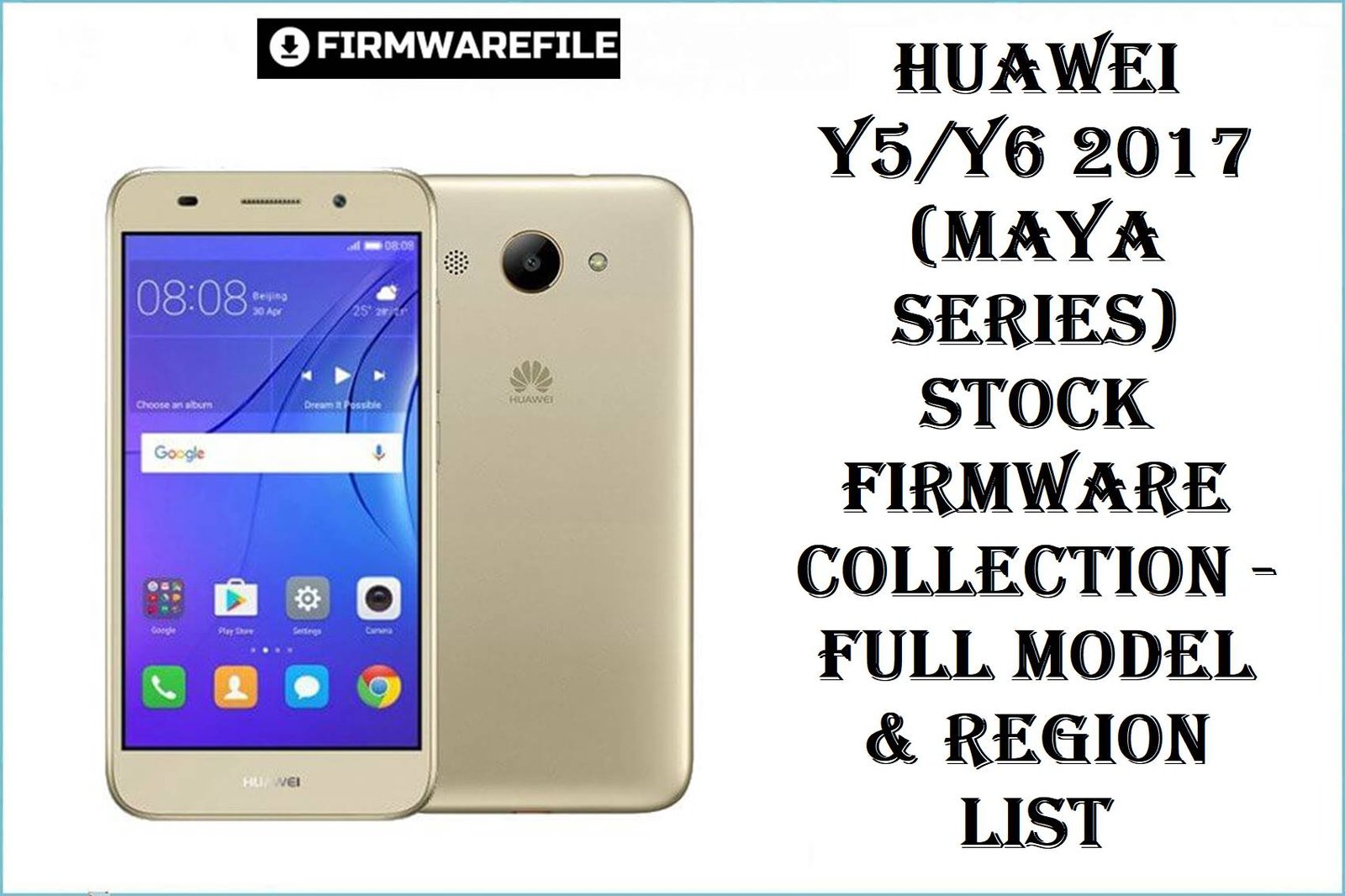
The Huawei Y5 2017 / Y6 2017 family (MYA-Lxx/U29/L41) remains a top pick for entry-level users—yet as these devices age, bootloops, touch lag, locked FRP, dead LCDs after wrong flashes, and frequent camera/network loss from region mix-ups are top complaints. Below are thoroughly curated, model-matched firmware packages that resolve these pains—focused on flawless restores, secure upgrades, and one-click repairs for every supported board and region variant.
Complete Device & Firmware Overview
- Supported Models:
- Huawei Y5 2017 (MYA-L02, L03, L11, L13, L22, L23, U29, AL10, TL10, L41), Huawei Y6 2017 (MYA-L11)
- Chipsets:
- MediaTek MT6737T/MT6580
- Firmware Type:
- Scatter/Board ROMs, SP Flash Tool packages, Card (dload), Full Updates
- Android/EMUI Version:
- 6.0, EMUI 4.1
- Build Numbers:
- See table below (region/variant-specific)
- Release Dates:
- 2017–2018
- Flash Method:
- SP Flash Tool (MTK), Card/Upgrade (for dload only)
- Bootloader Rules:
- Unlock needed for full-flash, some dload/Card for stock recovery. Service box/test point for FRP brick.
- File Sizes:
- 950MB–4.7GB
- Required Tools:
- SP Flash Tool, MTK/MediaTek USB Drivers, Windows PC, OEM cable
CRUCIAL WARNING: Each firmware is only for the EXACT matching model/build. Never flash, for example, L02 firmware to L03, or AL10 to L11—the wrong file will brick LCD, camera, or IMEI/serial permanently! Always verify model & build in fastboot/recovery/About Phone before download. Flashing will erase all user data.
Download Firmware for Huawei Y5/Y6 2017 (All Maya/Region Variants)
— Always download the file matching your exact model and LCD code (see “About phone” or label under battery/SIM). For SP flash, never force flash over wrong model/region—cross-flashing bricks vital hardware!
Prerequisites: Before You Begin
Click here for the Y5/Y6 2017 pre‑flash checklist
- Check model/build carefully: Use fastboot or About to match your firmware exactly—don’t risk generic files.
- Backup important data: Every flash will erase the phone completely. Use HiSuite, Google, or local backup.
- Battery charge: Minimum 50%—never risk shutting down mid-flash.
- Tools: Install latest MTK drivers and SP Flash Tool on a Windows PC with reliable USB cable.
- FRP/Account-lock/hard brick: For recovery, you may need a bootloader unlock or service box for deep repair and to clear locks.
Quick Firmware Flash Instructions
- Install drivers/tools: Setup latest SP Flash Tool and MediaTek VCOM drivers.
- Extract firmware: Unzip/untar the package, and load MT6737T/MT6580 scatter file in SP Flash Tool.
- Connect device: Power off, hold Volume Down, and connect USB (battery out for deep brick fix).
- Begin flash: Click “Download” in the tool, and wait for successful green tick completion.
- First boot: Allow a few minutes, as the device will optimize. Restore data if backup was made.
For more detail (including error troubleshooting, upgrade path, and screenshots), see the SP Flash Tool flashing guide.
Frequently Asked Questions (FAQs)
- Q1. How do I know my exact model/revision for these files?
- Check in “About phone”, on the back label, or with
fastboot getvar product. Always match with the file above to avoid region/camera brick. - Q2. Can I use board ROM to unlock or fix hard brick?
- Board ROMs may help unbrick with SP Flash Tool if the phone does not boot, but does not circumvent bootloader/FRP if locked by Google/Huawei account.
- Q3. Will any of these files upgrade my Android version beyond 6.0?
- No—these are official/lab firmware for Marshmallow/EMUI4.1 only. Custom ROMs are different and not recommended for novice users.
- Q4. Why did camera/network stop after previous wrong flash?
- Wrong model/region files can overwrite hardware calibration, causing permanent camera or modem failures. Match region/model precisely above to recover.
- Q5. Is there a detailed SP Flash tutorial for Y5/Y6 2017?
- Yes, follow this MTK guide for step-by-step instructions.

💬 Comments