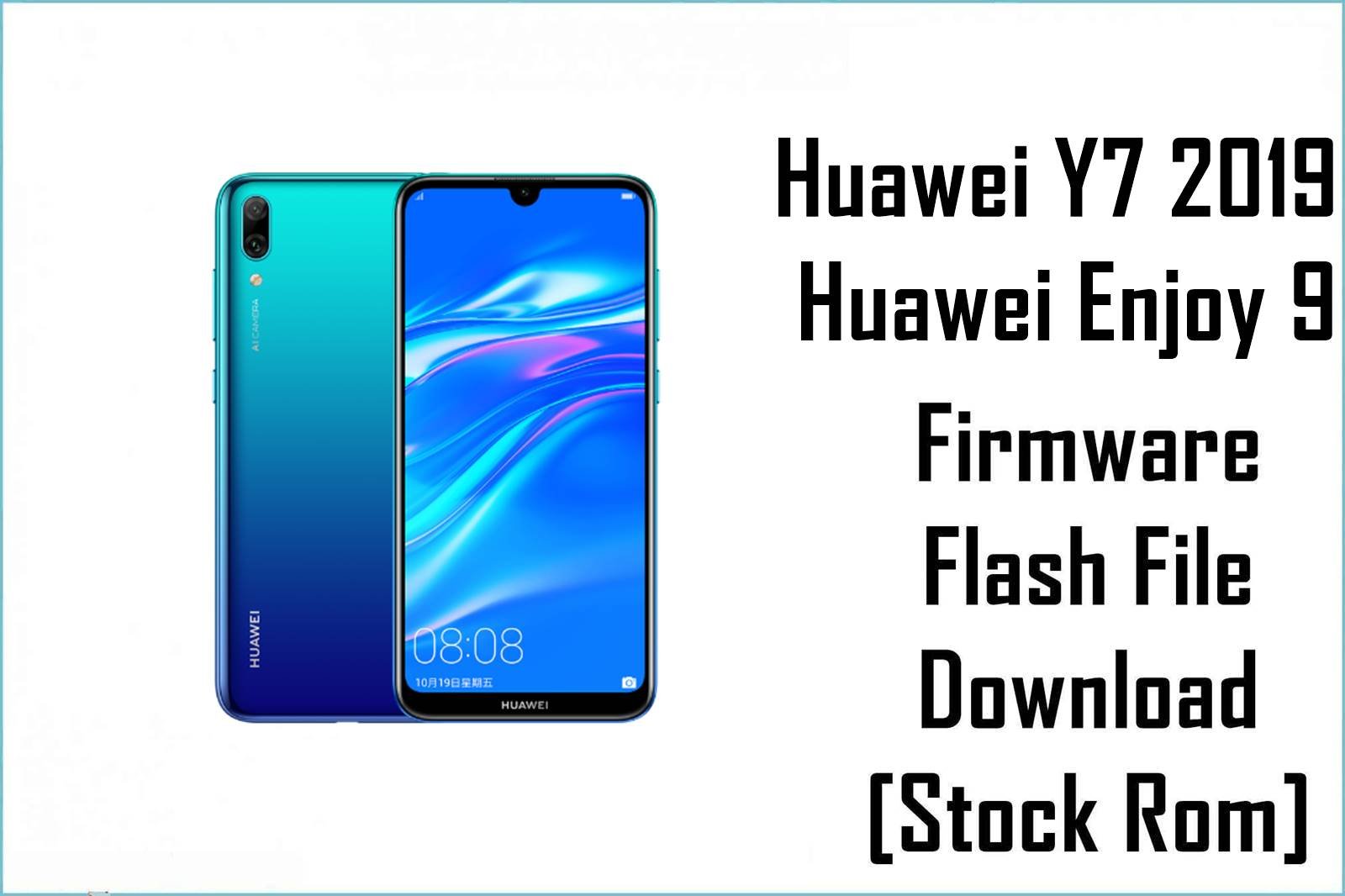
Huawei Y7 2019 (global branding) and Huawei Enjoy 9 (China branding) share the same Qualcomm Snapdragon 450 platform with EMUI 8.2 based on Android 8.1, so service flashing uses Qualcomm tools like QPST/QFIL or Huawei’s signed dload packages when region‑matched and available.
DUB‑AL00/DUB‑TL00 are the China Enjoy 9 variants using C00 firmware, while DUB‑LX1/LX2/LX3/L21 are the Y7 2019 global variants tied to regions like C432 (EU), C636 (APAC), C185 (MEA), and C605 (LATAM), and cross‑flashing between these tracks is unsafe and commonly fails at 5% in dload.
CRUCIAL WARNING: Always match both the exact model (e.g., DUB‑LX1 vs DUB‑AL00) and the CUST/region code in your current build (e.g., C432/C636/C185/C605/C00) before flashing; a mismatch is the most common cause of “software install failed” or 5% dload aborts.
“Board Software/BD” packages are low‑level repair sets intended for EDL/QFIL to rebuild critical partitions and should be used only with the correct variant and drivers installed to avoid hard‑brick risk.
China Enjoy 9 (DUB‑AL00/DUB‑TL00) uses C00 tracks and must not be flashed with Y7 2019 EEA/APAC/MEA/LATAM packages despite similar hardware naming and version numbers.
Prerequisites: Before You Begin
Click for the essential checklist
- Back up your data; service flashes and rollbacks can factory reset the device during recovery or version changes.
- Charge to at least 50% and use a reliable USB cable to avoid interruptions that may corrupt partitions during flashing.
- Install Qualcomm HS‑USB QDLoader 9008 drivers so the phone is detected as “QDLoader 9008” in EDL for QFIL operations.
- Install QPST/QFIL on Windows for Qualcomm flashing; use local dload only with signed, region‑matched UPDATE.APP packages.
Branding and Variant Clarification
DUB‑AL00 (and DUB‑TL00) are Huawei Enjoy 9 China models, whereas DUB‑LX1/LX2/LX3/L21 are Huawei Y7 2019 global variants; both share Snapdragon 450 hardware but require their own region‑appropriate firmware channels.
EEA uses C432, APAC uses C636, MEA uses C185, LATAM uses C605, and China uses C00, and mixing these tracks across Enjoy 9 and Y7 2019 models should be avoided to prevent installation failures.
Firmware Details
- Device
- Huawei Y7 2019 / Huawei Enjoy 9 (DUB series).
- Models covered
- DUB‑LX1 (EMEA), DUB‑LX2 (APAC), DUB‑LX3 (LATAM), DUB‑L21 (select markets), DUB‑AL00/DUB‑TL00 (China Enjoy 9).
- Chipset / GPU
- Qualcomm Snapdragon 450 (SDM450), Adreno 506 GPU.
- Android / EMUI
- Android 8.1 Oreo with EMUI 8.2 at launch across variants.
- Primary flashing
- QPST/QFIL via EDL using programmer (.mbn/.elf) and rawprogram/patch XML files.
- Alternative flashing
- Signed, region‑matched dload (three‑button) for UPDATE.APP packages when available.
- Region code examples
- C432 = EEA, C636 = APAC, C185 = MEA, C605 = LATAM, C00 = China; always match the CUST string in your current build.
Required Tools & Downloads
| Tool | Purpose | Link |
|---|---|---|
| QPST/QFIL (latest) | Flash Qualcomm firmware in EDL; load programmer and rawprogram/patch XML. | Download QPST v2.7.496 |
| Qualcomm HS‑USB QDLoader 9008 driver | Required for EDL recognition as “QDLoader 9008” in Device Manager. | Driver & Install Guide |
| Huawei HiSuite (optional) | Backup and limited update/recovery flows where supported. | Official HiSuite |
Huawei Y7 2019 / Enjoy 9 Stock ROM / Firmware
Quick Flashing Guide (QFIL)
- Install Qualcomm HS‑USB QDLoader 9008 drivers and QPST/QFIL, then extract the chosen package (e.g.,
Huawei_Y7_DUB‑LX1_8.2.0_152_C185_140320_QFIL.zip) to a short path on your PC. - Open QFIL, select Flat Build, load the programmer file (.mbn/.elf), then use “Load XML” to choose rawprogram0.xml followed by patch0.xml from the firmware folder.
- Put the phone into EDL (test point or supported key combo), connect to PC, and verify QFIL shows Qualcomm HS‑USB QDLoader 9008 on the top bar before proceeding.
- Click Download and wait for “Success”; disconnect, then boot and complete setup, and if needed follow with a region‑matched full firmware to finalize recovery.
Need the step‑by‑step walkthrough with screenshots and best practices for QFIL on Qualcomm devices? Use the main QFIL tutorial below.
Full Tutorial: Flash Qualcomm firmware with QFIL
Model/Region Matching Tips
- Check Settings > About phone for both Model (e.g., DUB‑LX1) and the Build’s CUST code (e.g., C432), and only flash packages that match exactly.
- Typical mappings: DUB‑LX1 (EEA/MEA C432/C185), DUB‑LX2 (APAC C636), DUB‑LX3 (LATAM C605), and DUB‑AL00/DUB‑TL00 use China C00 (Enjoy 9), and these tracks should not be mixed.
- If dload fails at 5% or shows “software install failed,” re‑check model and CUST, or switch to a correct QFIL service pack for your exact hardware.
Troubleshooting & FAQs
- Why does dload abort at 5%?
- It almost always indicates a model/CUST mismatch; confirm the exact DUB variant and CUST (C432/C636/C185/C605/C00) and use a matching package or an appropriate QFIL repair set for your device.
- QFIL doesn’t detect the phone in EDL (no 9008 port)?
- Install the Qualcomm HS‑USB QDLoader 9008 driver, use a rear USB port and short cable, and ensure the device enumerates as “QDLoader 9008” before loading programmer and XML in QFIL.
- What are “Board Software/BD” files, and when to use them?
- They are emergency repair builds for EDL that rebuild critical partitions on hard‑bricked phones; use only the correct variant BD and follow with a full region‑matched firmware if required.
- Can Enjoy 9 (DUB‑AL00/TL00) flash Y7 2019 (DUB‑LX1/LX2/LX3) firmware?
- No; Enjoy 9 is on the China C00 track and Y7 2019 uses EEA/APAC/MEA/LATAM tracks, so cross‑flashing is unsupported and risks brick or installation failure.

💬 Comments