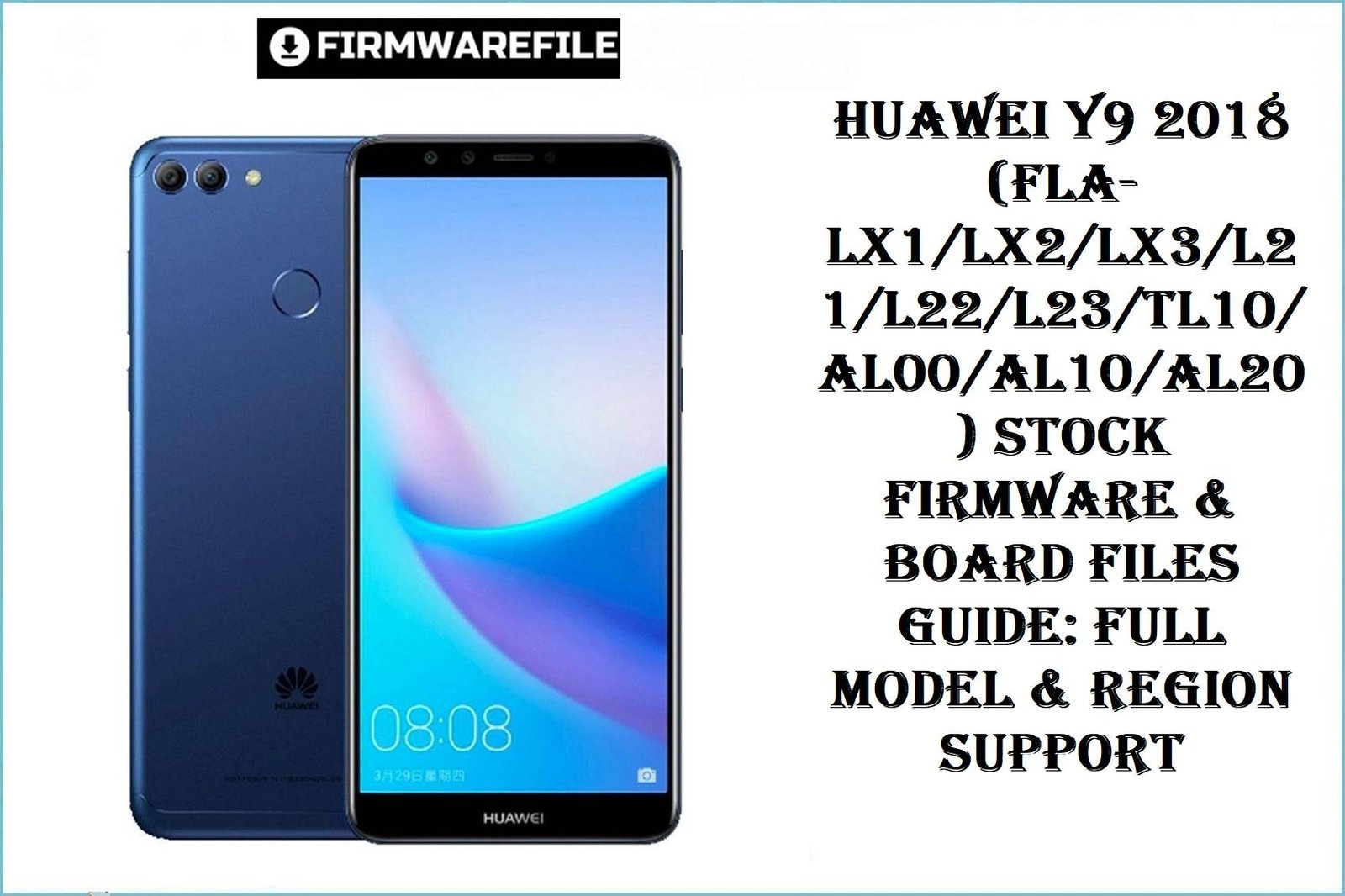
The Huawei Y9 2018 family (codename: Florida) covers FLA-LX1, LX2, LX3, L21, L22, L23, TL10, AL00, AL10, and AL20—shipping worldwide with the Kirin 659 (16nm) octa-core chipset, 5.93″ FHD+ display, EMUI 8 or 9, and a robust 4000mAh battery. Real-world users note battery drain (especially after EMUI 9.1), random screen touches, and regional update gaps as common complaints. Board firmware is crucial for deep repair—especially after IMEI corruption, FRP lockout, or failed OTA upgrades. Flashing via Dload always requires careful region/model matching!
CRUCIAL WARNING:
Model-Region Match is absolutely critical! Never mix board files (e.g., TL10, LX3, L21, L22, etc.)—wrong firmware can hard-brick or cause permanent IMEI loss. EMUI 9.1 firmware cannot downgrade to 8.0 directly; always review anti-rollback and only flash downward if IMEI or FRP repair is required (see official board file sources for each case). Password-protected firmware may contain region lock—always verify before flashing.
Prerequisites: Before You Begin
Click Here for the Essential Pre-Flashing Checklist
- Backup All Data: Internal user data WILL be erased. Use cloud/PC for contacts & photos.
- Battery & Cable: Charge to at least 50% and use original USB.
- Correct Firmware: Cross-match model and country code (e.g. C185, C605, C636) from phone settings or Recovery/Update log.
- Board ROM Special: Use only for deep repair (brick, IMEI, FRP)—not daily restoration.
Huawei Y9 2018 FLA-Series Firmware Details
- Device Name / Codename
- Huawei Y9 2018 / Florida
- Chipset
- HiSilicon Kirin 659 (16nm), Octa-core, Mali-T830 MP2 GPU
- Android Version
- Android 8.0 (Oreo), EMUI 8.0 (upgradeable to 9.1, region-dependent)
- Variants Supported
- FLA-LX1, LX2, LX3, L21, L22, L23, TL10, TL00, AL00, AL10, AL20
- Battery
- 4000mAh (non-removable)
- Notable Features
- Dual-SIM (model-dependant), front/rear dual camera, fingerprint, microSD
Required Tools & Downloads
Stock & Board Firmware Table (Per Model/Variant, Dload Compatible)
Quick Flashing Guide (Classic Dload/Board File Method)
- Extract your ZIP/board file (e.g.,
Huawei_Y9_2018_FLA-LX1_RU_HLRCF_9.1.0.136_...orFLA-LX1 9.1.0.163(C185E8R1P5T8)_MOS_password_protected.zip). Copy the dload folder with UPDATE.APP file to the root of a microSD card (FAT32 format). - Insert microSD card, power off phone. Hold Vol Up + Vol Down + Power until update starts automatically.
- Wait for “Update Success”—if update fails, check for model/region mismatch or password. Remove SD card after flash.
- For IMEI/board/FRP repair, always use the corresponding variant-specific board file. DO NOT cross-flash variants.
For a comprehensive Reactivation/Board Repair process, refer to:
Full Tutorial: Huawei Flashing & Recovery Guide
Frequently Asked Questions (FAQs)
- Q1. What happens if I use the wrong region or board file?
- Mixing region or board files (e.g., flashing L21 firmware on LX1, or Africa on Latin America) may hard brick your device, corrupt IMEI, or make mobile network, camera, or Wi-Fi unusable. Universal board files only work for emergency repair with compatible models.
- Q2. Why do real users complain after EMUI 9.1 upgrade?
- Many report battery drain, ghost touches, and unstable network after upgrading to EMUI 9.1. Rollback to EMUI 8 via board file or special service file may sometimes fix, but direct downgrade from 9.1 to 8 is typically blocked! IMEI repair files are used for deeper recovery scenarios, not standard restoration.
- Q3. Which variant should I flash for IMEI, FRP or hard brick?
- Only use the IMEI/FRP board file matching your exact region/model—never cross-use or try to ‘upgrade’ board firmware to a new region. Always extract with password if required and carefully follow dload/Update.app method.

💬 Comments