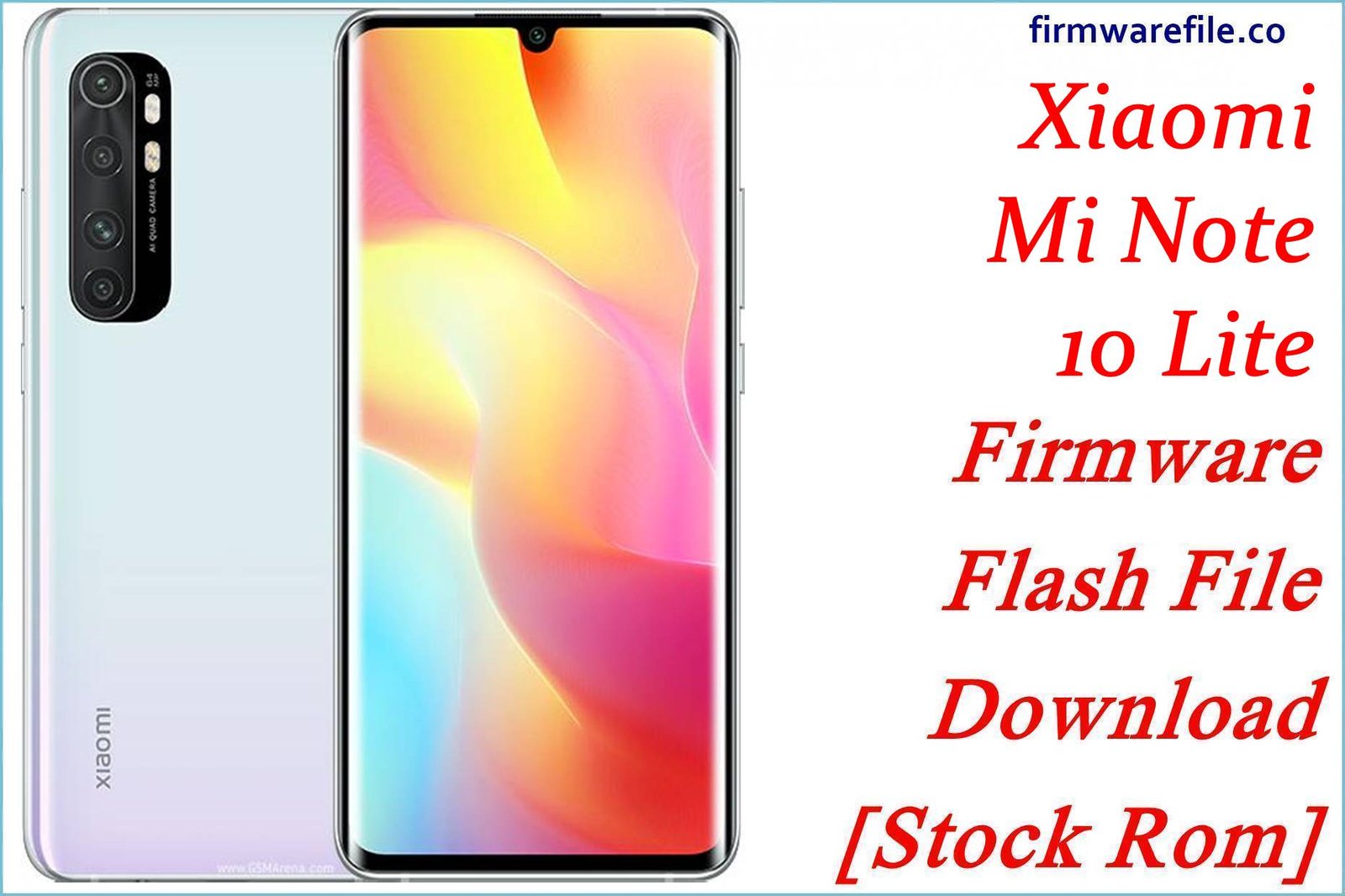
Mi Note 10 Lite (codename toco) is a mid‑range classic with a curved AMOLED display, Snapdragon 730G and 5260 mAh battery, but age and repeated updates can leave it laggy, buggy or stuck in bootloops.
The official MIUI 13 Android 12 fastboot ROMs below, plus a Xiaomi.eu community build and a TWRP package, give you clean ways to restore stability, fix serious software faults and prepare the phone for custom ROMs.
Download Firmware for Mi Note 10 Lite (toco)
All stock files listed are official MIUI 13 V13.0.x.0 Android 12 fastboot ROMs for Xiaomi Mi Note 10 Lite with codename toco, split by region (Global, Russia, EEA, Turkey). The Xiaomi.eu ZIP is a community multi‑language ROM based on the same base, and the small TWRP ZIP is a custom recovery package, both recommended only for advanced users.
For most users who just want a stable stock system, the right choice is the latest official MIUI 13 Android 12 fastboot ROM that matches the phone’s original region code, with Xiaomi.eu and TWRP packages reserved for advanced modding scenarios.
Complete Device & Firmware Overview
- Device name & codename
- Xiaomi Mi Note 10 Lite uses the internal codename toco in all its official MIUI/HyperOS firmware and custom ROM documentation.
- Hardware highlights
- The phone offers a 6.47‑inch curved AMOLED FHD+ display, Snapdragon 730G, up to 8 GB RAM, up to 128 GB UFS 2.1 storage and a 5260 mAh battery with 30 W charging.
- Camera system
- Mi Note 10 Lite features a 64 MP main camera plus ultra‑wide, macro and depth sensors, with 4K30 and 1080p120 video and a 16 MP selfie camera, which still holds up for social media use.
- Original software
- The device launched on Android 10 with MIUI 11/12 and later received MIUI 12.5 and MIUI 13 V13.0.x.0 Android 12 builds, which are effectively its final major official updates.
- MIUI 13 build series
- Global and derived regions use V13.0.x.0.SFN*** naming—SFNMIXM (Global), SFNEUXM (EEA), SFNRUXM (Russia), SFNTRXM (Turkey)—all Android 12 with MIUI 13 features such as optimization tweaks and updated privacy controls.
- Typical user pain points
- Older toco units may suffer from green or glitchy screens after long use, battery degradation, and generic MIUI 13 complaints like heavy animations, camera lag or occasional UI stutter, especially on full storage.
- What these ROMs are good for
- Fastboot ROMs let you unbrick a bootlooped phone, fix corrupted system partitions, remove malware or failed Magisk mods, and return to a clean MIUI 13 Android 12 base recommended by many custom ROM guides.
- Xiaomi.eu ROM specifics
- The Xiaomi.eu build wraps Global V13.0.4.0.SFNMIXM into a debloated, multi‑language ROM with integrated Google services and tweaks, but it is community‑maintained and requires an unlocked bootloader and comfort with fastboot flashing scripts.
- TWRP package use
- The MiNote10Lite_toco_TWRP ZIP is a small tool to install a custom recovery, normally flashed from an existing recovery or via a companion fastboot script, and should be used only with a compatible MIUI base (often MIUI 12) to avoid encryption issues.
- Bootloader & ARB
- Mi Note 10 Lite uses a standard Xiaomi locked bootloader with anti‑rollback; official MIUI 13 fastboot ROMs are safe “within series”, but large downgrades or cross‑region experiments can trigger rollback errors if not handled correctly.
CRUCIAL WARNING: These ROMs are strictly for Mi Note 10 Lite with codename toco; they must not be flashed to Mi Note 10/10 Pro, other Mi/Redmi/POCO models or different codenames (like tucana or umi), because cross‑flashing can permanently brick the device.
Each official MIUI 13 build is region‑locked by code (SFNMIXM, SFNEUXM, SFNRUXM, SFNTRXM), so you should normally flash the ROM that matches your phone’s original region and avoid unnecessary cross‑region or downgrade flashing while Xiaomi’s anti‑rollback system is active.
All official toco_*.tgz fastboot packages will wipe user data when used with Xiaomi’s fastboot tools, and choosing options like “clean all and lock” on a mismatched ROM can relock the bootloader on unsupported firmware and cause network loss, boot loops or difficulties unlocking again.
Preparation Before Flashing
Click here for the Mi Note 10 Lite pre‑flash checklist
- Confirm device & codename: Boot into fastboot mode and run fastboot getvar product on your PC; only continue if it reports toco, then check Settings → About phone to see whether your current build ends in SFNMIXM, SFNEUXM, SFNRUXM or SFNTRXM.
- Choose the right ROM type: For a pure stock experience, stick to Xiaomi’s official fastboot ROMs; only pick the Xiaomi.eu ROM or TWRP package if you already understand custom ROM and recovery flashing.
- Backup your data: Fastboot flashing and many custom ROM procedures require formatting data, so back up your photos, chats and documents to Mi Cloud, Google Drive or a PC first.
- Charge the phone: Ensure at least 50–60% battery before flashing so the device does not power off mid‑flash and corrupt the firmware.
- Install drivers & tools: On a Windows PC, install Xiaomi USB drivers and Mi Flash Tool (or an equivalent fastboot flasher) and confirm that your device is detected in fastboot mode before starting the flash.
Quick Firmware Flash Instructions
This high‑level guide summarizes how to flash a fastboot ROM such as toco_global_images_V13.0.4.0.SFNMIXM_20221026.0000.00_12.0_global_3da65774e7.tgz on a Mi Note 10 Lite using Xiaomi’s fastboot tool on Windows.
- Prepare PC & ROM: Install Xiaomi USB drivers and Mi Flash Tool, then download the correct toco_…images_V13.0.x.0.SFN* TGZ and extract it completely into a short path such as C:\toco_rom.
- Enter fastboot mode: Power off the phone, hold Volume Down + Power until the fastboot screen appears, and connect the device to your PC with a reliable USB‑C cable.
- Select the firmware: Open Mi Flash, click “Select”, choose the extracted ROM folder, then click “Refresh” to make sure your single toco device is detected.
- Flash with “clean all”: In Mi Flash’s bottom options, choose “clean all” (wipes data, keeps bootloader unlocked), click “Flash” and wait without disconnecting the phone until the tool reports success.
- First boot & verification: Let MIUI 13 boot and finish optimization (this can take several minutes), then open About phone and confirm that the build number and region code match the ROM you flashed.
For a screenshot‑rich walkthrough of Xiaomi fastboot flashing, including common error fixes, follow the main Xiaomi fastboot firmware guide and simply point it to your extracted toco_*.tgz folder when the guide asks you to select a ROM.
Frequently Asked Questions (FAQs)
- Q1. Which ROM should I choose for my Mi Note 10 Lite?
- The safest choice is the latest official MIUI 13 Android 12 fastboot ROM that matches your original region: V13.0.4.0.SFNMIXM (Global), V13.0.6.0.SFNEUXM (EEA), V13.0.4.0.SFNRUXM (Russia) or V13.0.3.0.SFNTRXM (Turkey).
- Q2. Is Xiaomi.eu V13.0.4.0 safe for daily use?
- Xiaomi.eu builds are widely used and based on official firmware, but they are community projects that require an unlocked bootloader and custom flashing tools, so they’re best for experienced users willing to trade official OTA support for extra features and debloating.
- Q3. Will MIUI 13 fix lag or battery issues on my old toco?
- MIUI 13 aims to optimize performance compared with older builds, and a clean flash often helps, but long‑term users still report screen glitches, green tint and general slow‑down mainly due to aging hardware and battery wear, which software alone cannot fully solve.
- Q4. Can I downgrade back to MIUI 12 if MIUI 13 feels worse?
- Downgrading across Android/MIUI generations can be blocked by anti‑rollback and may brick the phone if not done with a properly matched ROM and ARB level, so it should only be attempted with up‑to‑date guides and exact firmware versions.
- Q5. Does flashing these ROMs unlock or relock my bootloader?
- Fastboot flashing itself doesn’t unlock the bootloader; it only reflashes partitions, and options like “clean all and lock” in Mi Flash can relock on the currently installed ROM, which is dangerous if you used the wrong region.
- Q6. Why do many custom ROM guides require V13.0.4.0 Global first?
- Custom ROM maintainers often standardize on a single vendor firmware base; for Mi Note 10 Lite, many Android 13/14 ROMs expect Global V13.0.4.0.SFNMIXM firmware under the hood to ensure consistent modem, camera and hardware abstraction behavior.

💬 Comments