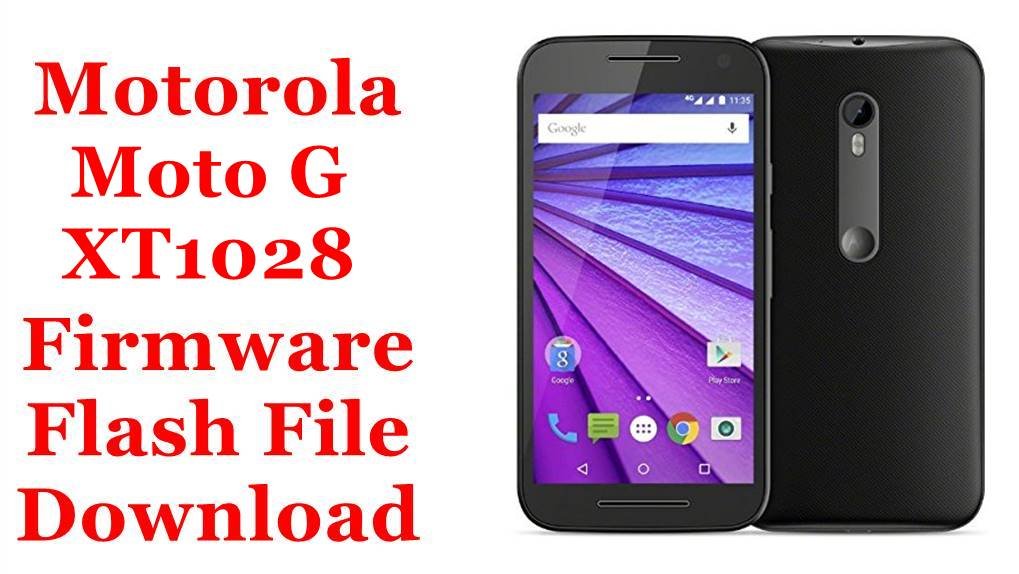
Download the Motorola Moto E XT1028 firmware flash file and learn how you can use this firmware file to restore your Motorola Moto E XT1028.
This page will teach you how to use this Motorola Moto E XT1028 stock ROM.
You can use this firmware file to restore the Motorola Moto E XT1028 or downgrade, or upgrade the Motorola Moto E XT1028.
You can use it to reset the the Motorola Moto E XT1028 lock screen and fix the boot loop on the Motorola Moto E XT1028.
This flash file for the Motorola Moto E XT1028 can help fix the hanging logo, system errors, and unbrick your phone.
Downloads and requirements:
Android firmware version: 5.1
Filename: XT1028_FALCON_VERIZON_5.1_LPBS23.13-33.7-2_cid2_CFC.xml.zip
How to install this Motorola Moto E XT1028 firmware flash file?

💬 Comments