Oppo A76 CPH2375 Firmware Flash File Download [Stock Rom]
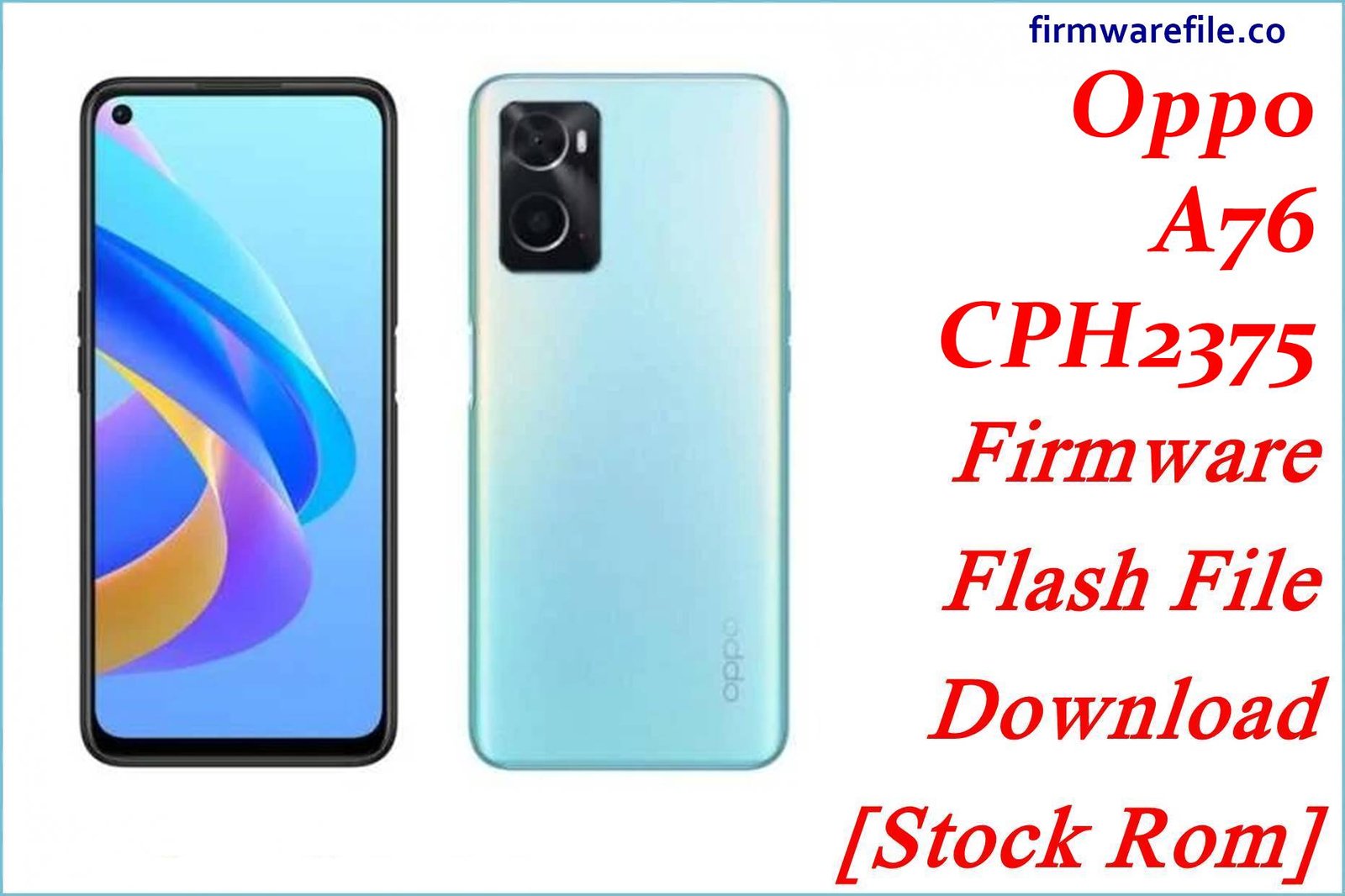
The Oppo A76 (CPH2375) is a popular mid-range smartphone from 2022, known for its smooth 90Hz display and a large 5000 mAh battery with 33W SUPERVOOC fast charging. It launched with ColorOS 11 based on Android 11 and later received updates to Android 12. However, major OS updates can sometimes introduce bugs, with users reporting issues like faster battery drain, performance lag, or app instability. This guide provides a comprehensive collection of official firmware packages for both Android 11 and 12. These files are the essential tool for users who need to unbrick a dead device, downgrade from Android 12 to 11, or resolve any persistent software issue with a clean installation.
⚠️ CRUCIAL WARNING: Unbrick Tool & Downgrade Risk
This process uses the official Realme/Oppo Flash Tool, a powerful low-level utility. It is the standard method for unbricking a Qualcomm-based Oppo phone. This will completely erase all your personal data and will re-lock the bootloader. Downgrading major OS versions always carries inherent risks. Proceed with extreme caution.
⚠️ Prerequisites: Before You Begin
Click Here for the Essential Pre-Flashing Checklist
- Backup Your Data: This process will wipe all data. Back up everything if your phone is accessible.
- Charge The Battery: Ensure your phone has at least a 60% charge. If the phone is bricked, charge it for an hour before starting.
- Windows PC: You need a Windows PC and the original Oppo USB-A to USB-C cable.
📱 Quick Device Specifications
- Device
- Oppo A76
- Model
- CPH2375
- Chipset
- Qualcomm Snapdragon 680 4G
- Display
- 6.56″ 90Hz HD+ IPS LCD
- Operating System
- ColorOS 11/12 (Android 11/12)
- RAM
- 4GB / 6GB
- Storage
- 128GB
- Battery
- 5000 mAh
🛠 Required Tools & Downloads
| File / Tool | Download Link |
|---|---|
| Realme Flash Tool & Drivers | Download From Hub Page |
| Qualcomm HS-USB QDLoader Drivers | Download Drivers (Alternative) |
⬇️ Oppo A76 (CPH2375) Stock ROM / Firmware
Android 12 (ColorOS 12) Firmware
| Android Version | Filename | Release Date | Size | Download Link |
|---|---|---|---|---|
| 12 (F.75) | CPH2375export_…_F.75_20250120.zip | 2025-01-20 | 17.58 GB | Download |
| 12 (F.56) | CPH2375export_…_F.56_20221118.zip | 2022-11-18 | 10.22 GB | Download |
Android 11 (ColorOS 11) Firmware (For Downgrade)
| Android Version | Filename | Release Date | Size | Download Link |
|---|---|---|---|---|
| 11 (A.10) | CPH2375export_…_A.10_20220806.rar | 2022-08-06 | 7.28 GB | Download |
| 11 (A.08) | CPH2375export_…_A.08_20220617.rar | 2022-06-17 | 7.18 GB | Download |
| 11 (A.04) | CPH2375export_…_A.04_20220225.zip | 2022-02-25 | ~4.5-13.9 GB | Mirror 1 / Mirror 2 |
Quick Steps to Flash Oppo A76 Firmware
- Download and install the Qualcomm drivers. Download and extract the Realme Flash Tool and your chosen firmware package to get the
.ofpfile. - Launch the Realme Flash Tool (`realme_Flash_Tool.exe`) as an administrator.
- Click “Browse” and load the
.ofpfirmware file from its folder. - Power off your phone, then enter EDL Mode by holding both Volume Up + Volume Down buttons and connecting the phone to the PC.
- Once the tool shows “Connected”, click the “Start” button and wait for the process to finish. The phone will reboot automatically.
For a more detailed, step-by-step guide on this process, please refer to our main tutorial:
👉 Full Tutorial: How to Flash Firmware with Realme Flash Tool
❓ Frequently Asked Questions (FAQs)
- Q1. Why would I downgrade from Android 12 to Android 11?
- Some users experience bugs, increased battery drain, or performance issues after a major OS update. Others simply prefer the user interface of the older ColorOS 11. Downgrading allows you to return to a version of the software that you find more stable or preferable.
- Q2. What is the difference between the “A” and “F” builds?
- The “A” builds are based on Android 11 (ColorOS 11), while the “F” builds are based on Android 12 (ColorOS 12). If you want to return to the original Android 11 software, you must flash one of the “A” builds.
- Q3. My Oppo A76 is completely dead (hard bricked). Can this guide help?
- Yes. As long as your PC can detect the phone in EDL Mode (as “Qualcomm HS-USB QDLoader 9008”), the flash tool can rewrite the entire system from a low level and bring your phone back to life.