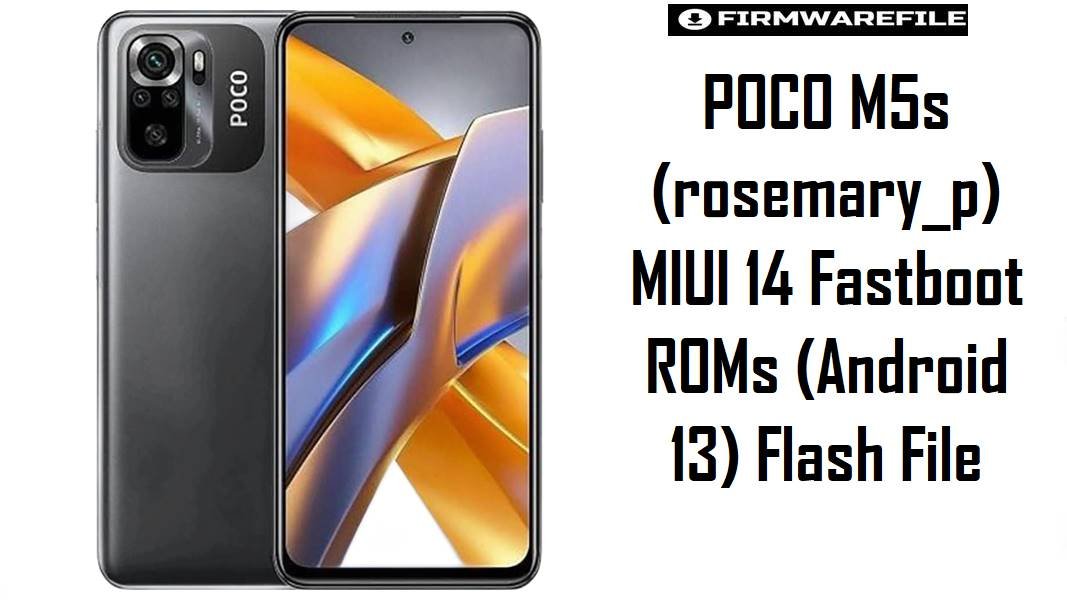
POCO M5s is a budget-friendly AMOLED phone that shares the broader “rosemary” hardware family with devices like Redmi Note 10S, so owners typically focus on smooth day-to-day performance and stable battery life rather than chasing new UI features.
Common real-world pain points on MIUI 14-era builds include stuttering/lag after updates, faster-than-expected battery drain, and occasional proximity-sensor behavior during calls (screen not turning off reliably).
The MIUI 14 fastboot firmware files below let you clean-flash the correct region build for rosemary_p, which is often the most reliable way to stabilize a “messy” OTA update and restore normal performance.
Download Firmware for POCO M5s
Important clarity: “Newer” can differ by region branch (MIXM/EUXM/RUXM/IDXM/TWXM/TRXM), so the safest choice is the ROM that matches the region your phone shipped with, not the highest build number from another region.
Complete Device & Firmware Overview
- Phone model
- POCO M5s
- Codename
rosemary_p- Chipset
- MediaTek Helio G95 (MT6785)
- Firmware type
- MIUI 14 Stable Fastboot ROM (
.tgz) - Android version
- Android 13 (all files provided are Android 13 builds)
- Regions included (this post)
- Global (MIXM), EEA (EUXM), Russia (RUXM), Indonesia (IDXM), Taiwan (TWXM), Turkey (TRXM)
- HyperOS support
- Not supported for POCO M5s on the referenced ROM listing site (device remains on MIUI track).
- Flash method
- Xiaomi Flash Tool via fastboot (Windows PC)
- Bootloader rule
- Fastboot flashing requires an unlocked bootloader per the ROM listing notes; data may be deleted depending on the chosen option.
- Common “why flash” issues
-
- MIUI 14 stutters/lag reported by users after updating.
- Battery drain concerns frequently discussed by MIUI 14 users.
- Call-screen/proximity behavior often fixed by proximity calibration in Xiaomi CIT on affected units.
CRUCIAL WARNING: These fastboot ROMs are strictly for POCO M5s with codename rosemary_p; flashing the wrong codename, wrong region branch (MIXM/EUXM/RUXM/IDXM/TWXM/TRXM), or a corrupted file can trigger bootloops, update failures, or permanent brick—verify carefully before flashing.
Preparation Before Flashing
Click here for the POCO M5s (rosemary_p) pre-flash checklist
- Match region correctly: Confirm your current MIUI branch in “About phone” and download the same branch (e.g.,
...MIXMfor Global,...EUXMfor EEA). - Back up everything: The ROM listing warns that your data could be deleted depending on flashing choices, so back up photos, chats, and authenticator apps first.
- Confirm bootloader status: Fastboot flashing requires bootloader unlock per the ROM listing notes; plan this before starting.
- Battery + cable: Charge to 50%+ and use a stable USB cable/port to reduce disconnection risk during flashing.
- Fix the “screen stays on during calls” scenario: If your main issue is proximity behavior, note that Xiaomi devices can often be recalibrated via CIT “Proximity Sensor” tools, which is worth checking after the update/flash.
Quick Firmware Flash Instructions
How to flash Firmware Files to POCO M5s
This simplified guide covers flashing any of the listed fastboot ROMs (for example, rosemary_p_global_images_V14.0.17.0.TFFMIXM_20241217.0000.00_13.0_global_e6f691d94a.tgz) using Xiaomi’s fastboot flashing workflow on a Windows PC.
- Select the right build: Use the newest ROM that matches your region (Global users:
V14.0.17.0.TFFMIXM; EEA users:V14.0.15.0.TFFEUXM; etc.). - Prep the ROM: Download the
.tgzand extract it to a short folder path (avoid deep folders). - Enter fastboot: Power off, boot into fastboot mode, then connect to your PC.
- Flash with Xiaomi Flash Tool: Load the extracted ROM folder and run the flash (a clean reinstall is commonly chosen when fixing update stutter or drain).
- Reboot and optimize: First boot can take longer than usual; allow MIUI to finish app optimization before judging speed/battery.
For a comprehensive, screenshot-based walkthrough of Xiaomi fastboot flashing (drivers, common connection errors, and safest tool options), refer to the main Xiaomi Flash tool guide.
Frequently Asked Questions (FAQs)
- Q1. Is
rosemary_pthe same as Redmi Note 10Srosemary? - They are closely related in the broader “rosemary” family (often discussed together), but your firmware must match the exact codename shown for your device—this post is specifically for
rosemary_p(POCO M5s). - Q2. Which fastboot ROM should I choose if my POCO M5s is Global?
- Choose the Global branch ending in
MIXM; in this set, that’sV14.0.17.0.TFFMIXM. - Q3. My phone started stuttering after MIUI 14—will fastboot flashing help?
- Stuttering after MIUI 14 updates is reported by users, and a clean fastboot reinstall is often used to remove OTA leftovers when resets and cache-clearing don’t help.
- Q4. My screen doesn’t turn off during calls—can firmware fix it?
- On affected Xiaomi/POCO units, proximity behavior is sometimes resolved by recalibrating the proximity sensor via the CIT menu, so it’s worth checking after flashing/updating.
- Q5. Can I flash EUXM on a MIXM device (or vice versa)?
- The ROM listing explicitly warns against flashing different regions because it can cause flash errors or even brick the device, so staying on your original branch is the safest choice.
- Q6. Will POCO M5s get HyperOS if I flash these ROMs?
- A major ROM listing page for POCO M5s (
rosemary_p) labels HyperOS as “not supported,” so these files are MIUI 14 (Android 13) builds rather than HyperOS packages.

💬 Comments