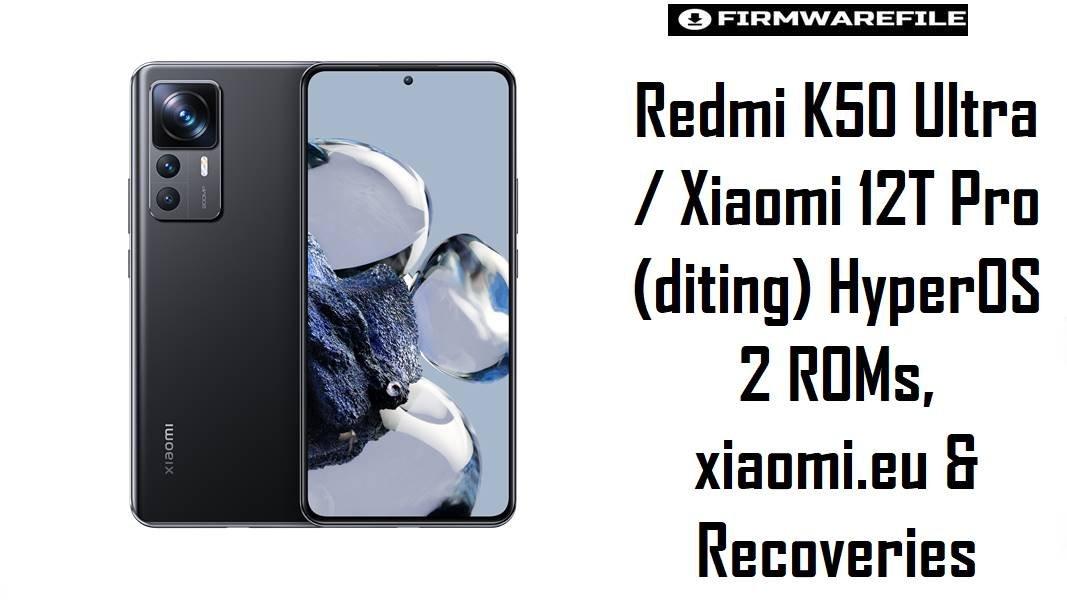
Redmi K50 Ultra and Xiaomi 12T Pro share the flagship codename diting, pairing Snapdragon 8+ Gen 1 power with a 120 Hz panel and large 5000 mAh battery. HyperOS 2 brought smoother animations and new features, but many Xiaomi users still report post‑update lag, battery drain, and occasional camera stutter, especially after multiple OTAs; clean flashing the correct HyperOS fastboot ROM or a tuned xiaomi.eu build often restores stable performance and reduces thermal spikes.
Download Firmware for Redmi K50 Ultra / Xiaomi 12T Pro (diting)
These packages are official HyperOS 2 fastboot ROMs for China and various global regions, plus a xiaomi.eu custom HyperOS build and two custom recoveries.
All are strictly for devices with codename diting (Redmi K50 Ultra in China and Xiaomi 12T Pro globally).
Choose the newest ROM that exactly matches the device’s original region (CNXM/MIXM/EUXM/RUXM/TWXM/TRXM/JPXM) to keep modem configuration, features, and OTA behavior predictable.
Recommended choices: For stock Chinese Redmi K50 Ultra, OS2.0.210.0.VLFCNXM is the best official option; for global Xiaomi 12T Pro, OS2.0.205.0.VLFMIXM or OS2.0.204.0.VLFEUXM should be used according to original CSC. Enthusiasts with an unlocked bootloader who want debloated HyperOS and multi‑language support may prefer xiaomi.eu_DITING_OS2.0.210.0 based on the same CN firmware.
Complete Device & Firmware Overview
- Device Names:
- Redmi K50 Ultra (China) / Xiaomi 12T Pro (Global).
- Codename:
diting– shared by both Redmi K50 Ultra and Xiaomi 12T Pro.- SoC / Performance:
- Qualcomm Snapdragon 8+ Gen 1 (SM8475), octa‑core CPU and Adreno GPU, high‑end flagship platform sensitive to thermal and scheduler tuning.
- Regions / CSC Variants:
- CNXM (China), MIXM (Global), EUXM (EEA), RUXM (Russia), TWXM (Taiwan), TRXM (Turkey), JPXM (Japan).
- Current HyperOS 2 Branches:
- OS2.0.210.0.VLFCNXM (China), OS2.0.205.0.VLFMIXM (Global), OS2.0.204.0.VLFEUXM (EEA), OS2.0.203.0 for RU/TW/TR; Japan remains on OS1.0.21.0.ULFJPXM.
- Feature & Animation Improvements:
- HyperOS 2 changelog families mention refined system animations, updated widgets, improved resource allocation, and Storage 2.0 for long‑term smoothness, plus optimized battery use for some games and better rendering efficiency.
- Common Pain Points:
- HyperOS feedback across Xiaomi devices notes slowdowns, heavy animations, camera lag, and heat spikes after early updates, especially on performance‑oriented phones like 12T Pro; later OS2.0 branches aim to mitigate these.
- ROM Types:
- Official fastboot ROMs (
diting*_images_*.tgz) for Xiaomi Flash; xiaomi.eu ZIP for custom recovery; OTA incremental and full OTA packages exist separately. - Bootloader & ARB:
- Bootloader unlock required for cross‑region and all xiaomi.eu/custom recovery use; HyperOS uses anti‑rollback (ARB), so downgrades to earlier builds or across branches must respect ARB levels to avoid hard bricks.
- Custom Recoveries:
- OrangeFox and TWRP builds for
ditingenable full backups and ZIP‑based ROM flashing; they are widely used in the modding community but are unofficial and should be handled carefully.
CRUCIAL WARNING: These fastboot and custom ROMs are strictly for Redmi K50 Ultra / Xiaomi 12T Pro with codename diting; they must not be flashed to other Xiaomi/Redmi/POCO devices or different codenames, because cross‑flashing can permanently brick the phone due to incompatible partition layouts and modem firmware.
Official diting*_images_*.tgz fastboot packages and xiaomi.eu HyperOS ZIPs normally wipe user data when flashed, and using “clean all and lock” or similar options with a mismatched or modified ROM can relock the bootloader on an unsupported firmware, causing bootloops, loss of network, or anti‑rollback‑related bricks.
Preparation Before Flashing
Click here for the Redmi K50 Ultra / Xiaomi 12T Pro pre‑flash checklist
- Verify codename and region: In fastboot mode, confirm the codename is
ditingand check current region (CNXM/MIXM/EUXM/RUXM/TWXM/TRXM/JPXM) via firmware trackers so the correct ROM is chosen. - Backup everything: Fastboot and custom ROM flashes usually wipe data; back up photos, chats, and 2FA secrets with Mi Cloud, Google, and manual PC copies before modifying the system.
- Charge safely: Maintain at least 60% battery to reduce the risk of shutdown mid‑flash, which is especially important when writing large HyperOS images to multiple partitions.
- Install drivers and tools: On Windows, install Xiaomi USB/fastboot drivers and Xiaomi Flash Tool for official ROMs; for xiaomi.eu, also prepare ADB/Fastboot and a working TWRP or OrangeFox recovery.
- Use a quality USB‑C cable: Prefer the original cable and a direct motherboard USB port to avoid random disconnects while flashing 5–7 GB images, which can corrupt the system if interrupted.
Quick Firmware Flash Instructions
The steps below summarize flashing an official HyperOS 2 fastboot ROM such as diting_images_OS2.0.210.0.VLFCNXM_... for China or diting_global_images_OS2.0.205.0.VLFMIXM_... for global Xiaomi 12T Pro using Xiaomi’s fastboot tool on a Windows PC. The recommended baseline for most users is the newest matching regional build.
- Prepare PC & ROM: Install Xiaomi USB and fastboot drivers plus Xiaomi Flash Tool, then download and fully extract the chosen
diting*_images_*.tgz(for example, OS2.0.205.0.VLFMIXM for global or OS2.0.210.0.VLFCNXM for China) to a short path likeC:\diting_rom. - Enter fastboot mode: Power off the device, hold Volume Down + Power until fastboot appears, and connect via USB‑C to the PC.
- Set up Xiaomi Flash Tool: Open the tool, select the extracted ROM folder, and choose “clean all” to perform a fresh install while keeping the bootloader state; avoid “clean all and lock” unless flashing the exact stock region firmware with no modifications.
- Flash the firmware: Click “refresh” to ensure the phone is detected, then press “flash” and wait until the process completes successfully, without unplugging or closing the tool as it flashes several HyperOS partitions sequentially.
- First boot & optimization: After a successful flash, the device reboots into HyperOS 2; the first boot may take several minutes while apps and system components are optimized, after which performance, animations, and heat behavior should be checked to confirm improvement over the previous build.
For a detailed, screenshot‑based tutorial on Xiaomi fastboot flashing—including anti‑rollback checks, USB troubleshooting, and typical Mi Flash error codes—refer to the dedicated Xiaomi Fastboot Firmware Guide, which describes the Xiaomi Flash Tool process step by step and can be followed directly when flashing these diting ROMs.
Frequently Asked Questions (FAQs)
- Q1. Which HyperOS 2 ROM should be used for a typical Xiaomi 12T Pro?
- The recommended option is the latest HyperOS 2 fastboot ROM matching the original region—OS2.0.205.0.VLFMIXM for global, OS2.0.204.0.VLFEUXM for EEA, OS2.0.203.0.VLFRUXM for Russia, OS2.0.203.0.VLFTWXM for Taiwan, or OS2.0.203.0.VLFTRXM for Turkey—as listed on official ROM trackers.
- Q2. Does OS2.0.210.0.VLFCNXM improve performance and battery compared with early HyperOS builds?
- HyperOS 2.0.210.0 is part of a generation that emphasizes upgraded rendering, more precise resource allocation, and Storage 2.0, which are specifically aimed at improving app start times, long‑term smoothness, and battery efficiency in gaming and multitasking.
- Q3. Who should install xiaomi.eu_DITING_OS2.0.210.0.VLFCNXM_15.zip instead of stock HyperOS?
- This ROM targets power users who want a debloated, multi‑language HyperOS build with integrated Google services derived from the China firmware; it requires an unlocked bootloader and usually a custom recovery like TWRP or OrangeFox for installation, plus reliance on xiaomi.eu support instead of Xiaomi’s OTA.
- Q4. Are OrangeFox and TWRP required to flash the official fastboot ROMs listed?
- No; official fastboot ROMs in
diting*_images_*.tgzformat are flashed with Xiaomi Flash Tool from a PC, while OrangeFox and TWRP are primarily used for ZIP‑based custom ROMs, Magisk, and backup/restore operations. - Q5. Can cross‑flashing Global MIXM on a Chinese Redmi K50 Ultra (CNXM) cause problems?
- Cross‑flashing between CNXM and MIXM is technically possible with unlocked bootloader, but modem configuration, region settings, and OTA compatibility can be affected; for most users, staying on the matching region firmware (CNXM or MIXM) is safer.
- Q6. Is it safe to downgrade from OS2.0.210.0.VLFCNXM to older HyperOS or MIUI builds?
- Downgrading is risky due to anti‑rollback; flashing a build with a lower ARB level than the current one can hard‑brick the device, so any downgrade must follow codename‑specific ARB guidance from trusted firmware resources.

💬 Comments