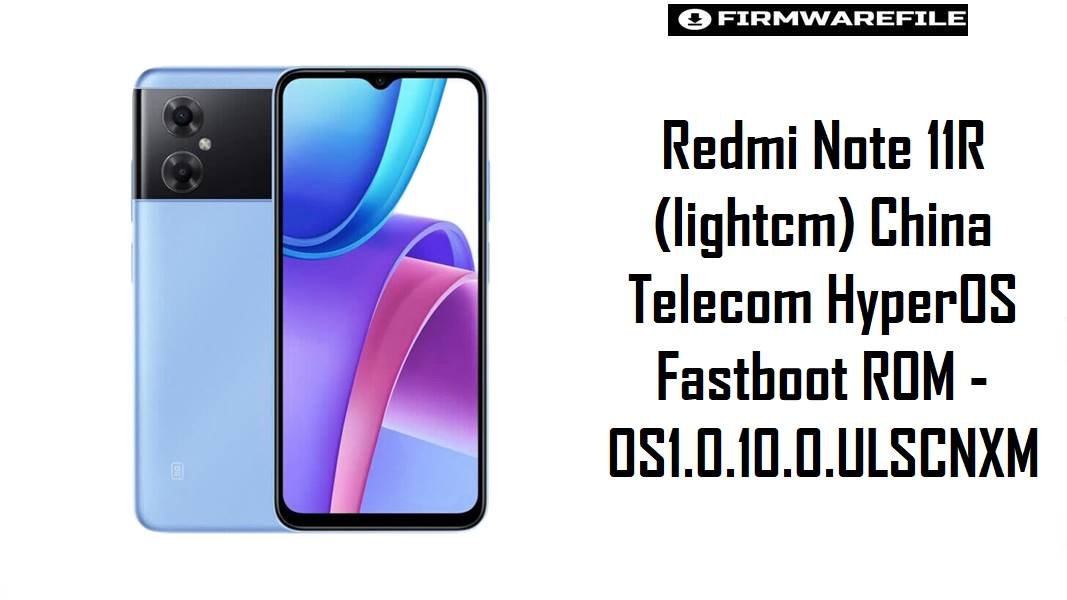
Redmi Note 11R (codename lightcm) is an entry‑level 5G phone widely used on China Telecom, and many owners report sluggish home‑screen transitions, occasional freezes, and app reloads after long‑term MIUI use or partial HyperOS OTA upgrades. The HyperOS 1.0.10.0.ULSCNXM fastboot firmware below provides a clean, China‑Telecom‑specific system image that can restore stability, apply newer Android 14 fixes, and resolve issues caused by failed or incomplete updates when flashed correctly.
Download Firmware for Redmi Note 11R (lightcm)
This section lists the provided fastboot ROM for the China Telecom variant of Redmi Note 11R. It targets the lightcm codename only and is newer than many earlier MIUI 14 releases, with a HyperOS Android 14 base. For other regions or for the similar Redmi Note 11E (light codename), different builds must be used to avoid hard‑brick risks.
Variant choice note: This HyperOS fastboot package is specific to Redmi Note 11R with codename lightcm and China Telecom branding; Redmi Note 11E and other “light” devices use different firmware (for example, OS1.0.x.0.ULSCNXM for light on Redmi Note 11E) and cross‑flashing between light and lightcm is unsafe. When in doubt, confirm codename via fastboot before using this image.
Complete Device & Firmware Overview
- Device Name:
- Redmi Note 11R (China Telecom)
- Codename:
lightcm(distinct fromlighton Redmi Note 11E)- SoC / Platform:
- MediaTek Dimensity‑series 5G platform used in Redmi Note 11R, optimized for entry‑level 5G performance and battery efficiency.
- Target Network:
- China Telecom configuration with carrier‑specific modem and APN profiles.
- Firmware Family:
- HyperOS 1 Stable, Android 14 base (OS1.0.10.0.ULSCNXM).
- ROM Type:
- Fastboot ROM (
lightcm_images_*.tgz) for Xiaomi Flash Tool on Windows; full system image intended for clean installs and repairs. - Previous Branches:
- MIUI 13/14 builds like V14.0.2.0.TLSCNXM, later migrated to HyperOS OS1.0.x.0 for
lightcm. - Security Patch Level:
- Mid‑2024 Android security patch (varies slightly by sub‑release but newer than early MIUI 14 builds).
- Typical Improvements:
- HyperOS updates for this device focus on smoother desktop navigation, reduced UI freezes, improved wallpaper handling after reboot, and fixes to automation/task behaviors that occasionally failed on earlier versions.
- Flash Method:
- Xiaomi Flash Tool / Mi Flash in fastboot mode using Windows PC.
- Bootloader & ARB:
- Official China HyperOS builds respect Xiaomi’s anti‑rollback (ARB) rules; flashing older branches below the current ARB level can hard‑brick the device, so downgrades require careful version checks.
- Archive Format:
.tgzarchive, roughly 5.3 GB compressed and significantly larger after extraction.- Required Tools:
- Xiaomi USB drivers, fastboot drivers, Xiaomi Flash Tool, Windows PC, and a stable USB‑C cable.
CRUCIAL WARNING: This fastboot ROM is strictly for Redmi Note 11R with codename lightcm and China Telecom configuration; it must not be flashed to Redmi Note 11E (light) or any other Redmi/Xiaomi/POCO models, because cross‑flashing across codenames can permanently brick the device via partition and modem mismatches.
Official lightcm_images_*.tgz fastboot packages usually wipe user data when used with Xiaomi’s fastboot tools, and choosing options like “clean all and lock” with a mismatched region or after modifications can relock the bootloader and cause bootloops, network loss, or anti‑rollback failures.
Preparation Before Flashing
Click here for the Redmi Note 11R (lightcm) pre‑flash checklist
- Confirm exact codename and carrier: Boot into fastboot mode and ensure the device reports
lightcmand is a China Telecom Redmi Note 11R, not a Redmi Note 11E (light) or other variant. - Backup data completely: HyperOS fastboot flashing commonly performs a full wipe; backup contacts, SMS, photos, and app data via Mi Cloud, Google, or a PC before proceeding.
- Charge the battery: Maintain at least 60% charge to avoid power loss during flashing, which can corrupt system partitions and require advanced repair steps.
- Install drivers and tools: On a Windows PC, install Xiaomi USB/ADB drivers, fastboot drivers, and the Xiaomi Flash Tool; verify that fastboot detects the phone correctly before loading the ROM.
- Use a reliable USB‑C cable: Prefer the original or high‑quality cable and a direct motherboard USB port to minimize random disconnects while flashing the 5+ GB HyperOS package.
Quick Firmware Flash Instructions
This high‑level guide summarizes flashing the lightcm_images_OS1.0.10.0.ULSCNXM_... fastboot ROM using Xiaomi’s fastboot tool on a Windows PC.
- Prepare PC & ROM files: Install Xiaomi USB and fastboot drivers plus Xiaomi Flash Tool, then download the
lightcm_images_OS1.0.10.0.ULSCNXM_...archive and fully extract it to a short path such asC:\lightcm_romto avoid folder path issues. - Enter fastboot mode on Redmi Note 11R: Power off the phone, then hold Volume Down + Power until the fastboot logo appears, and connect it to the PC via USB.
- Configure Xiaomi Flash Tool: Launch the tool, select the extracted ROM folder as the firmware path, and choose the “clean all” option to perform a fresh install while keeping the bootloader state unchanged; avoid “clean all and lock” unless running the exact original China Telecom ROM.
- Start flashing: Click “refresh” to confirm the device is detected, then press “flash” and wait for the process to finish; do not unplug the device or close the program until a success message appears, as the tool flashes multiple partitions sequentially.
- First boot & optimization: After completion, Redmi Note 11R will reboot into HyperOS; the first boot may take several minutes while the system optimizes apps and reloads China Telecom configurations, after which UI smoothness and stability should improve compared with problematic MIUI or partial OTA states.
For a comprehensive, screenshot‑based walkthrough of Xiaomi fastboot flashing—including driver troubleshooting—refer to the detailed Xiaomi Fastboot Firmware Guide, which explains the Xiaomi Flash Tool process step by step and applies directly to lightcm HyperOS fastboot ROMs.
Frequently Asked Questions (FAQs)
- Q1. Is OS1.0.10.0.ULSCNXM the latest HyperOS firmware for Redmi Note 11R (lightcm)?
- OS1.0.10.0.ULSCNXM is currently listed as a stable HyperOS Android 14 build for Redmi Note 11R China (lightcm) on major firmware trackers, newer than early MIUI 14 releases for this device.
- Q2. Can this lightcm HyperOS ROM be flashed on Redmi Note 11E or other “light” devices?
- No; Redmi Note 11E uses codename
light, and both modem and partition layouts differ, so flashinglightcm_images_OS1.0.10.0.ULSCNXMon alightdevice risks permanent brick. - Q3. Will a clean fastboot flash of OS1.0.10.0.ULSCNXM help with freezes or desktop delay issues?
- HyperOS issue reports mention improvements to desktop page responsiveness, wallpaper handling, and automation bugs in newer builds, and a clean fastboot flash often eliminates leftover MIUI or cache conflicts that can cause stutters.
- Q4. Is the China Telecom HyperOS ROM suitable for use on other Chinese carriers?
- While it may function on other networks, carrier configuration and VoLTE tuning are optimized for China Telecom; best results usually come from using firmware tailored to the phone’s original carrier profile.
- Q5. Can this ROM be installed via the built‑in Updater instead of fastboot?
- For most users, recovery/OTA packages are installed through the Updater, whereas
lightcm_images_*.tgzis a fastboot package intended for Xiaomi Flash Tool and more advanced repair or clean‑install scenarios.

💬 Comments