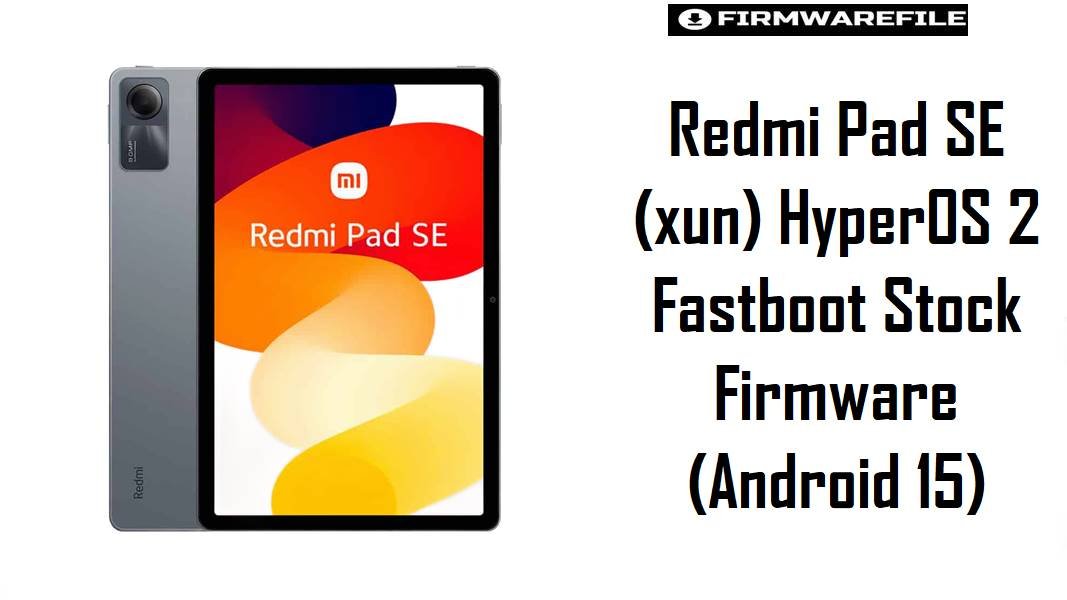
Redmi Pad SE (codename xun) is a budget-friendly 11-inch tablet built around Snapdragon 680, designed for streaming, reading, and light productivity rather than heavy gaming.
Because it targets everyday use, the most frustrating real-world issues tend to be sudden heat during simple apps and battery drain that feels worse after a major HyperOS update.
The official fastboot ROMs below help by reinstalling the full system cleanly (often fixing “messy update” leftovers), improving stability and restoring predictable performance—when you flash the exact matching region build.
Download Firmware Files for Redmi Pad SE (xun)
Variant match tip: Redmi Pad SE is widely identified as codename xun (models like 23073RPBFG/23073RPBFC/23073RPBFL), so verify your exact region tag (CNXM/MIXM/EUXM/INXM/IDXM/TWXM/TRXM/RUXM) before flashing.
Complete Device & Firmware Overview
- Device name
- Redmi Pad SE.
- Codename
xun.- Known model numbers
- 23073RPBFG / 23073RPBFC / 23073RPBFL (market-dependent).
- Chipset
- Qualcomm Snapdragon 680 (6nm), up to 2.4GHz.
- Display
- 11-inch FHD+ class display (budget multimedia-focused).
- Firmware type
- Official Xiaomi fastboot ROM packages (
*.tgz). - Android version
- Android 15 (as encoded in your filenames).
- Build numbers (this post)
- CNXM: OS2.0.206.0; Global: OS2.0.205.0; EEA: OS2.0.203.0; RU: OS2.0.203.0; IN: OS2.0.202.0; ID: OS2.0.202.0; TW: OS2.0.201.0; TR: OS2.0.202.0.
- Flash method
- Fastboot flashing via Xiaomi Flash Tool / MiFlash on Windows.
- Bootloader / lock rules
- Xiaomi’s bootloader lock guidance matters because locking with mismatched software can cause serious problems, so the “lock” option should be used only when restoring the correct stock branch.
- File size range
- 4.89GB–5.94GB (as provided).
CRUCIAL WARNING: These fastboot ROMs are strictly for Redmi Pad SE with codename xun; do not flash them on Redmi Pad (yunluo) or any other Xiaomi/Redmi device, because cross‑flashing can permanently brick the device.
Fastboot flashing commonly wipes user data, and Xiaomi warns about bootloader lock behavior—so avoid “lock” options unless the ROM and region exactly match your tablet’s original software branch.
Preparation Before Flashing
Click here for the Redmi Pad SE (xun) pre‑flash checklist
- Confirm codename + model: Ensure your tablet is Redmi Pad SE (
xun) and not a different Redmi Pad family device. - Match region suffix: Pick the ROM whose suffix matches your unit (MIXM/EUXM/INXM/IDXM/TWXM/TRXM/RUXM/CNXM) to keep OTA behavior consistent.
- Back up what matters: Copy photos/files and app data you can export, because clean flashing is typically data-destructive.
- Charge and stabilize: Aim for 50%+ battery, use a reliable USB cable, and avoid hubs to reduce disconnect risk during flashing.
- Plan your “problem re-test”: After flashing, re-check the exact complaint you had (heat during normal apps or unusually fast drain) before reinstalling everything.
How to flash Firmware Files to Redmi Pad SE (xun)
This simplified guide covers flashing any of the listed fastboot ROMs—such as xun_eea_global_images_OS2.0.203.0.VMUEUXM_20251027.0000.00_15.0_eea_1aab6ecff0.tgz—using Xiaomi’s fastboot flashing tool on a Windows PC.
- Choose the correct ROM: Match your region (e.g., EUXM for Europe, MIXM for Global, CNXM for China) and prefer the newest build available for your region in the table.
- Prep the PC: Install Xiaomi USB drivers and MiFlash/Xiaomi Flash Tool, then extract the
.tgzto a short folder path. - Enter fastboot: Boot the tablet into fastboot mode and connect via USB so the tool detects it.
- Flash safely: Use a clean flash option and avoid relocking unless you are restoring the exact correct stock branch, since Xiaomi emphasizes bootloader lock behavior.
- First boot + optimization: Let the first boot finish fully, then test battery/temperature behavior again (heat can be higher during initial setup/indexing).
For a full, screenshot-based walkthrough of the same process, use: Xiaomi Flash tool.
Frequently Asked Questions (FAQs)
- Q1. What device is codename
xun? xunis the Redmi Pad SE codename (commonly listed with models like 23073RPBFG/23073RPBFC/23073RPBFL).- Q2. Why does my Redmi Pad SE get warm even when I’m not gaming?
- Xiaomi notes heat can rise when multiple background apps overload the CPU, which fits the “light apps but warm tablet” pattern many users describe.
- Q3. Which firmware should I use for a European Redmi Pad SE?
- Choose the EUXM build (
OS2.0.203.0.VMUEUXM) because region-match is the safest way to keep proper OTA/update-channel compatibility. - Q4. My Global Pad SE is MIXM but the MIXM file looks older—should I flash a newer EUXM/TRXM instead?
- No; region matching is usually more important than chasing the newest date, since cross-region flashing can cause update and configuration mismatches.
- Q5. Is the China (CNXM) ROM recommended for Global users?
- CNXM should be used only on China devices, because software branches differ and cross-flashing can create long-term compatibility problems.
- Q6. What’s the biggest mistake people make when flashing Redmi Pad SE firmware?
- Flashing the wrong codename (not
xun) or using a lock option on a mismatched ROM—Xiaomi’s own bootloader lock guidance highlights that lock behavior matters.

💬 Comments