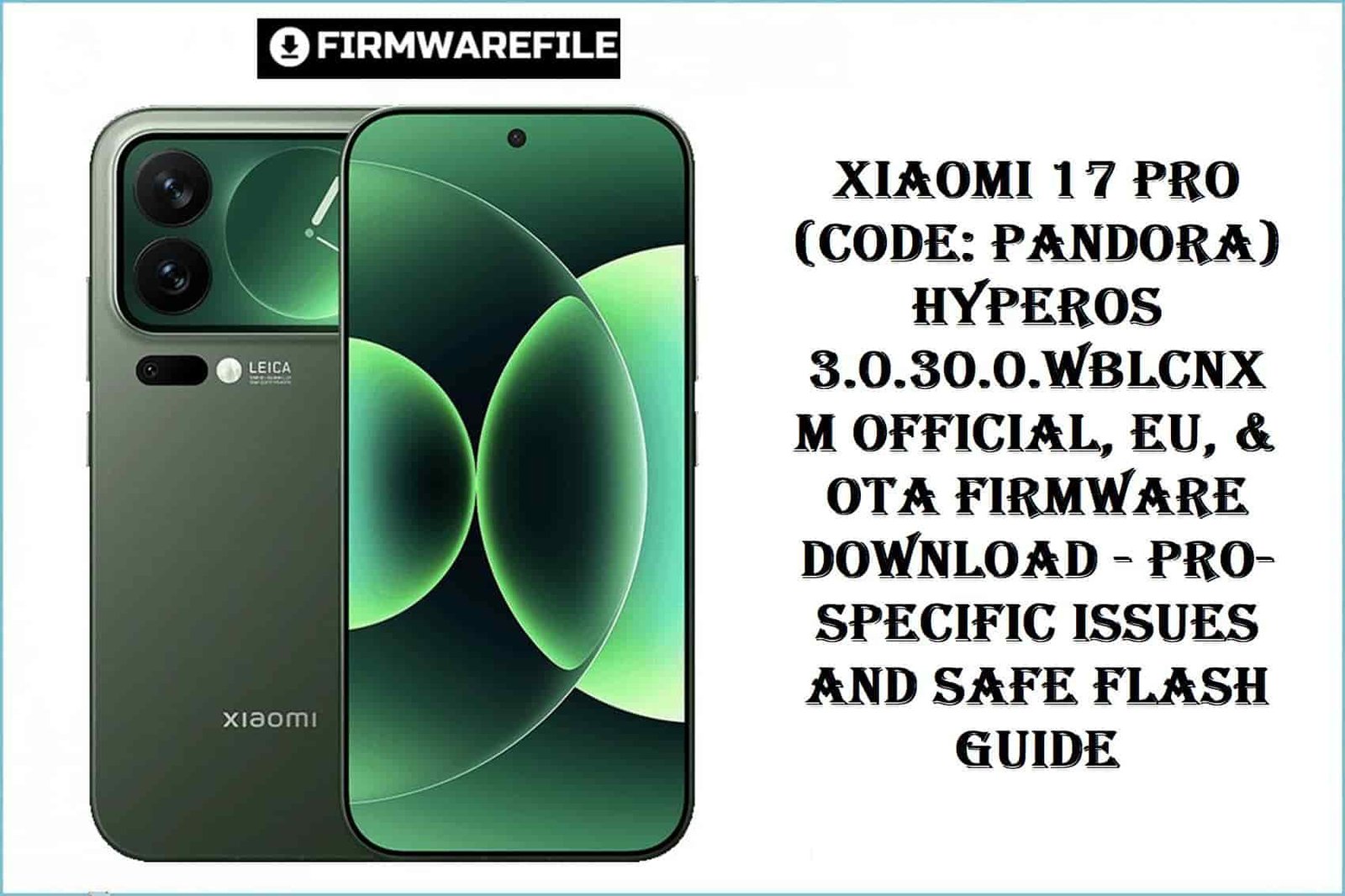
The Xiaomi 17 Pro (“pandora” – WBLCNXM), released September 2025, stands out for its premium Snapdragon 8 Elite Gen 5 chipset, Leica triple optical lens array, and ultra-thin LTPO AMOLED display.
Supported storage configurations range up to 1TB UFS 4.1 and RAM up to 16GB. While HyperOS 3 adds intelligent power management and enhanced privacy, user feedback reveals persistent mobile data instability, inconsistent system gesture controls, battery drain, and notifications delay—especially with early OTA and EU ROM builds.
Notably, Pro and Max models are NOT cross-compatible—flashing “pandora” firmware to Max/vanilla devices can brick modem partitions or disable biometric sensors.
Flashing Xiaomi 17 Pro firmware—China, EU, or OTA—requires bootloader verification. Operator, regional, and storage variants demand strict model code confirmation before proceeding. Users who ignore hardware or region restrictions report loss of carrier signal, “No Service” screens, and Google Wallet inoperability.
CRUCIAL WARNING: The 17 Pro (“pandora”) firmware fits only the precise WBLCNXM product code—never install it on Max, 17, or China-exclusive non-Pro devices. Always run fastboot getvar product to confirm! Flashing the wrong region, operator, or storage variant can cause permanent modem lock or bootloop. Bootloader must be unlocked for EU ROM. Use only official Mi Flash Tool for fastboot.
Prerequisites: Before You Begin
Click Here for the Essential Pre-Flashing Checklist
- Backup Everything: Local files, media, messages, app data – all are wiped.
- Confirm Exact Model: Xiaomi 17 Pro “pandora” WBLCNXM only (Settings, Fastboot).
- Charge Battery: 60% or more to avoid flash interruptions.
- Prepare Drivers & Software: Latest Xiaomi USB drivers, Mi Flash Tool, TWRP for EU ROM.
- Do Not Cross-Flash Pro/Max or China/Global: Partition scheme and hardware differ.
Xiaomi 17 Pro (“pandora”) HyperOS Firmware Details
- Device Name
- Xiaomi 17 Pro
- Model Codename
- pandora (WBLCNXM)
- Chipset
- Qualcomm SM8850-AC Snapdragon 8 Elite Gen 5 (3 nm), Octa-core (2×4.6 GHz Oryon V3 Phoenix L + 6×3.62 GHz Oryon V3 Phoenix M), Adreno 840
- Android Version
- 16; HyperOS 3
- Firmware Version
- OS3.0.30.0.WBLCNXM
- Build Date
- 2025-10-31 (from filename)
- File Sizes
- 10.86GB (Fastboot), 8.01GB (EU ROM), 7.61GB (OTA ZIP)
- Install Types
- Fastboot, OTA, Custom EU ZIP
- Notable Specs
- Leica camera, UFS 4.1, multi-region, rapid charging 100W
- Known Real-World Issues
- Mobile data drops, gesture bugs, “System does not respond” lockups, laggy notifications after update
Required Tools & Downloads
Xiaomi 17 Pro (“pandora”) HyperOS 3.0 Firmware Download Table
Quick Flashing Guide
- Download Xiaomi USB drivers and Mi Flash Tool. Extract
pandora_images_OS3.0.30.0.WBLCNXM_20251031.0000.00_16.0_cn_10f2bcba9f.tgzon your PC. - Boot device to Fastboot (hold Volume Down + Power), connect via USB.
- In Mi Flash Tool, select the extracted “images” folder, click “Flash.”
- Wait for success, disconnect, boot to system.
Step-by-Step Xiaomi Flashing Guide
Quick EU ROM Flash Guide
- Unlock the bootloader via Xiaomi official global portal.
- Install TWRP, push
xiaomi.eu_PANDORA_OS3.0.305.0.WBLCNXM_16.zipto storage. - Flash in TWRP, wipe cache/dalvik, reboot.
Quick OTA Flash Guide
- Copy
pandora-ota_full-OS3.0.30.0.WBLCNXM-user-16.0-85f4d1660a.zipto device storage. - Go to System Update > Menu > Choose update package.
- Install and wait for automatic reboot.
Frequently Asked Questions (FAQs)
- Q1. Mobile data stops working after update—what’s the fix?
- Wipe cache/dalvik in TWRP or do a clean flash. Mobile data and SIM bugs are common on cross-region updates.
- Q2. “System does not respond” and random lockups?
- ‘System does not respond’ errors occur post-update. Reboot, or clean flash latest firmware. Avoid restoring old app data directly.
- Q3. Notifications are delayed or intermittent—HyperOS 3 bug?
- Reported by many users with early OTAs and EU builds. Disable battery optimization for messaging apps and check background limits.
- Q4. Can I flash “pandora” on Max or base Xiaomi 17?
- No – “pandora” WBLCNXM is strictly for 17 Pro. Cross-model flash disables modem and biometric sensors permanently.

💬 Comments