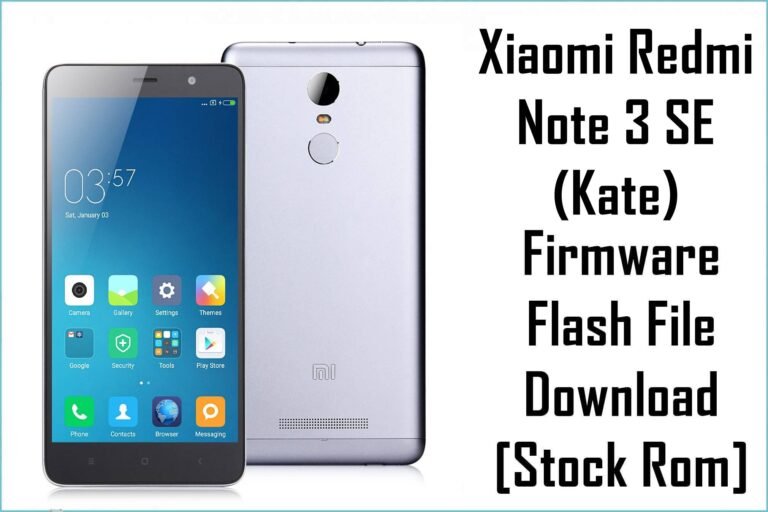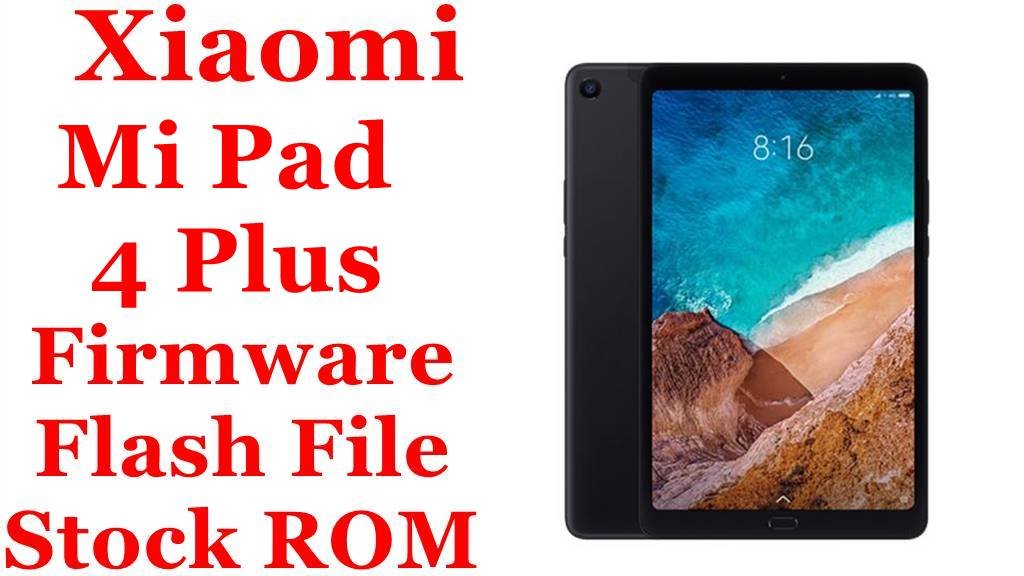
Xiaomi Mi Pad 4 Plus Firmware Flash File Download [Stock ROM]
The Xiaomi Mi Pad 4 Plus (codename clover) was the larger-screen variant of the Mi Pad 4, featuring a 10.1″ display and a massive 8620 mAh battery. Like its smaller sibling, it was only sold in China—meaning there is no official Global ROM.
This page serves as the central hub for official stock firmware (China Fastboot ROMs) and provides essential information for maintaining your device.
⚠️ Critical Warning: Always confirm your device codename is clover before flashing. The Mi Pad 4 and Mi Pad 4 Plus use identical firmware, but using files for a different model will permanently brick your device.
Quick Device Specs
- Device: Mi Pad 4 Plus (10.1″)
- Chipset: Qualcomm Snapdragon 660 AIE
- Battery: 8620 mAh
- Original OS: Android 8.1 Oreo, MIUI 9
- Final Official OS: Android 8.1 Oreo, MIUI 10
Required Tools & Drivers
| File / Tool | Download Link |
|---|---|
| Xiaomi Mi Flash Tool | Latest Version |
| Xiaomi USB Drivers | Separate Driver Pack |
| Bootloader Unlock Tool | Official Unlock Page |
Firmware & ROMs
| Type | Region / Variant | Version (Build) | Android | Download |
|---|---|---|---|---|
| Fastboot ROM (Stock) | China (Developer Beta) | 9.8.29 | 8.1 Oreo | Official Link |
FAQs (Firmware)
Q1. Is this firmware compatible with the standard Mi Pad 4? Yes. Both the Mi Pad 4 (8″) and Mi Pad 4 Plus (10.1″) share the codename clover and use identical firmware.
Q2. Is this a stable or beta ROM?
This is a Developer Beta ROM (9.8.29). For the latest stable ROM (V10.3.2.0.ODJCNXM), please refer to the standard Mi Pad 4 firmware page.
Q3. What’s the final Android version available officially?
Android 8.1 Oreo. Xiaomi never released Android 9 or higher for this device series.
Next Steps
📥 You’ve now got the official ROM files and required tools. 👉 For a step‑by‑step flashing and troubleshooting guide, read our full Mi Pad 4 / 4 Plus Flashing/Unbrick Tutorial