
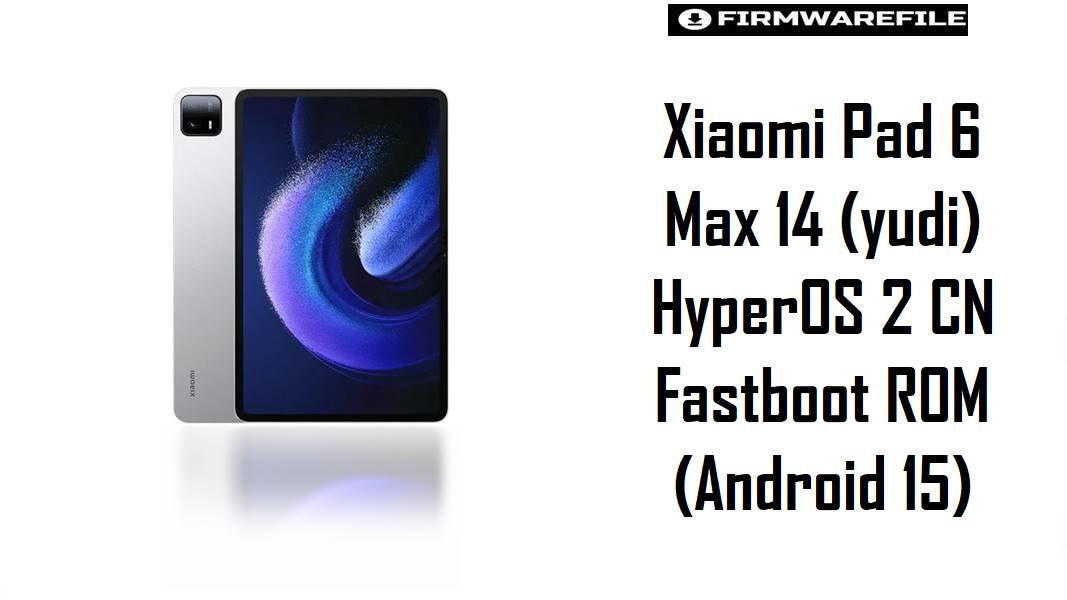
Xiaomi Pad 6 Max 14 (yudi) HyperOS 2 CN Fastboot ROM (Android 15)
Xiaomi Pad 6 Max 14 (codename yudi) is Xiaomi’s extra-large 14-inch tablet built for media, multitasking, and productivity on a Snapdragon 8+ Gen 1 platform.
Users often report HyperOS-related frustrations like battery drain after major updates and unexpected overheating during regular use, which is especially annoying on a big-screen tablet meant for long sessions.
The firmware file below provides a clean, official HyperOS 2 base for yudi (China branch), which can help restore stability, reduce post-update glitches, and fix system-level bugs that persist even after normal resets—if it matches your exact device and region.
Download Firmware for Xiaomi Pad 6 Max 14 (yudi)
Variant match tip: “yudi” is used for Xiaomi Pad 6 Max 14; confirm codename/track before flashing because cross-flashing can cause boot or update-channel issues.
(Caution — compact): Flash only if your tablet is Xiaomi Pad 6 Max 14 (yudi) on the CNXM track. Wrong model/region, corrupted archives, or risky lock options can wipe data or cause boot problems—verify codename and ROM channel before flashing.
| Filename | Region/Variant | Build Number | Build Date | Android Version | Flashing Method | Notes | File Size | Download |
|---|---|---|---|---|---|---|---|---|
| yudi_images_OS2.0.209.0.VMHCNXM_20251106.0000.00_15.0_cn_f2ee656fdb.tgz | China (CNXM) | OS2.0.209.0.VMHCNXM | 2025-11-06 | Android 15 | Xiaomi Flash Tool (Fastboot.tgz) | Recommended only for Xiaomi Pad 6 Max 14 (yudi) running the CNXM track; a clean fastboot reinstall is a common last-step fix for update-triggered drain/heat and stubborn UI issues.If your tablet is Global/EEA, do not cross-flash this China ROM. |
7.28GB | Download From Xiaomi (bigota) |
Complete Device & Firmware Overview
- Device
- Xiaomi Pad 6 Max 14.
- Codename
yudi.- Chipset
- Qualcomm Snapdragon 8+ Gen 1.
- Battery
- 10000 mAh.
- Firmware type
- Official Xiaomi fastboot ROM (
.tgz). - Android version
- Android 15
- Build number
- OS2.0.209.0.VMHCNXM (China / CNXM).
- Release date (build timestamp)
- 2025-11-06.
- Flash method
- Fastboot flashing using Xiaomi Flash Tool / MiFlash on Windows.
- Bootloader rules
- Be cautious with any relock options—Xiaomi’s bootloader lock guidance highlights that locking behavior matters and mistakes can cause serious issues.
- Package size
- 7.28GB.
CRUCIAL WARNING: This fastboot ROM is strictly for Xiaomi Pad 6 Max 14 with codename yudi. Do not flash it to Redmi Pad SE (xun), Pad 6 (pipa), or any other Xiaomi tablet/phone codename, because cross‑flashing can permanently brick the device.
Fastboot flashing commonly wipes user data, and Xiaomi’s bootloader lock guidance means “lock” actions should only be used when fully restoring the correct original stock branch.
Preparation Before Flashing
Click here for the Xiaomi Pad 6 Max 14 (yudi) pre‑flash checklist
- Confirm the codename: Ensure your device is Xiaomi Pad 6 Max 14 (
yudi) before downloading/flashing. - Confirm your ROM channel: This package is CNXM (China). If your tablet is on a different channel, do not force it.
- Back up everything: Treat fastboot flashing as data-destructive; export files, notes, and app data first.
- Battery + cable: Charge above 50% and use a stable USB cable/port to avoid mid‑flash interruptions.
- Re-test expectation: Battery drain after big updates can persist for a while (indexing/optimization), so test drain/heat again after the first boot and setup completes.
How to flash Firmware Files to Xiaomi Pad 6 Max 14 (yudi)
This simplified guide covers flashing yudi_images_OS2.0.209.0.VMHCNXM... using Xiaomi’s fastboot flashing tool on Windows.
- Select the correct firmware: Use this ROM only if your device is Xiaomi Pad 6 Max 14 (
yudi) and you specifically need the China CNXM build. - Prep the PC: Install Xiaomi Flash Tool/MiFlash and required drivers, then extract the
.tgzto a short folder path. - Enter fastboot mode: Boot the tablet into fastboot mode and connect it to the PC.
- Flash with safe options: Choose a standard clean flash option; avoid relocking unless restoring the exact correct stock branch.
- First boot check: After flashing, let the tablet fully optimize, then verify battery/temperature behavior and split-screen switching stability.
For the full, screenshot-based walkthrough, use the detailed guide: Xiaomi Flash tool.
Frequently Asked Questions (FAQs)
- Q1. What device is codename
yudi? yudiis used for Xiaomi Pad 6 Max 14.- Q2. Is this firmware Global or China?
- This package is CNXM (China) as shown in the build code and filename, so it’s intended for the China software track.
- Q3. Why does the tablet get warm after updating or right after a clean flash?
- Users often notice extra heat during post-update/post-flash optimization, and overheating complaints tend to spike when background tasks pile up.
- Q4. I can’t switch apps properly in split screen—does firmware help?
- Xiaomi notes split-screen switching issues can be improved by restarting and keeping software updated, so flashing the latest correct ROM can help if the issue is firmware-side.
- Q5. What’s the biggest mistake to avoid with this ROM?
- Flashing CNXM onto a non‑CN device or relocking on the wrong software branch—Xiaomi’s bootloader lock guidance warns that lock behavior matters and mistakes can be severe.


