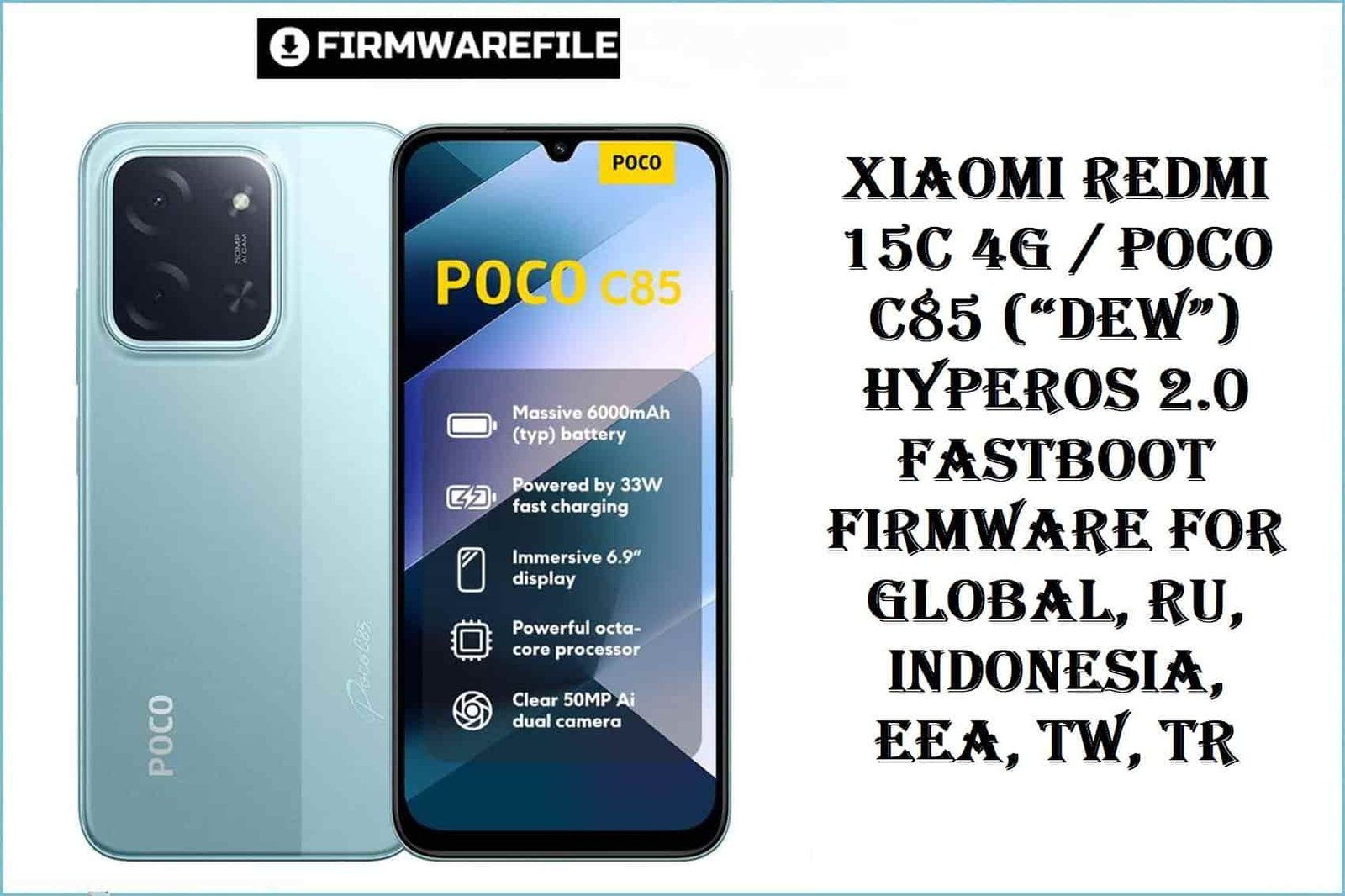
The Xiaomi Redmi 15C 4G (codename: dew), also rebadged as POCO C85, launched globally in 2025, is powered by a MediaTek Helio G81 Ultra (12nm) chipset, a 6.9-inch 120Hz IPS display, and a massive 5000mAh battery. It ships with Android 15 (HyperOS 2.0) and sees distinct firmware for each global region. Real user complaints often target regionally-mismatched flashing: NFC loss, OTA outage, and regional app incompatibilities are top risks. The device is value-packed, but resistant to region-hopping!
CRUCIAL WARNING:
Flashing the wrong regional firmware on Redmi 15C/POCO C85 (“dew”) permanently disables Google Pay, NFC, FM, or 4G in many cases. Always check your region variant (Settings > About, or fastboot getvar product) and only flash a matching ROM. There is no EDL (emergency) unbrick for this Mediatek platform! Do not relock the bootloader unless using a 100% region-matched ROM and tool.
Prerequisites: Before You Begin
Click Here for the Essential Pre-Flashing Checklist
- Backup Everything: Fastboot firmware flashing will wipe user data completely.
- Charge Battery: Minimum 50% is critical to avoid interruptions.
- Bootloader: Must be unlocked via Xiaomi’s official unlock tool.
- Right firmware: Confirm your region: Global, RU, Indonesia, EEA, TW, Turkey.
Redmi 15C / POCO C85 (“dew”) Firmware Details
- Codename
- dew
- Model/Brand
- Redmi 15C 4G / POCO C85
- Chipset
- MediaTek Helio G81 Ultra (12nm) Octa-core, Mali-G52 GPU
- Android Version
- Android 15, HyperOS 2.0
- RAM/Storage
- Varies by SKU: 4/6/8GB RAM, up to 256GB
- Battery
- 5000mAh, 33W Fast Charging
- Regions & ROMs
- Global, RU, Indonesia, EEA, Taiwan, Turkey
Required Tools & Downloads
Official “dew” HyperOS 2.0 Fastboot ROM Table
Quick Flashing Guide (Fastboot ROM)
- Unlock the bootloader using the official Xiaomi/Mi Unlock tool. Extract firmware (e.g.
dew_global_images_OS2.0.213.0.VBNMIXM_20251010.0000.00_15.0_global_a96de49a69.tgz). - Install MediaTek USB VCOM drivers. Extract and run the
Mi Flash Toolon your computer. - Boot the phone to Fastboot (power off, then hold Vol Down + Power). Connect to your PC.
- Load the
imagesfolder in Mi Flash Tool. Choose “clean all” and press “Flash”. - Wait for the success prompt, disconnect, and reboot the device.
Full step-by-step details:
Full Tutorial: Flash Xiaomi Firmware
Frequently Asked Questions (FAQs)
- Q1. Why is region-matching critical on ‘dew’?
- Firmware has different modem/network/NFC settings per region. Flashing a mismatched region disables some radios, Google or local services.
- Q2. What real-world problems does fastboot flashing solve for 15C/C85?
- Major fixes include bootloops, failed OTA, misbehaving local apps, and restoring broken network/NFC after corrupt custom ROM install.
- Q3. Why are there so many variants for Redmi 15C/POCO C85?
- Each region has distinct regulations, features, and carrier requirements. POCO C85 branding is used in some markets instead of Redmi 15C, but hardware is identical.

💬 Comments