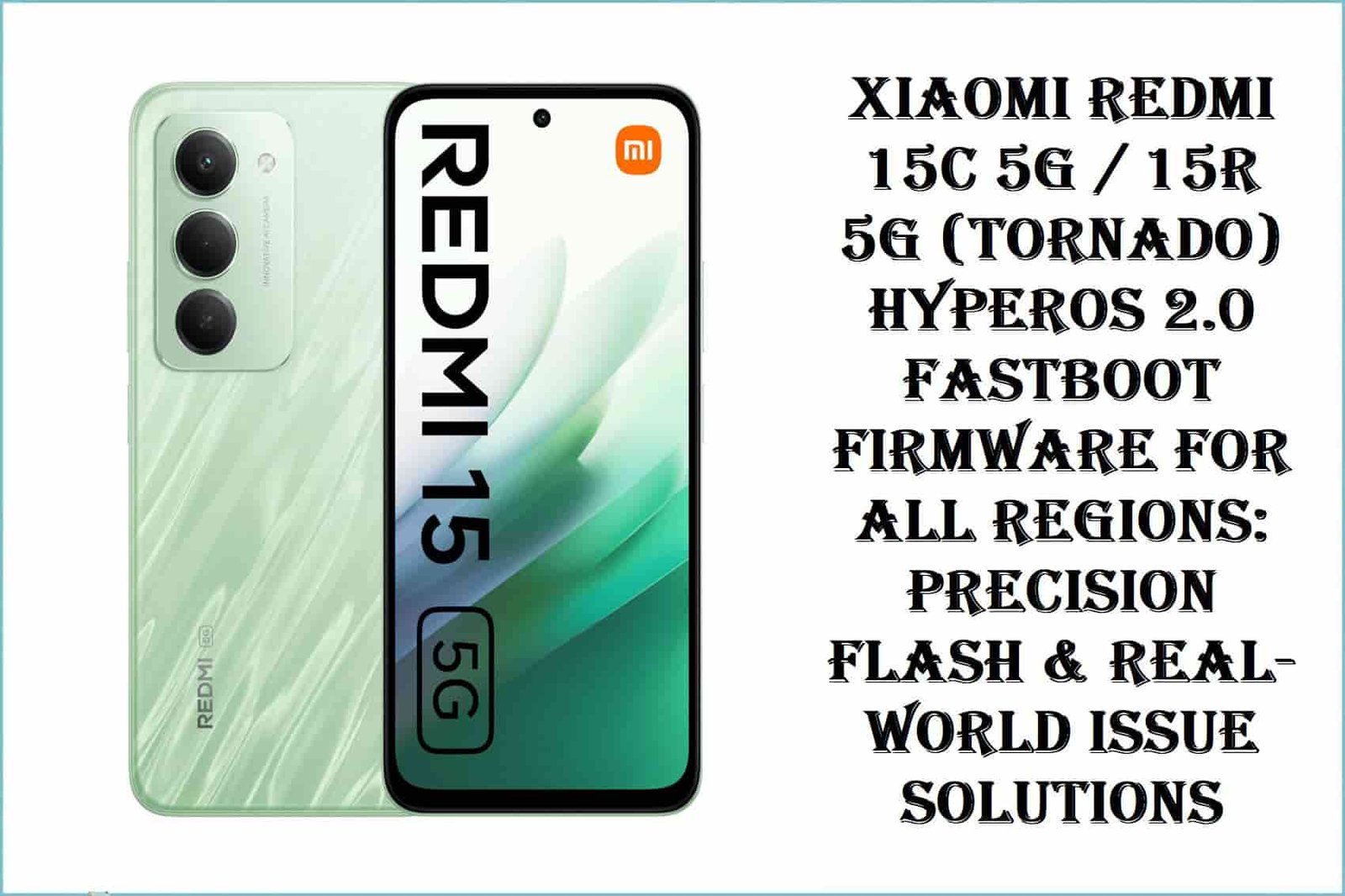
The Xiaomi Redmi 15C 5G / 15R 5G (codename: tornado) is a budget 5G device released in late 2025, powered by a MediaTek Dimensity 6300 (6nm) chipset, 6.9-inch 120Hz IPS LCD, and 6000mAh battery. Available globally—with Chinese, Indian, EEA, Turkey, and Global ROMs—users report region-specific network, NFC, and update bugs. RAM management frustration on 4GB models, bootloader delay, and Google Services issues are most cited online. Real-world flashing requires strict region and hardware matching.
CRUCIAL WARNING:
Redmi 15C 5G/15R 5G (tornado) hardware/firmware is strictly region-locked. Cross-flashing a CN ROM onto Global, EEA, IN, or TR hardware causes permanent Google Service loss, NFC/SIM issues, and disables future OTA updates. Always verify model code with fastboot getvar product before flashing. Google Dialer bugs after TR/IN region flash are common—avoid relocking bootloader unless absolutely certain. No EDL unbrick for Dimensity 6300 phones!
Prerequisites: Before You Begin
Click Here for the Essential Pre-Flashing Checklist
- Backup your data: Fastboot ROM flash wipes all user content.
- Charge battery: At least 50% to prevent dropouts.
- Bootloader: Must be unlocked. Check in Settings > Developer Options or via Fastboot.
- Region match: Choose the firmware exactly matching your sales region (CN, Global, EEA, TR, IN).
Xiaomi Redmi 15C / 15R 5G (“tornado”) Firmware Details
- Device Codename
- tornado (Redmi 15C 5G / 15R 5G)
- Chipset
- MediaTek Dimensity 6300, Octa-core (2×2.4 GHz Cortex-A76 & 6×2.0 GHz Cortex-A55), Mali-G57 MC2 GPU
- Android Version
- Android 15, HyperOS 2.0
- RAM/Storage
- 4GB/6GB/8GB RAM, 128GB/256GB storage (microSD up to 1TB)
- Battery
- 6000mAh, 33W Fast Charging
- Display
- 6.9-inch 120Hz HD+ IPS LCD
- Regions & ROMs
- China (CN), Global, EEA, Turkey (TR), India (IN)
Required Tools & Downloads
Redmi 15C/15R 5G “Tornado” HyperOS 2.0 Fastboot ROM Table
Quick Flashing Guide (Fastboot ROM)
- Unlock bootloader officially. Download & extract the exact firmware:
tornado_global_images_OS2.0.203.0.VPOMIXM_20250923.0000.00_15.0_global_4b3b40dfd0.tgz(or your region variant). - Install MediaTek USB VCOM drivers. Extract and run Mi Flash Tool on your PC.
- Boot phone to Fastboot (hold Vol Down + Power). Connect device to PC.
- Load the extracted
imagesfolder in Mi Flash Tool. Select “clean all” and click “Flash.” - Wait for confirmation popup. Disconnect and boot normally.
For the full procedure, refer to:
Full Tutorial: How to Flash Xiaomi Firmware
Frequently Asked Questions (FAQs)
- Q1. Why do I need region-matched firmware for Tornado?
- Regional firmware controls SIM/network, Google Services, and NFC. China ROM disables GMS—flashing global/EEA/IN firmware may break device if bootloader isn’t properly unlocked.
- Q2. What real-world issues does flashing fix for 15C/15R 5G?
- Flashing official firmware can repair bootloops, regional Google bugs, RAM allocation issues, and battery calibration failures. Always match ROM and hardware.
- Q3. What’s the most common user complaint on Redmi 15C/15R 5G?
- Memory management is poor on 4GB variants, NFC bugs are found with region mismatches, and Google Dialer issues are reported after IN/TR region flash.

💬 Comments