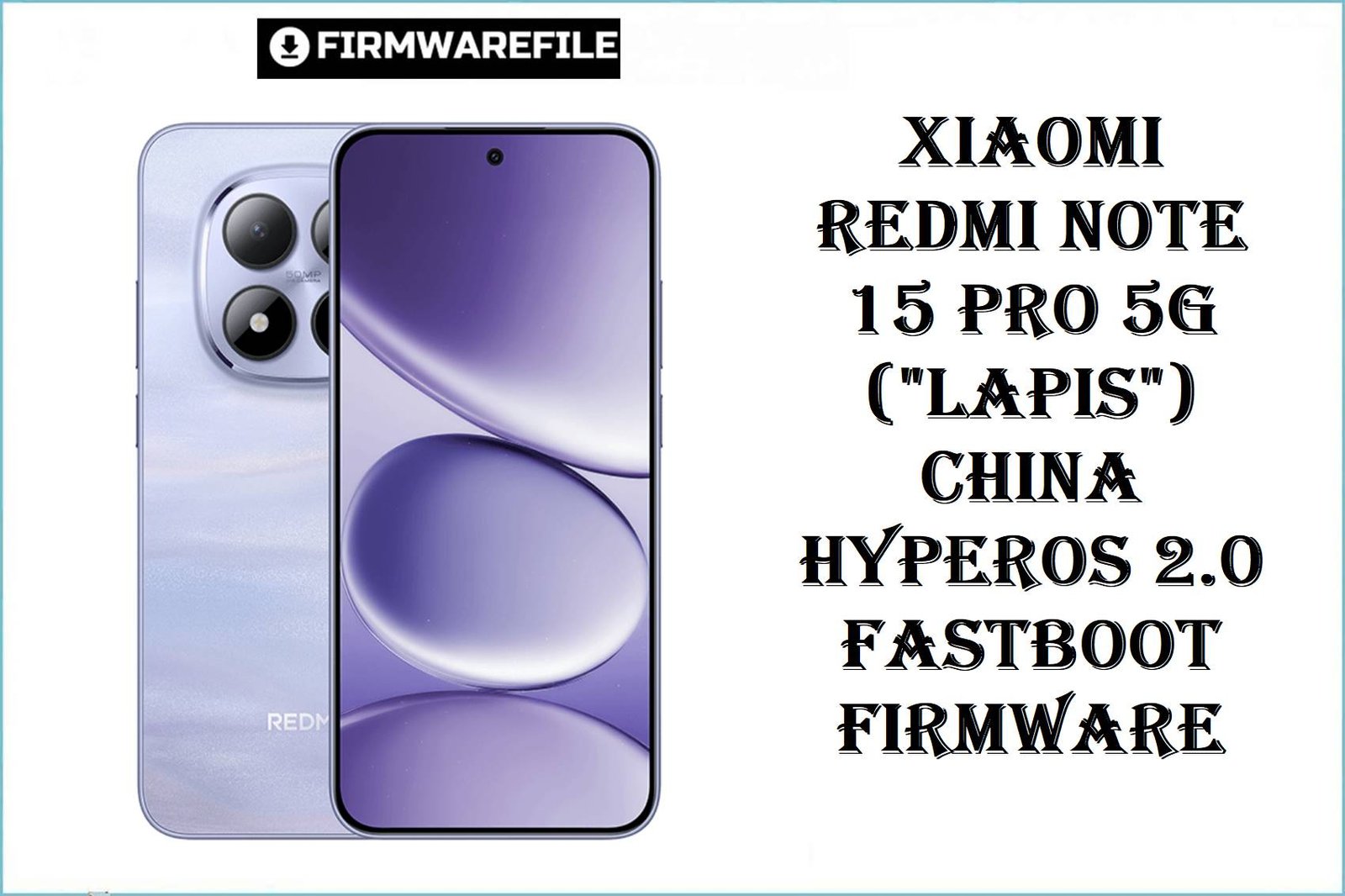
The Xiaomi Redmi Note 15 Pro 5G (codename: lapis) is one of Xiaomi’s most anticipated mid-range flagships of 2025, equipped with a MediaTek Dimensity 8300 Ultra (rumored, 4nm) chipset, up to 1TB fast UFS storage, and a 6000mAh battery with 67W turbo charge. Launched with Android 15-based HyperOS 2.0, real users in China praise its imaging but cite random battery drain and modem bugs after region misflashing. The lapis model is strictly made for the China market—compatibility problems appear fast when ROM is mismatched to hardware!
CRUCIAL WARNING:
This China ROM is region-locked to “lapis” hardware only! Flashing on a global or POCO variant disables NFC, modem, Google Play, and can cause bootloops and sensor loss. Do not downgrade to Android 14—hard brick risks are severe for Dimensity 8300 series, EDL unbrick is NOT possible! Always confirm via fastboot getvar product before proceeding.
Prerequisites: Before You Begin
Click Here for the Essential Pre-Flashing Checklist
- Backup critical files: ROM flashing will erase all user data and apps.
- Charge battery: At least 50% charge.
- Bootloader unlocked: Use Xiaomi’s official unlock tool on PC.
- Region check: Only flash on lapis models sold for China (“CNXM” ROMs).
Redmi Note 15 Pro 5G (“lapis”) China Firmware Details
- Codename
- lapis
- Device/Brand
- Xiaomi Redmi Note 15 Pro 5G (China)
- Chipset
- MediaTek Dimensity 8300 Ultra (unconfirmed, 4nm), Octa-core, Mali-G615 GPU
- Android Version
- Android 15, HyperOS 2.0
- RAM/Storage
- 8/12/16GB LPDDR5X RAM, 256GB/512GB/1TB UFS 4.0
- Battery
- 6000mAh, 67W turbo fast charging
- Display
- 6.78-inch FHD+ AMOLED 120Hz, 1800 nits
Required Tools & Downloads
Official Redmi Note 15 Pro “lapis” China Fastboot ROM (HyperOS 2.0)
Quick Flashing Guide (Fastboot ROM, China “lapis”)
- Unlock bootloader officially. Extract firmware:
lapis_images_OS2.0.208.0.VPPCNXM_20251103.0000.00_15.0_cn_3856022e01.tgz. - Install MediaTek USB VCOM drivers. Run Mi Flash Tool.
- Boot Redmi Note 15 Pro to Fastboot (Vol Down + Power while off). Connect to PC.
- Load firmware’s
imagesfolder in Mi Flash Tool, use “clean all”, click Flash. - Wait for confirmation, disconnect and reboot.
Full flashing steps:
Full Tutorial: How to Flash Xiaomi Firmware
Frequently Asked Questions (FAQs)
- Q1. Can I use lapis China ROM on global/other region?
- No. It will brick modem, disable NFC, and block Google services. Always region-match your hardware.
- Q2. What real issues does this fix for lapis buyers?
- Correct fastboot ROM flashing restores bootloops, update failures, and “stuck in recovery” on China-sold lapis devices only.
- Q3. Why not downgrade to AOSP or Android 14?
- HyperOS 2.0 checks block downgrade paths—users face boot failure (hard brick) and EDL deep flash does not work for these recent Dimensity models!

💬 Comments