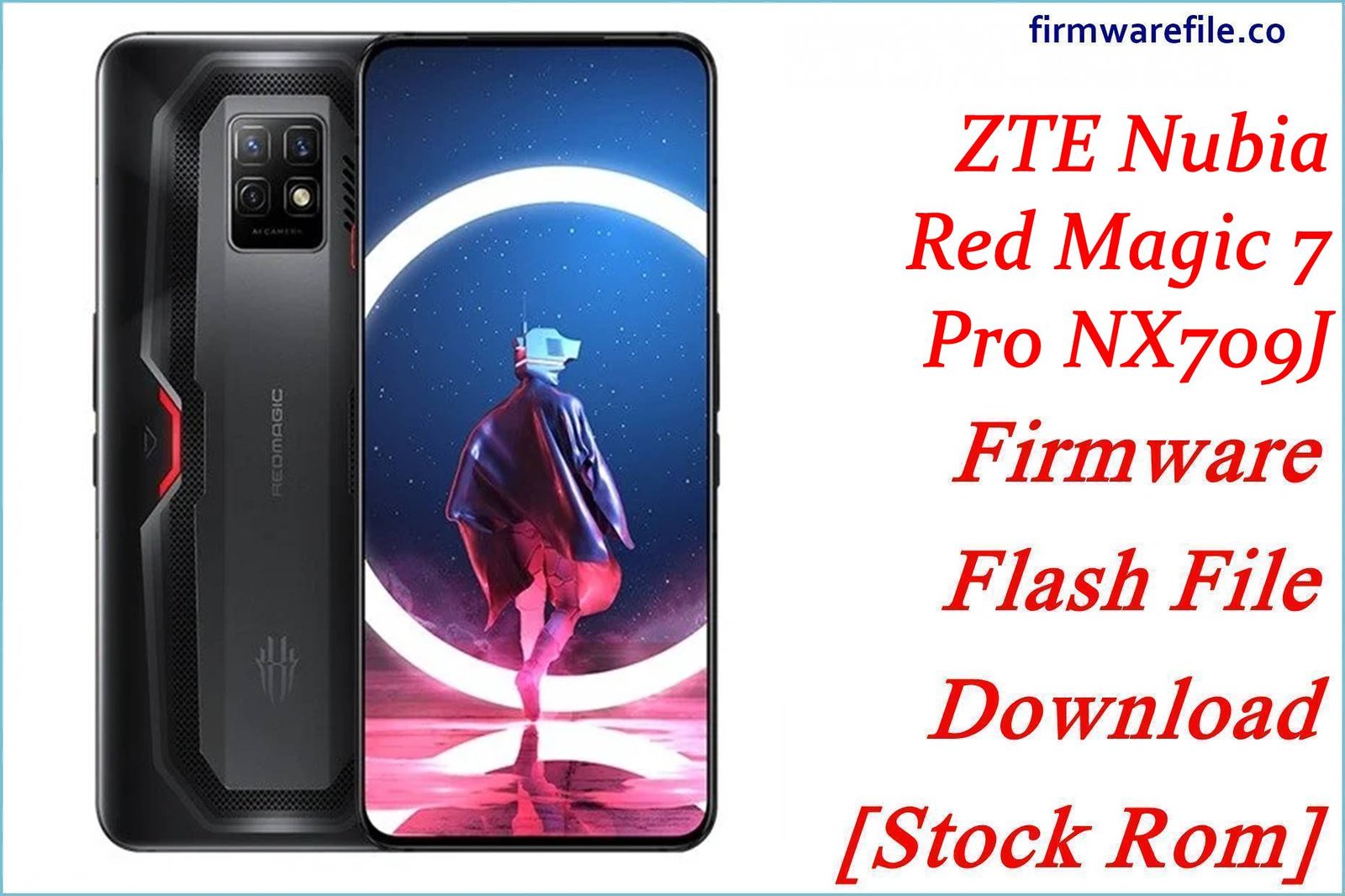
ZTE Nubia RedMagic 7 Pro (NX709J) Firmware Flash File Download [Stock Rom]
RedMagic 7 Pro (model NX709J) is a flagship gaming smartphone featuring the powerful Snapdragon 8 Gen 1 processor, built-in cooling fan, and gaming-centric features. If your device is experiencing software issues, performance optimization needs, or gaming-specific problems, flashing the correct firmware can help restore its peak performance. This page provides official OTA update packages for different versions and regions.
Important Note: The RedMagic 7 Pro uses a Qualcomm Snapdragon 8 Gen 1 processor with advanced gaming features. These are OTA update packages that require installation through the device’s stock recovery system, not fastboot flashing.
Quick Device Specs
- Device: RedMagic 7 Pro (NX709J)
- Release year: 2022
- Chipset: Qualcomm Snapdragon 8 Gen 1
- Display: 6.8″ AMOLED, 120Hz refresh rate, 960Hz touch sampling
- Battery: 5000 mAh with 65W fast charging
- Cooling: Built-in active cooling fan (20,000 RPM)
- Gaming Features: Shoulder triggers, Game Space, RGB lighting
- Original OS: Redmagic OS based on Android 12
Required Tools
| Tool / Utility | Purpose |
|---|---|
| Stock Recovery | Built-in recovery for OTA installation |
| File Manager | To move OTA zip to internal storage |
| ADB Tools (Optional) | For advanced installation |
OTA Update Packages
| Version | Android Base | Region | Download | Size |
|---|---|---|---|---|
| V2.38 | Android 12 | Global | Download | ~3.2 GB |
| V3.20 | Android 12 | Global | Download | ~3.5 GB |
| V4.14 | Android 13 | Global | Download | ~4.1 GB |
| V4.20 | Android 13 | Europe | Download | ~4.0 GB |
How to Install OTA Updates
- Download the OTA package appropriate for your current version and region.
- Transfer the ZIP file to your device’s internal storage (root directory or download folder).
- Go to Settings > System Update > Local Update.
- Select the OTA file and confirm installation.
- Wait for the process to complete. The device will reboot automatically.
- Do not interrupt the installation process once started.
FAQs
Q1. Can I downgrade to an older version using these OTA packages?
No, OTA packages typically don’t allow downgrading to previous versions due to:
-
Security patch level restrictions
-
Bootloader and partition changes
-
Potential compatibility issues
-
System integrity protections
Always install updates in sequential order for stability.
Q2. What’s the difference between global and European versions?
The main differences include:
-
Network bands optimized for different regions
-
Language support and regional settings
-
Legal compliance with local regulations
-
Pre-installed apps and services
Use the version matching your device’s original region.
Q3. Why is my device overheating during gaming sessions?
Despite the active cooling system, the Snapdragon 8 Gen 1 can generate significant heat:
-
Ensure the cooling fan is functioning properly
-
Clean fan vents from dust accumulation
-
Use performance modes appropriately
-
Avoid covering ventilation areas during gameplay
-
Keep device software updated for thermal optimization
Q4. Can I install these updates on rooted devices?
Installing official OTA updates on rooted devices will:
-
Likely remove root access
-
Potcause installation failures
-
May trigger security verifications
-
Require re-rooting after update completion
Always backup data before updating modified devices.
Troubleshooting (RedMagic 7 Pro Specific)
- OTA installation fails: Ensure you’re installing the correct version sequentially. You cannot skip versions – install updates in order (V2.38 > V3.20 > V4.14 > V4.20).
- Insufficient storage error: OTA updates require significant free space. Clear at least 5GB of storage and try again.
- Cooling fan not working: Check Game Space settings to ensure fan control is enabled. Clean vents from dust blockage.
- Shoulder triggers unresponsive: Update to latest firmware and calibrate triggers in settings. Test in different game modes.
- Battery draining quickly during gaming: This is normal during intensive gaming. Use the included 65W charger for quick top-ups between sessions.
- Network connectivity issues: Ensure you’re using the correct regional version. Different versions optimize for specific network bands and carriers.