
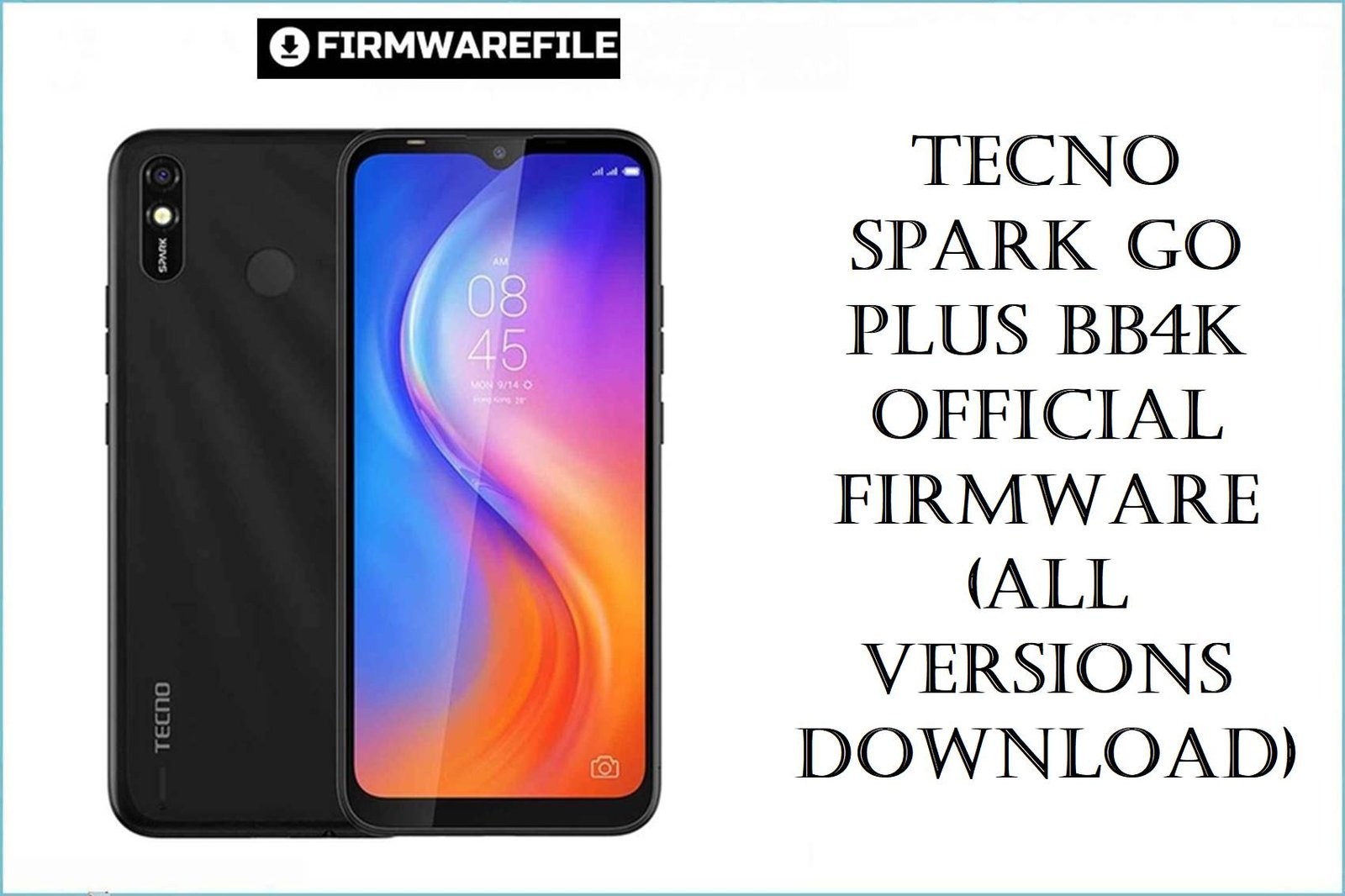
Tecno Spark Go Plus BB4K Official Firmware (All Versions Download)
The Tecno Spark Go Plus BB4K is an affordable 6.52‑inch Android 9 Pie phone built on the Helio A22 MT6761 platform with 2 GB RAM and 32 GB storage, aimed at budget users who still want a big display and 4,000 mAh battery life. Over time, many owners report slow and laggy performance, screen freezes, overheating, fast battery drain, and Spark‑series devices stuck on the Tecno logo after failed updates or resets.
The firmware packages below are official BB4K scatter ROMs for Tecno Spark Go Plus (and board‑compatible Spark 4 Lite BB4K) that technicians use to fix bootloops, remove FRP or lock issues, clean malware, and restore stable stock performance.
Complete Device & Firmware Overview
- Device Name
- Tecno Spark Go Plus (board ID BB4K), marketed in some regions alongside the Tecno Spark 4 Lite BB4K which shares the same MT6761 platform and firmware family.
- Board / Firmware Codes
- Board codename BB4k with firmware branches like de>BB4k-H6114V-PGo-IN-xxxxxVyy and de>BB4k-H6114UVW-PGo-xxxxxVyy used across India (IN), Turkey (TR) and UVW/global service builds.
- Chipset & Platform
- MediaTek Helio A22 (MT6761) quad‑core CPU, entry‑level GPU, and LTE modem, limiting high‑end gaming but adequate for light social and everyday apps when the system is clean.
- Memory, Storage & Display
- 2 GB RAM and 32 GB internal storage with microSD expansion, paired with a 6.52‑inch 720×1600 (20:9) LCD panel. Low RAM and nearly full storage are key reasons for lag and freezes reported by Spark Go users.
- Battery & Endurance
- Non‑removable 4,000 mAh battery rated for a full day of mixed use; heavy background apps and misconfigured software can still cause noticeable overheating and fast drain.
- Software Version
- Ships with Android 9 Pie and HiOS 5.5.x, with all listed BB4K firmwares remaining on Android 9 (there is no official Android 10+ upgrade for this platform).
- Firmware Type
- Scatter‑based stock ROMs (factory/signed) for MT6761, packed as ZIP files that contain full partition images suitable for SP Flash Tool (and Tecno Flash Tool) on Windows.
- Update & Security Level
- Version numbers (V24, V35, V48, V55, V60, V64, V66, V79, V90, V92, V94, V137) track incremental Android 9/HiOS maintenance releases from late 2019 through late 2021, typically including performance tuning and security patches.
- Regions / Variants
- “IN” builds target Indian retail units, “TR” targets Turkey, while “UVW” builds act as global/service packages and are also used in Spark 4 Lite BB4K support threads.
- Typical Problems These ROMs Fix
- Hang on logo, bootloops, FRP lock after reset, forgotten password/pattern, “unfortunately app has stopped” errors, malware/“monkey virus” auto‑install apps, baseband/IMEI issues and dead‑boot from bad flashes are all commonly addressed by full BB4K firmware flashes.
- Flashing Method
- All listed builds are flashed via SP Flash Tool in Download mode using the included de>MT6761_Android_scatter.txt file and MediaTek VCOM drivers; some secure units may additionally require MTK auth‑bypass tools.
- Bootloader & Locks
- These are factory‑signed stock ROMs intended for unbranded repair; flashing them will not SIM‑unlock the phone but will usually remove FRP, user locks, and most software‑side malware when a full clean download is used.
CRUCIAL WARNING: These MT6761 scatter ROMs are only for Tecno Spark Go Plus / Spark 4 Lite devices with board ID BB4k (H6114V / H6114UVW); flashing them to other Tecno or non‑MTK phones can cause permanent hard‑brick or loss of network.
Each file is region‑tuned (for example IN for India, TR for Turkey, UVW for global/service), so you should normally match the same code and version family already shown in your current build string instead of cross‑flashing at random.
SP Flash Tool downloads overwrite critical partitions and often wipe user data; any mistake in scatter selection, cable connection or power during flashing can leave the phone stuck on logo or dead‑boot, requiring professional MTK repair tools to recover.
Download Firmware for Tecno Spark Go Plus BB4K
For most users, the safest choice is the latest full IN or TR/UVW firmware that matches the original region of the phone, such as de>BB4k-H6114V-PGo-IN-211103V94 for Indian devices or de>BB4k-H6114UVW-PGo-211026V137 for UVW/global units. Older 2019–2020 builds are mainly useful for downgrades, compatibility tests or specific service‑center procedures.
text
| Filename | Region / Variant | Build & Date | Android / HiOS | Method | File Size | Notes | Download |
|---|---|---|---|---|---|---|---|
| BB4k-H6114V-PGo-IN-211103V94.zip | BB4K H6114V – India (IN) | V94 – 2021‑11‑03 | Android 9 Pie / HiOS 5.5.x | SP Flash Tool | 1.18 GB | Latest known IN full stock ROM for Tecno Spark Go Plus BB4K; recommended for Indian units with serious lag, bootloops or software corruption. | Download from Filewale |
| BB4k-H6114UVW-PGo-211026V137.zip | BB4K H6114UVW – UVW/global service | V137 – 2021‑10‑26 | Android 9 Pie / HiOS 5.5.x | SP Flash Tool | 1.2 GB | High‑version UVW service build, often used on Spark Go Plus or Spark 4 Lite BB4K when the phone originally shipped with a UVW/unknown region firmware. | Download from MediaFire |
| BB4k-H6114V-PGo-IN-210901V92.zip | BB4K H6114V – India (IN) | V92 – 2021‑09‑01 | Android 9 Pie / HiOS 5.5.x | SP Flash Tool | 1.18 GB | Stable late‑2021 IN firmware; good fallback if V94 is unavailable or if a customer prefers to stay on the same branch they originally received OTA. | Download from MediaFire |
| BB4k-H6114V-PGo-IN-210705V90.zip | BB4K H6114V – India (IN) | V90 – 2021‑07‑05 | Android 9 Pie / HiOS 5.5.x | SP Flash Tool | 1.18 GB | Mid‑2021 IN build; mainly useful for troubleshooting specific app or modem issues after later updates. | Download from MediaFire |
| BB4k-H6114V-PGo-IN-210115V79.zip | BB4K H6114V – India (IN) | V79 – 2021‑01‑15 | Android 9 Pie / HiOS 5.5.x | SP Flash Tool | 1.15 GB | Early‑2021 full ROM; technicians may use this to downgrade from problematic later builds when specific bugs appear. | Download from MediaFire |
| BB4k-H6114V-PGo-IN-200915V64.zip | BB4K H6114V – India (IN) | V64 – 2020‑09‑15 | Android 9 Pie / HiOS 5.x | SP Flash Tool | 373 MB | Smaller‑size package that may be partial or incremental; best reserved for experienced technicians who know its exact use, not for general one‑click unbrick. | Download from MediaFire |
| BB4k-H6114V-PGo-IN-200812V60.zip | BB4K H6114V – India (IN) | V60 – 2020‑08‑12 | Android 9 Pie / HiOS 5.x | SP Flash Tool | 1.15 GB | Full IN ROM from mid‑2020, often used when an older customer wants to stay on a very early, “lighter” HiOS revision after repair. | Download from MediaFire |
| BB4k-H6114V-PGo-IN-200526V55.zip | BB4K H6114V – India (IN) | V55 – 2020‑05‑26 | Android 9 Pie / HiOS 5.x | SP Flash Tool | 1.15 GB | Earlier IN build; primarily a fallback when later updates cause rare regressions on specific hardware batches. | Download from MediaFire |
| BB4k-H6114V-PGo-IN-200414V48.zip | BB4K H6114V – India (IN) | V48 – 2020‑04‑14 | Android 9 Pie / HiOS 5.x | SP Flash Tool | 1.15 GB | One of the first mass‑deployed IN firmwares; still useful for downgrades or when matching phones that never received later OTAs. | Download from MediaFire |
| BB4k-H6114UVW-PGo-200112V66.zip | BB4K H6114UVW – UVW/global | V66 – 2020‑01‑12 | Android 9 Pie / HiOS 5.x | SP Flash Tool | 1.17 GB | Factory/signed UVW firmware widely referenced in Spark 4 Lite BB4K repair guides; good for unbricking BB4K units that originally shipped with a UVW build. | Download from MediaFire |
| BB4k-H6114V-PGo-IN-191216V24.zip | BB4K H6114V – India (IN) | V24 – 2019‑12‑16 | Android 9 Pie / early HiOS 5.x | SP Flash Tool | 1.14 GB | Very early IN baseline firmware; keep for historical downgrades, FRP/lock work or phones that never updated beyond launch build. | Download from MediaFire |
| BB4k-H6114UVW-PGo-TR-191201V35.zip | BB4K H6114UVW – Turkey (TR) | V35 – 2019‑12‑01 | Android 9 Pie / HiOS 5.x | SP Flash Tool | 1.17 GB | Launch‑era TR firmware specifically tuned for Turkish Spark Go Plus / Spark 4 Lite BB4K devices. | Download from MediaFire |
Which file is right for you? Match four things: Tecno model branding (Spark Go Plus / Spark 4 Lite), board ID BB4K, region code (IN, TR, UVW) and choose the newest version number in that same family (for example V94 > V92 > V90).
Preparation Before Flashing
Click here for the Tecno Spark Go Plus / Spark 4 Lite BB4K pre‑flash checklist
- Confirm exact device & build: In Settings > About phone (or recovery), verify the name (Spark Go Plus or Spark 4 Lite), board ID BB4K, and the current build string (for example de>BB4k-H6114V-PGo-IN-20xxxxVyy).
- Backup everything important: Full scatter flashes usually erase apps and data; copy photos, WhatsApp, contacts and documents to microSD, PC or cloud before starting.
- Charge and use a reliable cable: Keep battery above 50% and use a short, good‑quality USB cable on a stable Windows PC USB port to avoid interruptions mid‑flash.
- Install MTK drivers & tools: Install MediaTek USB/VCOM drivers, SP Flash Tool and any required MTK auth‑bypass utility referenced by your preferred BB4K flashing guide.
- Extract firmware & verify: Fully extract each ZIP to its own folder, confirm the de>MT6761_Android_scatter.txt file is present, and avoid mixing images from different versions in a single flash session.
Quick Firmware Flash Instructions
This high‑level guide summarizes how technicians flash any of the listed BB4K ROMs (for example de>BB4k-H6114V-PGo-IN-211103V94.zip or de>BB4k-H6114UVW-PGo-200112V66.zip) with SP Flash Tool on a Windows PC.
- Prepare drivers and tools: Install MTK VCOM/USB drivers, extract SP Flash Tool, and set up any MTK auth‑bypass method required for secure Tecno BB4K devices.
- Load scatter file: Extract the chosen firmware ZIP, open SP Flash Tool, click “Scatter‑loading” and select the included de>MT6761_Android_scatter.txt from the BB4k folder.
- Select download mode: For most repairs, keep “Download Only” with all default partitions ticked; only use “Format All + Download” if a trusted Tecno/BB4K guide specifically instructs you to.
- Connect the phone: Power the Spark Go Plus / Spark 4 Lite completely off, click “Download” in SP Flash Tool, then connect the device via USB so it is detected in preloader mode and flashing begins automatically.
- Wait for success and reboot: After the green success checkmark, disconnect the cable, power on the phone and allow several minutes for the first boot and app optimization to complete.
For a detailed, screenshot‑rich tutorial including driver troubleshooting, error codes and secure MTK auth‑bypass steps, follow the main SP Flash Tool guide for MediaTek smartphones together with the MTK auth‑bypass article, then simply select the correct extracted BB4K firmware folder whenever the guide asks you to choose a ROM.
Frequently Asked Questions (FAQs)
- Q1. Which BB4K firmware should I choose for my Tecno Spark Go Plus?
- Always start by matching region and board: if your current build shows de>BB4k-H6114V-PGo-IN-… then choose the latest IN file (ideally de>BB4k-H6114V-PGo-IN-211103V94), while TR or UVW phones should use the matching TR/UVW builds like V35 or V137. Flashing the correct region usually avoids network glitches, language issues and OTA incompatibility later.
- Q2. Will a clean flash fix lag, freezing and overheating on my Spark Go Plus?
- Many lag and overheating cases on Helio A22/2 GB devices come from bloated apps, malware and corrupt data rather than hardware faults, and technicians frequently report big improvements after a full stock BB4K flash with data wipe. You will still need to keep free storage, avoid heavy games and remove “booster” apps to maintain smooth performance over time.
- Q3. Can these ROMs unbrick a BB4K stuck on logo or dead after a bad update?
- Yes, these factory/signed scatter ROMs are exactly what many repair videos and guides use to revive Tecno Spark Go Plus / Spark 4 Lite BB4K phones that hang on logo or appear dead‑boot after a failed flash or OTA. Success still depends on healthy eMMC/UFS hardware and a stable SP Flash procedure with correct DA/auth settings.
- Q4. What issues do these firmware files not solve?
- Stock ROM flashes cannot fix physical damage like broken displays, faulty batteries, dead power ICs or damaged storage chips, and they will not unlock a SIM‑locked network. If a BB4K keeps rebooting or showing storage errors even after a clean flash, hardware diagnostics at a service center are recommended.
- Q5. Is it safe to flash a UVW build on a phone that originally had an IN or TR build?
- Advanced users and service centers sometimes cross‑flash between IN and UVW/TR when the exact original file is unavailable, but this always carries risk of subtle issues (network bands, VoLTE, OTA, language packs), so regular users should stick to their matching region whenever possible. If cross‑flashing is unavoidable, keep a backup of NVRAM/NVdata and test calls, data and sensors carefully afterwards.
- Q6. Can I use these files just to remove FRP or screen lock on BB4K?
- Full downloads will remove FRP and user locks when flashed with a “clean” option, and some guides show how to erase only FRP partitions using SP Flash Tool on Tecno Spark 4 Lite / Go Plus BB4K. However, bypassing FRP on a phone that is not yours may be illegal in your region, so only service devices you own or have explicit permission to repair.