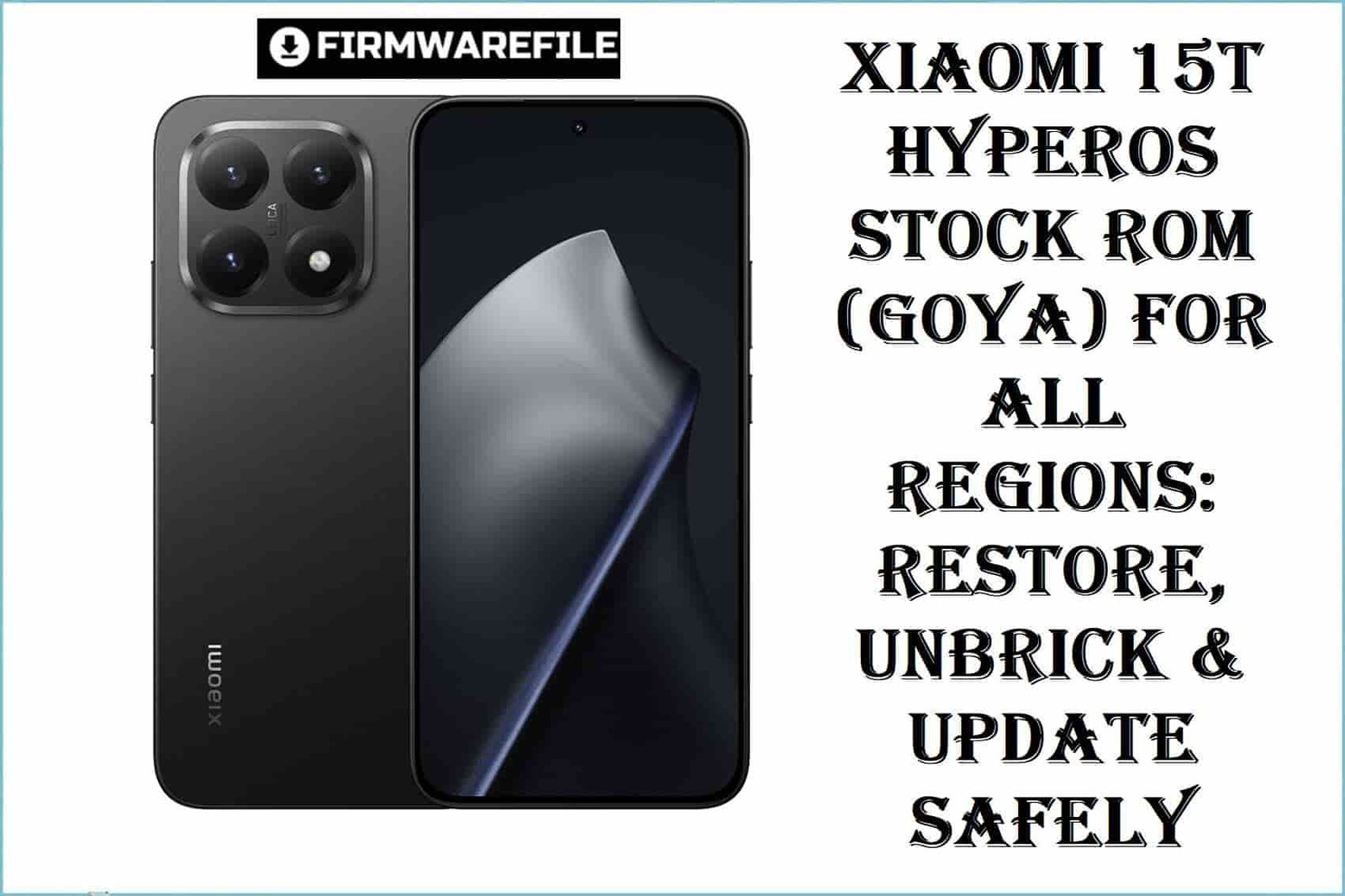
Xiaomi 15T HyperOS Stock ROM (goya) for All Regions: Restore, Unbrick & Update Safely
Announced in September 2025, the Xiaomi 15T (codename: goya) is powered by the cutting-edge MediaTek Dimensity 8400 Ultra (4nm) chipset, features a vibrant 6.83-inch AMOLED display, Android 15 (now upgradable to 16/HyperOS 3), and a robust 5500mAh battery. While praised for its performance and camera, real-world user reports reveal battery drain, network drops, and update instability—making official firmware restoration essential for advanced users and repair professionals alike.
CRUCIAL WARNING:
Xiaomi 15T (goya) uses a MediaTek Dimensity 8400 Ultra chipset. Mi Flash Tool/Fastboot ROM flashing WILL ERASE ALL DATA, and Mi Account/bootloader status may block installation. Flashing the wrong regional variant (Global, EEA, RU, ID, TR, TW) can cause critical network or software incompatibilities. Do NOT lock the bootloader after flashing unless certain, as a misstep can hard-brick the phone (EDL flash is NOT supported). If downgrading OS or switching branches, always review anti-rollback policies.
Prerequisites: Before You Begin
Click Here for the Essential Pre-Flashing Checklist
- Full Backup: All user data will be deleted. Save contacts, photos, and accounts to cloud/PC.
- Charge Your Device: At least 50% battery to prevent disruption.
- PC & USB: Requires Windows computer and original USB-C cable.
- Bootloader: Must be unlocked for Fastboot flashing. Check at Settings > Developer Options.
Xiaomi 15T (“goya”) Firmware Details
- Device Name
- Xiaomi 15T
- Codename
- goya
- Chipset
- MediaTek Dimensity 8400 Ultra (4nm), Octa-core, Mali-G720 MC7 GPU
- Android Version
- Android 15 (upgradeable to Android 16, HyperOS 3+)
- Supported Regional ROMs
- Global, EEA, RU, ID, TR, TW
- Battery
- 5500mAh (non-removable), 67W wired charging
- Display
- 6.83-inch 1220×2772 AMOLED, 120Hz, Dolby Vision
- Special Features
- IP68 rating, Leica triple camera, UFS 4.1 storage, in-display fingerprint
Required Tools & Downloads
| File / Tool | Download Link |
|---|---|
| Mi Flash Tool (latest, for MediaTek) | Download Mi Flash Tool |
| MediaTek USB Drivers | Download Drivers |
Xiaomi 15T Official Stock ROM / Firmware Downloads
| Filename | Build & Android Ver. | Region | Build Date | Size | Flashing Type | Notes | Download Link |
|---|---|---|---|---|---|---|---|
| goya_global_images_OS2.0.207.0.VOEMIXM_20251020.0000.00_15.0_global_d366fd9f3c.tgz | OS2.0.207.0 (HyperOS 2.0, Android 15) | Global | 2025-10-20 | 8.32GB | Fastboot (.tgz, via Mi Flash Tool) | Latest stable global build | Download |
| goya_ru_global_images_OS2.0.204.0.VOERUXM_20251017.0000.00_15.0_ru_927417c92e.tgz | OS2.0.204.0 (HyperOS 2.0, Android 15) | Russia / RU | 2025-10-17 | 8.11GB | Fastboot (.tgz, via Mi Flash Tool) | Region-specific (RU) apps & updates | Download |
| goya_id_global_images_OS2.0.207.0.VOEIDXM_20251028.0000.00_15.0_id_74cdee70b8.tgz | OS2.0.207.0 (HyperOS 2.0, Android 15) | Indonesia / ID | 2025-10-28 | 7.44GB | Fastboot (.tgz, via Mi Flash Tool) | Localized (ID) features / apps | Download |
| goya_eea_global_images_OS3.0.4.0.WOEEUXM_20251105.0000.00_16.0_eea_541876aaa5.tgz | OS3.0.4.0 (HyperOS 3.0, Android 16) | Europe / EEA | 2025-11-05 | 8.04GB | Fastboot (.tgz, via Mi Flash Tool) | First EEA build for Android 16/HyperOS 3 | Download |
| goya_tw_global_images_OS2.0.204.0.VOETWXM_20251014.0000.00_15.0_tw_7287c13ad1.tgz | OS2.0.204.0 (HyperOS 2.0, Android 15) | Taiwan / TW | 2025-10-14 | 6.74GB | Fastboot (.tgz, via Mi Flash Tool) | Official Taiwan ROM | Download |
| goya_tr_global_images_OS2.0.206.0.VOETRXM_20251020.0000.00_15.0_tr_2154792dde.tgz | OS2.0.206.0 (HyperOS 2.0, Android 15) | Turkey / TR | 2025-10-20 | 7.18GB | Fastboot (.tgz, via Mi Flash Tool) | Official Turkey ROM | Download |
Quick Flashing Guide
- Unlock the bootloader (see official Xiaomi guide). Download & extract the appropriate fastboot firmware, e.g.,
goya_global_images_OS2.0.207.0.VOEMIXM_20251020.0000.00_15.0_global_d366fd9f3c.tgz. - Install official MediaTek USB drivers. Extract and install the latest Mi Flash Tool.
- Boot Xiaomi 15T into Fastboot mode (power off, hold Vol Down + Power). Connect to PC.
- Load the firmware folder into Mi Flash Tool. Select “clean all” mode for safest restoration.
- Click “Flash.” Wait for 100% and a success indicator, then reboot.
See the full, step-by-step process at:
Full Tutorial: How to Flash Xiaomi Smartphones
Frequently Asked Questions (FAQs)
- Q1. Why are the Xiaomi 15T ROMs region-specific?
- Each region (Global, EEA, RU, ID, TW, TR) contains tweaks for network, apps, and legal compliance. Flashing a mismatched region may cause contactless payment, network, or NFC failures.
- Q2. The ROM flashes successfully, but my phone bootloops or loses signal. Why?
- Bootloops can occur if locked after flashing or after downgrading Android/HyperOS (anti-rollback issue). Always “clean all” and never relock the bootloader unless you are certain the ROM is for your region and model. Signal loss often happens if you flash the wrong regional firmware.
- Q3. What are the biggest Xiaomi 15T real-world issues this firmware might resolve?
- HyperOS 3.0 and 2.x patch issues like battery drain, app freezes, ghost touches, Wi-Fi instability, and random restarts. Network-specific ROMs resolve signal drop and local carrier issues, especially on EEA and RU builds after recent updates.