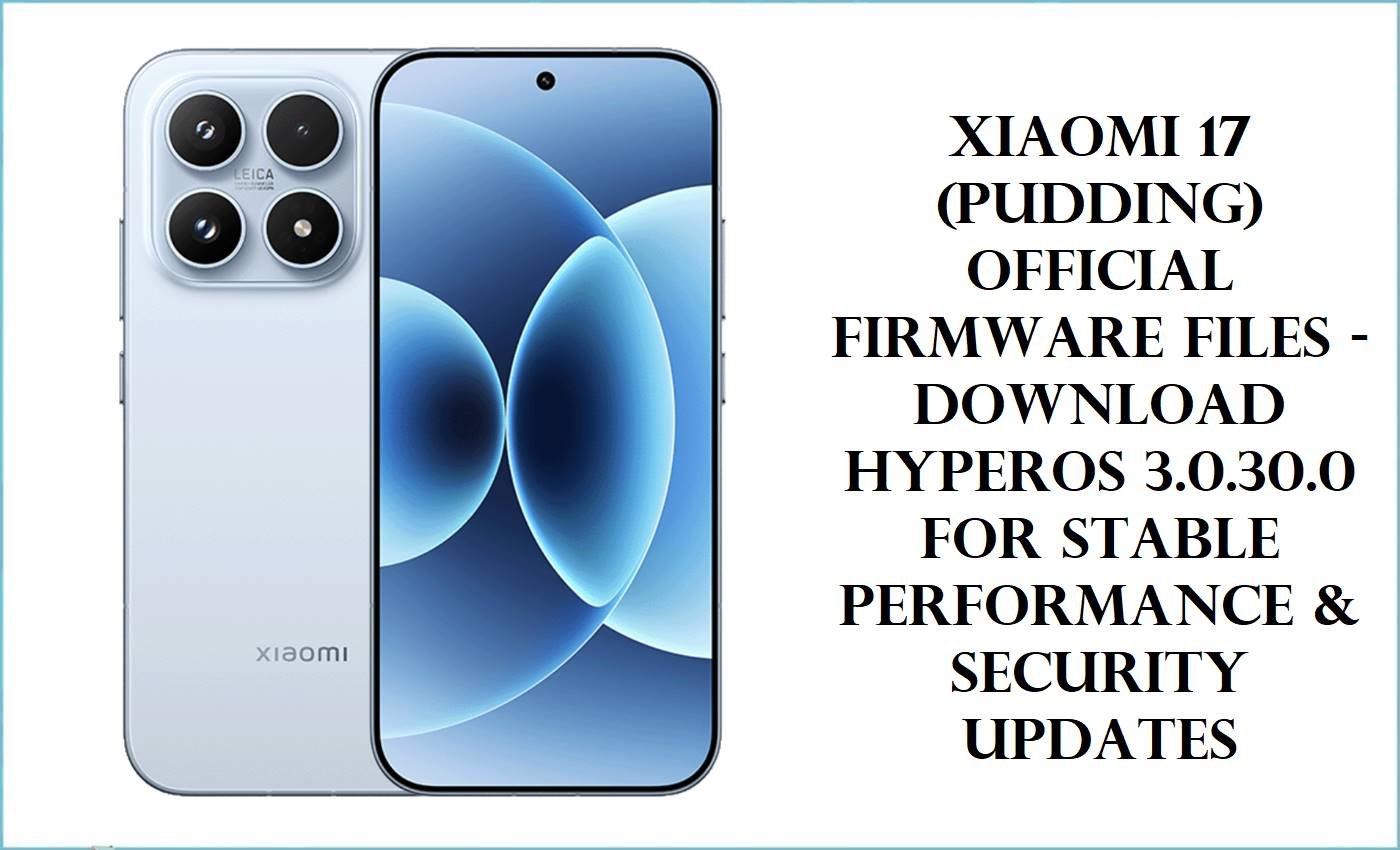
Xiaomi 17 “pudding” HyperOS 3.0 (OS3.0.30.0.WPCCNXM) Official & EU Firmware Download and Flashing Guide
Xiaomi 17 (Codename: pudding) received its HyperOS 3.0.30.0.WPCCNXM China and Global firmware in October 2025, furthering the flagship’s performance with the Snapdragon 8 Elite Gen 5. This model is notable for its high RAM/storage options, premium material finish, and wide release across regions. However, multiple user complaints have surfaced: frequent touch insensitivity after upgrading to HyperOS, complicated update and root processes on China firmware (especially without Google services), third-party launcher issues, and lower-than-expected benchmark scores. Community reports indicate bugs with notification delivery and some cases of network loss after updates. These issues appear frequently on forums and bug-report sites, so checking changelogs and backup strategies are crucial before flashing.
Flashing any firmware—China, EU, or OTA update—on the Xiaomi 17 (pudding) is safest using Xiaomi’s official tools (Fastboot, MiFlash, or OTA sideload). European ROMs (like xiaomi.eu) are popular for Google support and more languages but use unofficial methods for patching, so compatibility should be confirmed for your variant.
CRUCIAL WARNING: Major hardware differences exist between global and China Xiaomi 17 models. Flashing the wrong ROM (EU or China) may cause network, fingerprint reader, or boot issues. The device uses proprietary partitioning—never force flash across regions. Always verify your device “product” code in Fastboot (`fastboot getvar product`). If you are unsure, stop and research or consult the community first. Root or third-party ROM flashing voids warranty and may prevent future OTA updates.
Prerequisites: Before You Begin
Click here for essential pre-flashing checklist
- Data Backup: Save all files, media, and app data. Flashing resets everything.
- Confirm Device Variant: Global or China, verify in Fastboot (`fastboot getvar product`).
- Battery Charge: Minimum 60% recommended.
- Windows PC & USB-C Cable: Required for Fastboot or MiFlash.
- Official Tools: Use only verified MiFlash and Xiaomi software; EU ROM flashing requires TWRP or Fastboot with unlocked bootloader.
Xiaomi 17 “pudding” HyperOS Firmware Details
- Device Name
- Xiaomi 17
- Model Codename
- pudding (WPCCNXM)
- Chipset
- Qualcomm SM8850-AC Snapdragon 8 Elite Gen 5, Octa-core 4.6GHz (Oryon V3) + Adreno 840
- Android Version
- 16.0
- Firmware Version
- HyperOS 3.0.30.0.WPCCNXM
- Build Date
- 2025-10-31 (per firmware filename)
- File Sizes
- 10.31GB (Fastboot), 7.43GB (EU ROM), 7.09GB (OTA)
- Install Types
- Fastboot, OTA, Custom/EU (ZIP)
- Notable Features
- Flagship-class hardware, 16GB RAM, advanced cooling, multi-region release
Required Tools & Downloads
| File / Tool | Download Link |
|---|---|
| Mi Flash Tool | Download Tool |
| Xiaomi USB Drivers | Download Drivers |
| TWRP Recovery (custom ROM only) | Find Model-Specific TWRP |
Xiaomi 17 HyperOS Firmware Download Table
| Filename | Type | Version | Build Date | Size | Region | Install Method | Notes | Download Link |
|---|---|---|---|---|---|---|---|---|
pudding_images_OS3.0.30.0.WPCCNXM_20251031.0000.00_16.0_cn_e6021ff141.tgz |
Fastboot | OS3.0.30.0.WPCCNXM | 2025-10-31 | 10.31GB | China | Mi Flash Tool | Official, no Google services, Chinese/English UI only | Download |
xiaomi.eu_PUDDING_OS3.0.30.0.WPCCNXM_16.zip |
ZIP (EU ROM) | OS3.0.30.0.WPCCNXM | 2025-10-31 | 7.43GB | Europe/Global | TWRP or Fastboot (unlocked bootloader) | Multi-language, Google, unofficial, patched features | Download |
pudding-ota_full-OS3.0.30.0.WPCCNXM-user-16.0-1965e29755.zip |
OTA | OS3.0.30.0.WPCCNXM | 2025-10-31 | 7.09GB | China | Settings > About Phone > System Update > Choose update package | OTA sideload update, only for stock/unmodified system | Download |
Quick Flashing Guide
- Download Xiaomi USB drivers and Mi Flash Tool. Extract the firmware file
pudding_images_OS3.0.30.0.WPCCNXM_20251031.0000.00_16.0_cn_e6021ff141.tgzon your PC. - Reboot the phone to Fastboot (hold Volume Down + Power). Connect via USB.
- Open Mi Flash Tool, select the extracted “images” folder, and click “Flash.”
- Wait for the process to complete (green “Success” notice). Power up the device when done.
For step-by-step details, see: HyperOS & MIUI Xiaomi Firmware Flashing Guide
Quick OTA Flash Guide
- Transfer
pudding-ota_full-OS3.0.30.0.WPCCNXM-user-16.0-1965e29755.zipto phone storage. - Go to Settings > About Phone > System Update.
- Tap the three dots, then “Choose update package,” and select the ZIP file.
- Wait for the automatic update installation and restart.
For full OTA instructions, see: Manual OTA Update Guide
Quick EU ROM Flash Guide
- Unlock the bootloader via official Xiaomi method before flashing.
- Boot to TWRP/Recovery, transfer
xiaomi.eu_PUDDING_OS3.0.30.0.WPCCNXM_16.zipto storage. - Flash the ZIP via TWRP “Install.”
- Wipe cache/dalvik before rebooting to system.
Read: Xiaomi Custom/EU ROM Detailed Guide
Frequently Asked Questions (FAQs)
- Q1. I flashed the China ROM, but my Google services are missing—how do I fix?
- China ROM does not offer Google Services out of box. Use the EU ROM for Google support, or install Google apps manually but expect limits on push notifications and location.
- Q2. HyperOS 3 update caused touch or notification bugs—is there a fix?
- Many users report touch and notification issues on HyperOS 3.0. Try clearing cache in recovery and applying OTA updates. If persistent, roll back to previous stable firmware.
- Q3. EU ROM is stuck at boot or shows “Can’t verify” errors after flashing.
- This is usually a partition mis-match (wrong region/software). Re-flash official China or Global ROM. Confirm bootloader status and device code “pudding.”
- Q4. Will flashing custom ROM affect future OTA updates?
- Yes, custom (EU) and unofficial ROMs block official Xiaomi OTAs. Future updates require manual flashing or restoring official firmware.