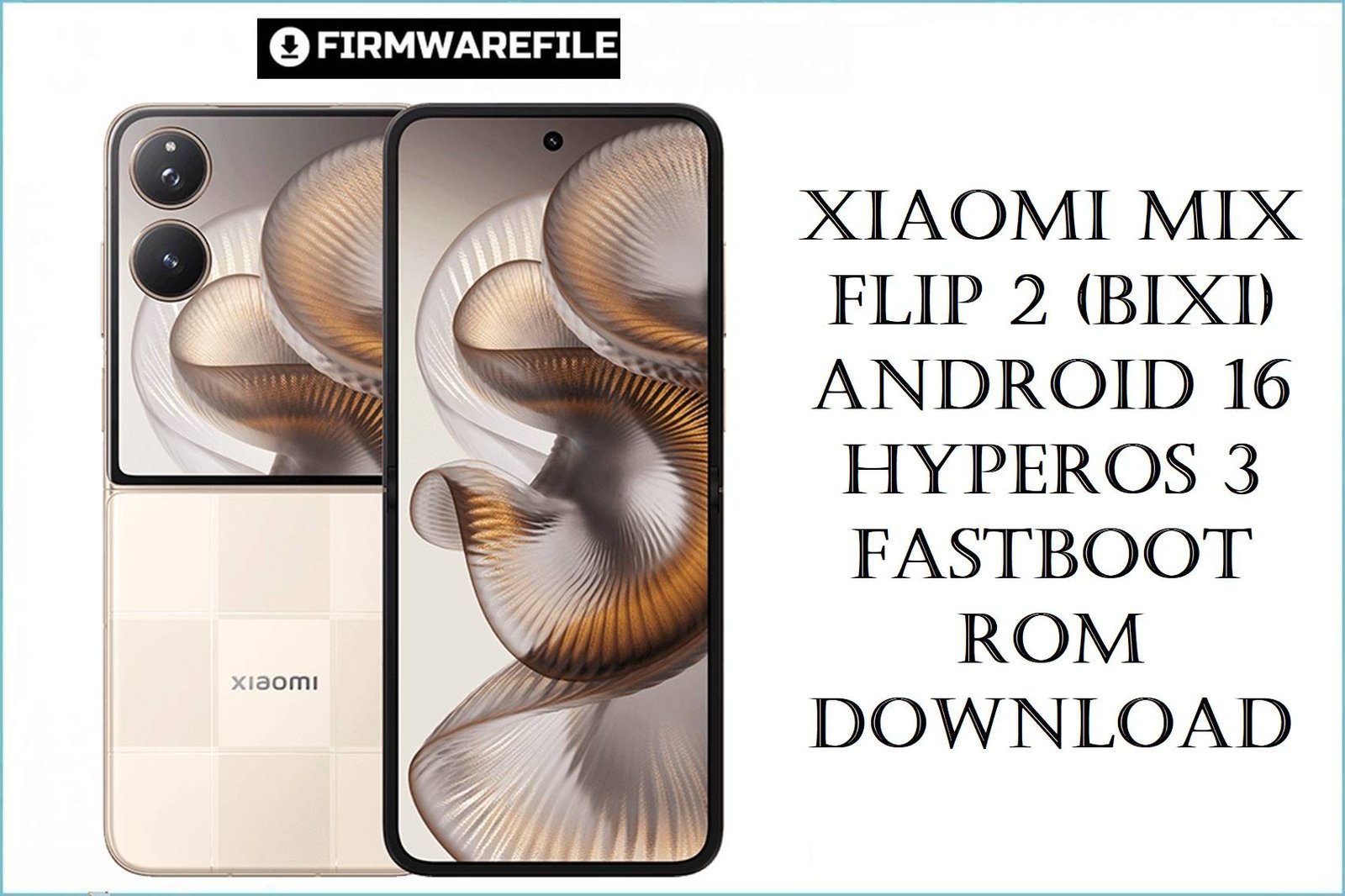
Xiaomi MIX Flip 2 (bixi) Android 16 HyperOS 3 Fastboot ROM Download
The Xiaomi MIX Flip 2 is Xiaomi’s second‑generation clamshell foldable, launched in mid‑2025 with a flagship Snapdragon‑class platform, premium cameras and HyperOS 2 based on Android 15 for the Chinese market. Early HyperOS users across Xiaomi devices report issues like occasional animation stutter, background apps being killed too aggressively, and higher than expected power draw during short‑video and social‑media use, which can also affect a performance‑oriented foldable like the MIX Flip 2.
The bixi_images_OS3.0.3.0.WOHCNXM fastboot ROM is the first stable Android 16 / HyperOS 3 firmware for MIX Flip 2 (codename bixi), bringing deep performance optimizations, smoother animations, and updated AI features while fixing bugs from earlier HyperOS 2 builds.
Complete Device & Firmware Overview
- Device Name
- Xiaomi MIX Flip 2 (China‑only clamshell foldable).
- Codename
- bixi – used for all MIX Flip 2 Chinese firmware packages including this fastboot ROM.
- Launch Software
- Ships with HyperOS 2 based on Android 15, upgraded here to HyperOS 3 based on Android 16.
- Firmware Package Name
- bixi_images_OS3.0.3.0.WOHCNXM_20251024.0000.00_16.0_cn_c01a7ec86a.tgz – official China fastboot ROM.
- HyperOS Version
- OS3.0.3.0.WOHCNXM – stable China HyperOS 3 branch for MIX Flip 2.
- Android Version
- Android 16.0, first major platform upgrade for MIX Flip 2 beyond its original Android 15 base.
- Region / Build Code
- WOHCNXM indicates a China (CNXM) build; this ROM is only intended for Chinese MIX Flip 2 units, not for future global variants.
- ROM Type
- Fastboot ROM in .tgz format, containing full partition images (boot, system, vendor, vbmeta, modem, etc.) for use with Xiaomi’s official fastboot flashing tools.
- Package Size
- Listed fastboot ROM size is about 11–12 GB (Xiaomi trackers note ≈11.8 GB), matching the 10.97 GB download you provided once compressed.
- Release Date
- Build date 2025‑10‑24 with public HyperOS 3 rollout for MIX Flip 2 China at the end of October 2025.
- Performance & Stability Improvements
- The changelog highlights refined compiler instructions, better memory allocation/recovery, and integrated frequency scheduling to improve responsiveness while lowering power use, plus more efficient short‑video playback and a lighter graphics rendering pipeline.
- UX & Animation Tweaks
- HyperOS 3 fine‑tunes over 100 system animations for smoother, more natural transitions, which should benefit folding/unfolding, app switching and gesture navigation on the MIX Flip 2 display.
- AI & Productivity Features
- Recorder gains better technical‑term and dialect recognition with smarter summaries, travel assistant adds tighter Railway 12306 integration, and messaging, clipboard and alarm features get small quality‑of‑life upgrades.
- Child Mode & Privacy
- Child mode is improved with unified screen‑time tracking, more robust eye‑care tools and refined parental protection controls, reflecting HyperOS 3’s broader focus on digital wellbeing.
- Flash Method
- Requires Xiaomi’s official fastboot flashing tool (Mi Flash / Xiaomi Flash) on Windows with an unlocked bootloader and the phone in fastboot mode.
- Typical Use Cases
- Best for users upgrading from HyperOS 2 to Android 16, fixing stubborn software bugs, cleaning up after failed mods, or doing a fresh, bloat‑free setup of a Chinese MIX Flip 2.
CRUCIAL WARNING: This fastboot ROM is strictly for Xiaomi MIX Flip 2 devices with codename bixi and China region firmware; it must not be flashed to other MIX, Xiaomi 15‑series, Redmi or POCO models, or to future MIX Flip variants with different codenames, because cross‑flashing can permanently brick the phone.
The build code WOHCNXM identifies a China CNXM release, so you should only use this package on Chinese MIX Flip 2 units that originally shipped with CN firmware; flashing it over any future global/EEA variants may lead to network, language or service‑compatibility issues and broken OTA updates.
All official bixi_images_*.tgz fastboot packages will wipe user data when flashed with Xiaomi’s tools, and choosing aggressive options like “clean all and lock” with a mismatched setup can relock the bootloader on an unsupported ROM and cause boot, account‑binding or Google‑service problems.
Download Firmware for Xiaomi MIX Flip 2 (bixi)
Because this is the first stable Android 16 / HyperOS 3 fastboot ROM for MIX Flip 2, it is the recommended baseline for Chinese units that need a clean, fully updated system image rather than incremental OTA patches. Users coming from heavily customized or buggy HyperOS 2 installs will benefit the most from a full fastboot flash of this build.
| Filename | Region / Variant | Build Number | Build Date | Android Version | Flashing Method | File Size | Notes | Download |
|---|---|---|---|---|---|---|---|---|
| bixi_images_OS3.0.3.0.WOHCNXM_20251024.0000.00_16.0_cn_c01a7ec86a.tgz | MIX Flip 2 China (codename bixi) | OS3.0.3.0.WOHCNXM – HyperOS 3 Stable CN | 24 October 2025 (fastboot build date) | Android 16.0 | Xiaomi fastboot tool (Mi Flash / Xiaomi Flash) | ≈10.9–11.8 GB (compressed fastboot package) | Official Xiaomi China stock ROM for MIX Flip 2; includes system‑wide performance optimizations, smoother animations, improved short‑video efficiency, upgraded Recorder and travel assistant features, and refinements to child mode and messaging. | Download from Xiaomi (China) |
Quick clarity: If your device is a Chinese MIX Flip 2 and you want the cleanest, most up‑to‑date experience with Android 16, this is currently the top recommended fastboot ROM; if a future Global/EEA MIX Flip 2 appears, you should instead use the matching regional build for that model.
Preparation Before Flashing
Click here for the MIX Flip 2 (bixi) pre‑flash checklist
- Confirm exact device and codename: Boot into fastboot mode and run fastboot getvar product from your PC to confirm it returns bixi, and check in Settings > About phone that your build string is a China CNXM variant before downloading this ROM.
- Backup your data: Fastboot flashing will erase apps, messages and settings, so back up important data (photos, chats, authenticator codes) to Mi Cloud, Google or an external drive before starting.
- Unlock the bootloader: Xiaomi fastboot ROMs require an unlocked bootloader; use the official Mi Unlock tool on a Windows PC, noting that the unlock itself also wipes user data.
- Install drivers and tools: Install Xiaomi USB drivers, ADB/Fastboot and the latest Mi Flash / Xiaomi Flash Tool, then extract the bixi_images_…tgz package to a short path such as C:\bixi_OS3.0.3.0.
- Charge and use a quality cable: Charge the MIX Flip 2 to at least 50% and use a reliable USB‑A to USB‑C or USB‑C to USB‑C cable connected directly to your PC, avoiding hubs or loose ports.
Quick Firmware Flash Instructions
This simplified guide covers flashing bixi_images_OS3.0.3.0.WOHCNXM_20251024.0000.00_16.0_cn_c01a7ec86a.tgz to a Xiaomi MIX Flip 2 using Xiaomi’s fastboot flashing tool on Windows.
- Prepare PC and ROM: Install Xiaomi USB drivers and Mi Flash / Xiaomi Flash on your Windows PC, then fully extract the .tgz ROM into a simple folder (for example C:\bixi_OS3.0.3.0).
- Enter fastboot mode: Power off the MIX Flip 2, then hold Volume Down + Power together until the fastboot (Mi Bunny) screen appears, and connect the phone to your PC via USB.
- Select the ROM in Mi Flash: Open Mi Flash, click Select and browse to the extracted bixi_images_OS3.0.3.0… folder, then ensure your device appears in the device list and choose the clean all option at the bottom.
- Flash the firmware: Click Refresh and then Flash; wait without disconnecting until Mi Flash shows a green success status, which means all partitions have been written correctly.
- Reboot and set up HyperOS 3: The phone will reboot into Android 16 / HyperOS 3; the first boot can take several minutes while apps are optimized, after which you can go through the setup wizard and restore your backups.
For a more detailed, screenshot‑rich walkthrough of Xiaomi fastboot flashing (including common error codes and driver troubleshooting), follow the main Xiaomi fastboot firmware guide and apply the same steps using this bixi ROM.
Frequently Asked Questions (FAQs)
- Q1. Who should install this OS3.0.3.0.WOHCNXM fastboot ROM on MIX Flip 2?
- This ROM is ideal for Chinese MIX Flip 2 owners who want a clean upgrade from HyperOS 2 (Android 15) to HyperOS 3 (Android 16), or who need to fix persistent bugs like random freezes, animation glitches or abnormal battery drain that survived OTA updates.
- Q2. What real improvements does HyperOS 3 bring compared to HyperOS 2 on MIX Flip 2?
- The official changelog emphasizes refined compiler instructions, better memory management, improved CPU frequency scheduling and new rendering logic, which together should make folding animations, app switching and camera use feel smoother while reducing overall power draw. It also enhances Recorder, travel assistant, messaging and child mode, so day‑to‑day usability is upgraded alongside raw performance.
- Q3. Can this Chinese ROM be flashed on a future Global/EEA MIX Flip 2 to get Android 16 early?
- While cross‑flashing is sometimes technically possible on Xiaomi devices with the same codename, doing so between China and Global/EEA firmwares can break region‑specific features, change default languages and disrupt OTA behavior, and is not recommended for typical users. It is safer to wait for a matching WO**MIXM/WO**EUXM build designed for your region if and when global MIX Flip 2 variants are released.
- Q4. Will flashing this ROM fix my MIX Flip 2’s battery drain or heat issues?
- HyperOS 3 for MIX Flip 2 specifically mentions power‑use and short‑video efficiency optimizations, which should help with mild to moderate drain and warmness caused by OS‑level inefficiencies. However, heavy gaming on a thin foldable will still generate heat, so you may also need to cap frame rates or graphics settings in demanding titles.
- Q5. Is the camera quality changed by this firmware?
- The public changelog for OS3.0.3.0.WOHCNXM focuses more on performance, AI tools and system UX than on major camera algorithm overhauls, so you should expect consistency with late HyperOS 2 behavior rather than dramatic changes. Minor tuning to processing and stability is still possible, but Xiaomi has not promoted any headline camera features tied solely to this build.
- Q6. What is the safest flashing option in Mi Flash for this ROM?
- For most users, “clean all” is the safest choice, as it fully refreshes the system while keeping the bootloader unlocked, which simplifies recovery if you ever need to re‑flash. Avoid “clean all and lock” unless you are returning to the tablet’s original region/branch, because relocking on a mis‑matched setup can cause boot or account‑locking issues.