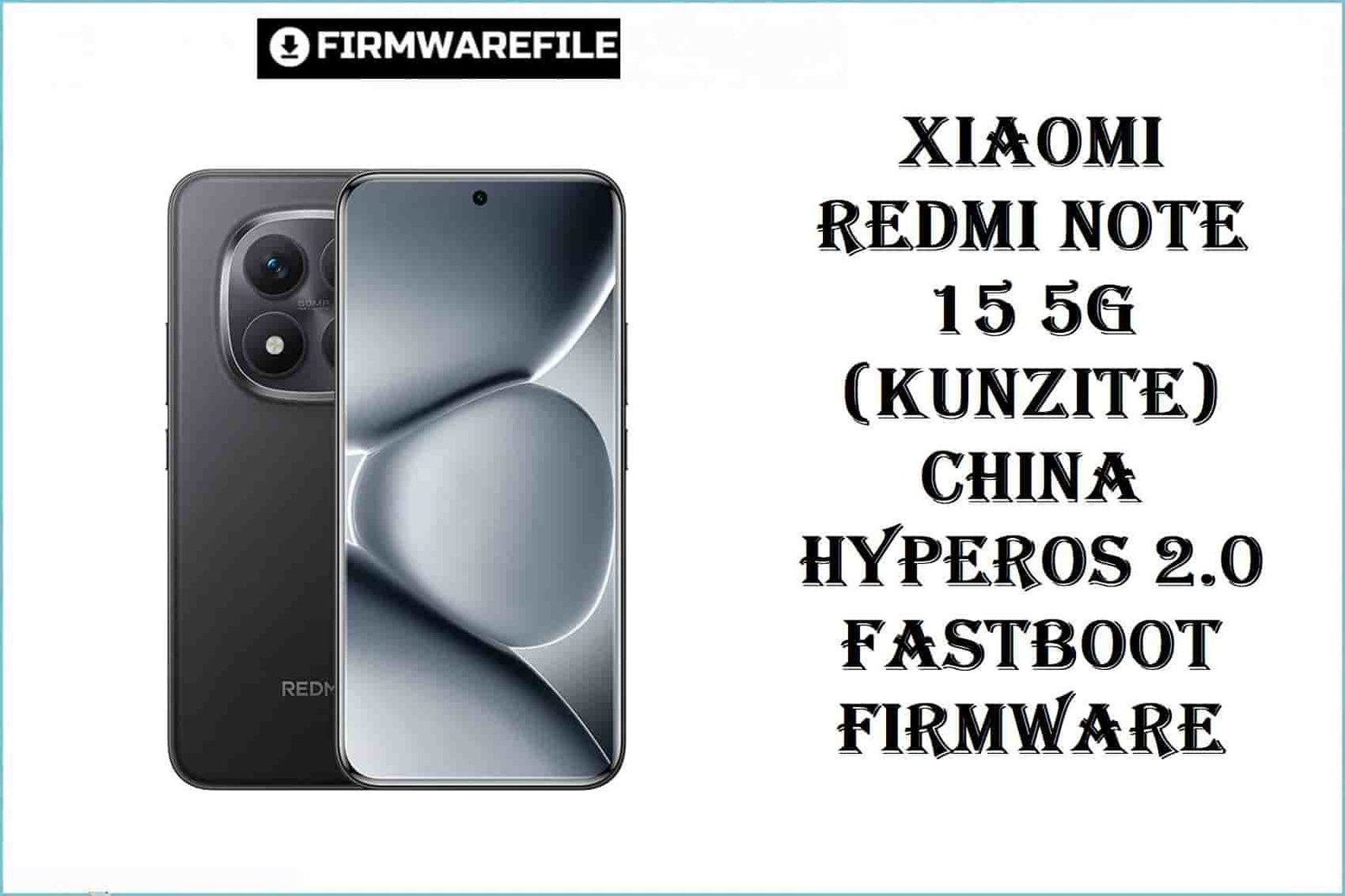
Xiaomi Redmi Note 15 5G (kunzite) China HyperOS 2.0 Fastboot Firmware
The Xiaomi Redmi Note 15 5G (codename: kunzite) is a next-gen mid-range powerhouse released in August 2025, featuring the Qualcomm Snapdragon 6 Gen 3 (4nm) chipset, 8GB/12GB RAM, and a 5800mAh battery with 45W fast charging. It ships with Android 15 (HyperOS 2.0) and is region locked for Chinese hardware. Real-world users report battery calibration issues, modem/SIM failures, and bricking when attempting cross-region flashes.
CRUCIAL WARNING:
This “kunzite” ROM is region-locked to China hardware only! Cross-flashing Global/EU firmware disables modem, NFC, Google Play, and can cause unbootable device or hardware faults.
Never downgrade to Android 14/AOSP from stock Android 15 + HyperOS – hard brick risk is severe; no EDL deep unbrick for Snapdragon 6 Gen 3!
Confirm you have the proper “kunzite” model via fastboot getvar product before flashing.
Prerequisites: Before You Begin
Click Here for Essential Pre-Flashing Checklist
- Full Backup: Fastboot flash will erase all data and apps.
- Battery: Minimum 50% charge, use OEM cable.
- Bootloader: Unlock using Xiaomi’s official process (
Mi Unlock Tool). - Region Verification: Only use kunzite China ROM on Chinese-sold Redmi Note 15 5G.
Redmi Note 15 5G (“kunzite”) China Firmware Details
- Codename
- kunzite
- Device Model
- Xiaomi Redmi Note 15 5G (China)
- Chipset
- Qualcomm SM6475-AB Snapdragon 6 Gen 3 (4nm), Octa-core (4×2.4GHz Cortex-A78 & 4×1.8GHz Cortex-A55), Adreno 710 GPU
- Android Version
- Android 15, HyperOS 2.0
- RAM/Storage
- 8GB/12GB RAM, 256GB Storage
- Battery
- 5800mAh, 45W fast charging
- Display
- 6.77-inch AMOLED, 120Hz, FHD+
Required Tools & Downloads
| File / Tool | Download Link |
|---|---|
| Mi Flash Tool (Qualcomm) | Download Mi Flash Tool |
| Qualcomm USB Drivers | Download Drivers |
Official “kunzite” HyperOS 2.0 Fastboot ROM (China)
| Filename | Build/Android | Region | Build Date | Size | Flashing Type | Notes | Download Link |
|---|---|---|---|---|---|---|---|
| kunzite_images_OS2.0.206.0.VPQCNXM_20251022.0000.00_15.0_cn_bd5c880190.tgz | OS2.0.206.0 (HyperOS 2.0, Android 15) | China (kunzite only) | 2025-10-22 | 7.21GB | Fastboot (.tgz, Mi Flash Tool) | Locked to China hardware, disables GMS & NFC on global units | Download |
Quick Flashing Guide (“kunzite” China, Fastboot ROM)
- Unlock bootloader officially. Extract the firmware
kunzite_images_OS2.0.206.0.VPQCNXM_20251022.0000.00_15.0_cn_bd5c880190.tgz. - Install Qualcomm USB drivers. Run Mi Flash Tool on PC.
- Boot phone to Fastboot (hold Vol Down + Power while off). Connect via USB.
- Load the ROM’s
imagesfolder. Use “clean all”, click “Flash”. - Wait for success, disconnect, and reboot device.
Full guide:
Full Tutorial: How to Flash Xiaomi Firmware
Frequently Asked Questions (FAQs)
- Q1. What happens if I flash kunzite China ROM on global hardware?
- Device will lose Google Play, NFC, carrier features, and can become unbootable until flashed back to correct region.
- Q2. Does fastboot flashing fix bootloop or modem lock?
- Correct ROM restores Chinese device bootloop and corrupt system, but cannot unlock regions or bypass carrier locks.
- Q3. Will downgrading fix bugs?
- No. Modern HyperOS/Android 15 devices block downgrades; attempts risk hard brick and irrecoverable loss of functionality.