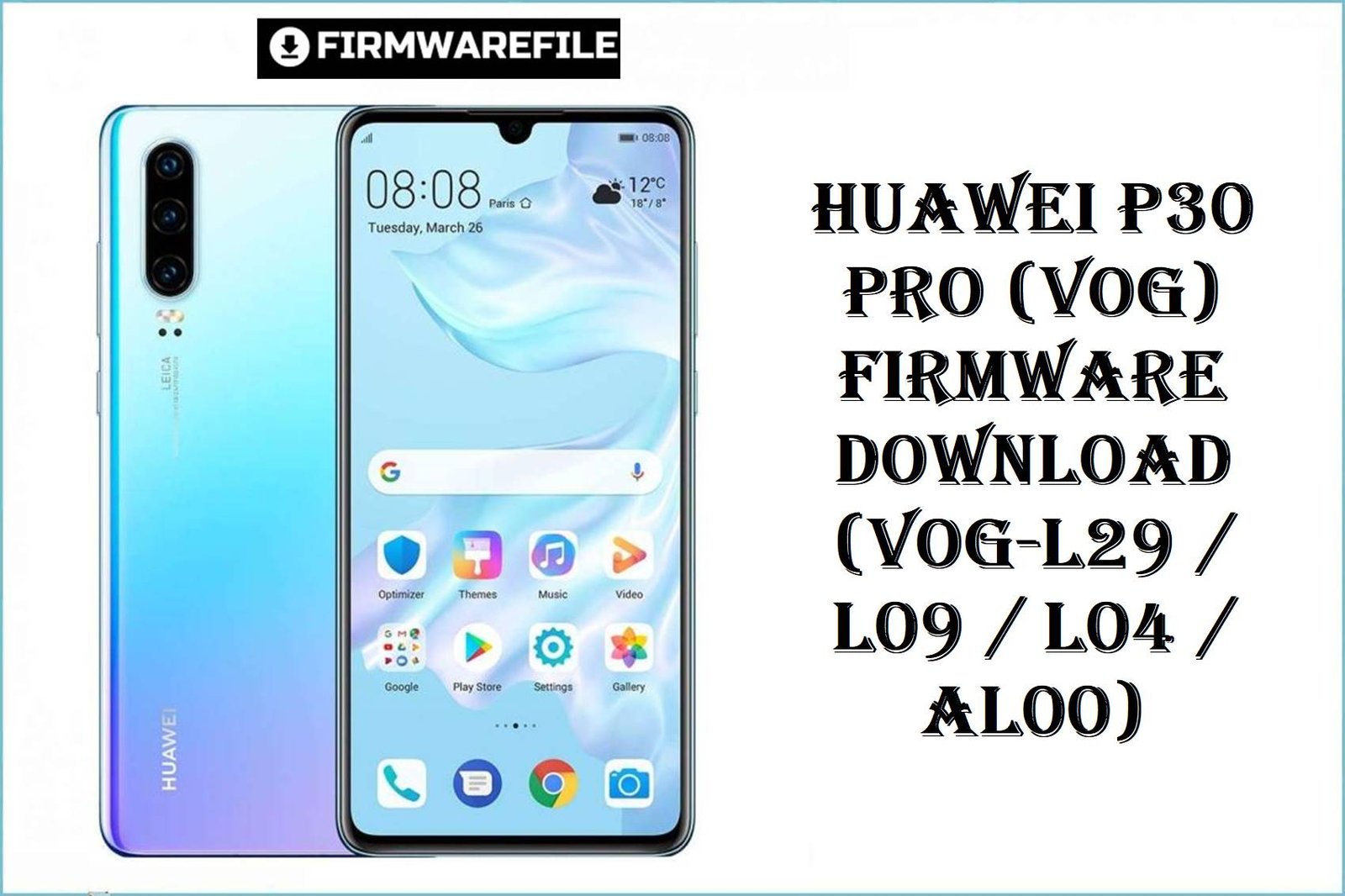
Huawei P30 Pro (VOG) Firmware Download (VOG-L29 / L09 / L04 / AL00)
The Huawei P30 Pro stands as a flagship powerhouse, loved for its elite camera and enduring battery. Yet, users routinely report issues: battery drain, network instability, fingerprint sensor glitches, camera lag, and region update mismatches. Official firmware below directly targets these complaints—restoring EMUI/HarmonyOS stability, patching vulnerabilities, optimizing battery life, and resolving widespread update bugs. Each ROM is organized for zero-confusion selection, making upgrades safe, fast, and trust-guided.
Complete Device & Firmware Overview
- Model Numbers:
- VOG-AL00, VOG-L29, VOG-L09, VOG-L04, VOG-TL00, VOG-AL10, VOGUE-AL00A-BD, VOG-L29D, VOGL09C, Vogue-L29C
- Chipsets:
- HiSilicon Kirin 980
- Firmware Types:
- Board/General, Stock ROM, Factory Dump, Dload Package
- Android/OS Versions:
- EMUI 9.1, EMUI 10/10.1, HarmonyOS 2.0
- Build Numbers:
- Multiple, see table below
- Security Patch Levels:
- Device/ROM-dependent, latest included as marked
- Release Dates:
- 2019–2023 (Varies by build)
- Flash Methods:
- Dload, Fastboot, Board Flash, Factory Dump Tools
- Bootloader Rules:
- Unlock generally required unless using official Updater/Dload
- File Sizes:
- 3.8GB–5.5GB
- Required Tools:
- Huawei Update Extractor, USB Drivers, official Updater app, compatible cable
CRUCIAL WARNING: Every firmware here is strictly for compatible Huawei P30 Pro models; DO NOT flash to unrelated Huawei devices, nor mismatch regions (e.g., Chinese ROM on Global/EU units or vice versa), as bootloops and network lockouts can result. Always MACTH build, variant, and region as printed in your phone’s “About” section and bootloader info prior to flashing.
Cross-flashing/forced region upgrades may permanently break updates, network, or camera on P30 Pro. Only use official board/region ROM as listed for your device code.
Never flash corrupted/incomplete downloads. Verify MD5 if available. Password-protected zips or .rar files require correct credentials as noted with each link.
Prerequisites: Before You Begin
Click here for the Huawei P30 Pro pre‑flash checklist
- Confirm the exact model and region: In fastboot mode or device settings, verify your device code (VOG-x) and region/country before downloading firmware.
- Backup your data: All stock ROM/board flashes will erase user data, so back up with HiSuite, Google, or external SD before upgrading.
- Charge the battery: At least 50% charge recommended to avoid shutdown during flash.
- Install drivers and tools: Install latest Huawei USB and Android drivers, along with Huawei Update Extractor or official app on your Windows PC.
- Check bootloader unlock: Official Dload and fastboot packages may require unlocked bootloader; follow Huawei unlocking guides and beware that unlocking wipes all user data.
Download Firmware for Huawei P30 Pro (VOG Series)
| Filename | Model/Region | Build/Version | Release Date | OS | Method | Notes | Size | Download |
|---|---|---|---|---|---|---|---|---|
| Huawei_P30_Pro_VOG-L04_9.1.0.193_C69E7R1P7_Dload.zip | VOG-L04 (NA/Canada) | 9.1.0.193 | 2019 | EMUI 9.1 | Dload | Password may be required. Use updater for best results. | 4.34GB | Download |
| Huawei P30 Pro VOG-AL00 VOG-L29 VOG-L09 VOG-L04 VOGUE-AL00A-BD 1.0.0.85 Board Software general 9.1.0 r1 EMUI9.1.0 05022MXS.rar | VOG-AL00/L29/L09/L04 | Board 9.1.0.85 | 2019 | EMUI 9.1 | Board/General | General board software, not OTA-updatable. | 2.2GB | Download |
| VOG-AL10 102.0.0.171(C00E160R3P4)_Firmware_general_HarmonyOS 2.0.0_05015NTA.rar | VOG-AL10 (China) | 102.0.0.171 (C00E160R3P4) | 2022 | HarmonyOS 2 | Dload/RAR | Password: HOSVOGAL10 if prompted. | 5.2GB | Download |
| VOG-L29 11.0.0.151(C636E4R1P3)_dump.zip | VOG-L29 (Global/EU) | 11.0.0.151 (C636E4R1P3) | 2023 | EMUI 11 | Dump backup | Backup/factory restore for advanced use. | 4.8GB | Download |
| VOG-L04 9.1.0.193(C69E7R1P7).zip | VOG-L04 | 9.1.0.193 (C69E7R1P7) | 2019 | EMUI 9.1 | Dload | Password: ministryofsolutions.com | 4.3GB | Download |
| VOG-AL10 102.0.0.165(C00E160R3P4).zip | VOG-AL10 | 102.0.0.165 (C00E160R3P4) | 2022 | HarmonyOS 2 | Dload | Password: ministryofsolutions.com HOSVOGAL10 | 5.2GB | Download |
| VOG-L29+10.1.0.126(C636E11R1P3)_Firmware_EMUI10.1.0_05016EBB.zip | VOG-L29 | 10.1.0.126 (C636E11R1P3) | 2022 | EMUI 10.1 | Dload | C636 region code support only. | 4.6GB | Download |
| VOG-AL00 10.0.0.152(C00E62R2P7).zip | VOG-AL00 (China) | 10.0.0.152 (C00E62R2P7) | 2021 | EMUI 10 | Dload | C00 region code only. | 3.8GB | Download |
| VOG-L29 10.0.0.206(C185E8R5P1)_Firmware_EMUI10.0.0_05016EUP.zip | VOG-L29 (Middle East) | 10.0.0.206 (C185E8R5P1) | 2021 | EMUI 10 | Dload | C185 region code only. | 4.3GB | Download |
| VOG-L29D 10.1.0.163(C185E11R5P1)_Firmware_EMUI10.1.0_05015XPG.zip | VOG-L29D (Middle East) | 10.1.0.163 (C185E11R5P1) | 2022 | EMUI 10.1 | Dload | Double-check the “D” variant for board compatibility. | 4.5GB | Download |
| VOG-L29D 10.1.0.140(C432E19R2P5)_Firmware_EMUI10.1.0_05015SFW.rar | VOG-L29D (Europe) | 10.1.0.140 (C432E19R2P5) | 2022 | EMUI 10.1 | Dload/RAR | Use with EU variant only, password may be required. | 4.5GB | Download |
| VOG-L29 10.0.0.195(C432E19R2P5)_Firmware_EMUI10.0.0_05015THQ.rar | VOG-L29 (Europe) | 10.0.0.195 (C432E19R2P5) | 2021 | EMUI 10 | Dload/RAR | Europe region, check compatibility carefully. | 4.2GB | Download |
| YOHANLABS_VOG-L09C 10.1.0.123(C431E19R2P5patch02)_Firmware_EMUI10.1.0_05016TKC.rar | VOG-L09C | 10.1.0.123 (C431E19R2P5patch02) | 2022 | EMUI 10.1 | Dload/RAR | Use with proper equipment and patch v02 only. | 4.4GB | Download |
| VOG-AL10 10.1.0.165(C00E165R2P8)_Firmware_EMUI10.1.0_05015NTa.rar | VOG-AL10 (China) | 10.1.0.165 (C00E165R2P8) | 2022 | EMUI 10.1 | Dload/RAR | China variant; verify code and compatibility. | 5GB | Download |
| VOG-L29 10.1.0.151(C185E8R5P1)_Firmware_EMUI10.1.0_05015SNU.zip | VOG-L29 (MEA) | 10.1.0.151 (C185E8R5P1) | 2022 | EMUI 10.1 | Dload | C185 region; check About Phone before download. | 4.5GB | Download |
| VOG-L09 10.1.0.123(C431E19R2P5patch02).zip | VOG-L09 | 10.1.0.123 (C431E19R2P5patch02) | 2022 | EMUI 10.1 | Dload | Password: ministryofsolutions.com VOGL09 | 4.5GB | Download |
| Huawei_P30_Pro_VOG-L29_9.1.0.153_C10E4R3P1_9.0.0_R3_EMUI9.1.0_05015SPM_Dload.zip | VOG-L29 (Global/EU) | 9.1.0.153 | 2019 | EMUI 9.1 | Dload | Global/EEA base build for early models. | 4.08GB | Download |
| Huawei_P30_Pro_VOG-AL00_10.0.0.185_C00_R1_Dload.zip | VOG-AL00 (China) | 10.0.0.185 (C00 R1) | 2022 | EMUI 10 | Dload | Use for C00 China firmware upgrades. | 4.72GB | Download |
| Huawei_P30_Pro_VOG-TL00_2.0.0.291_C01_C01E230R3P4_Product_Combination_Software_HarmonyOS_2.0.0_05015KNY_Dload.zip | VOG-TL00 | 2.0.0.291 (C01E230R3P4) | 2023 | HarmonyOS 2 | Dload | For Chinese region TL00 variant only. | 5.5GB | Download |
| Huawei_P30_Pro_VOG-AL10C_102.0.0.171_C00E160R3P4_Firmware_HarmonyOS_2.0.0_Dload.zip | VOG-AL10C | 102.0.0.171 (C00E160R3P4) | 2022 | HarmonyOS 2 | Dload | Password may be required. | 5.22GB | Download |
| Huawei_P30_Pro_VOG-AL10_10.1.0.160_C00E160R2P8_Firmware_EMUI10.1.0_05015NTA_Dload.zip | VOG-AL10 (China) | 10.1.0.160 (C00E160R2P8) | 2022 | EMUI 10.1 | Dload | China firmware upgrade, dload flash required. | 5GB | Download |
| Huawei_P30_Pro_Vogue-L29C_10.1.0.179_C431E23R2P5_EMUI10.1.0_05017BHV_Dload.zip | Vogue-L29C (EU/Global) | 10.1.0.179 (C431E23R2P5) | 2022 | EMUI 10.1 | Dload | C431 region, confirm match before flash. | 4.5GB | Download |
| Huawei_P30_Pro_Vogue-L29D_10.0.0.179_C675E4R3P2_EMUI10.0.0_05015TGA_Dload.zip | Vogue-L29D (India) | 10.0.0.179 (C675E4R3P2) | 2022 | EMUI 10 | Dload | C675 region, use for India variant only. | 4.50GB | Download |
Pick the file matching your model and proper region code (e.g., VOG-L29 = Global/EU, VOG-AL00 = China, L04 = North America). For password-protected files, check the notes for correct unlock string.
Quick Firmware Flash Instructions
- Install Tools: Set up Huawei Update Extractor, drivers, and unzip firmware package to a short folder path on PC.
- Prep Your Device: Power off, enter Fastboot or recovery/Dload mode as needed for your package type.
- Select Firmware: For Dload, copy the “dload” folder to SD root and follow official update procedure; for board/dump, use correct tool and path.
- Begin Flash: Run official updater or flashing utility, select “upgrade” or “install,” follow progress bar, and WAIT for finish before disconnecting.
- First Boot: After flash, allow several minutes for the device to optimize and fully reboot each time—don’t interrupt.
For step‑by‑step, screenshot walkthroughs of flashing with Huawei tools, follow Huawei firmware flashing guide to learn the official process and best upgrade habits.
Frequently Asked Questions (FAQs)
- Q1. How do I choose the right firmware for my P30 Pro?
- Identify your device’s full model code under Settings > About Phone (e.g., VOG-L29 for Global, VOG-AL00 for China). Choose files matching your region and avoid forced cross-flashing, except for hard brick recovery with board software.
- Q2. Can I upgrade from EMUI 9.1 directly to HarmonyOS 2.0?
- No, upgrades must follow the official build chain (9.1 > 10 > 10.1 > 11 > HarmonyOS). Skip upgrades risk boot failure or network/camera bugs.
- Q3. Does flashing new firmware fix battery drain, fingerprint or network issues?
- Yes, newer EMUI/HarmonyOS builds include deep system optimizations: camera, battery, and network reliability improvements based on real user complaints and patch notes.
- Q4. What’s the safest firmware flashing method for Huawei P30 Pro?
- Use the “dload” method for update packages and the official Updater app for stock ROMs. For unbricking, only apply the board software or dump backup suited to your region and variant.
- Q5. Will flashing erase all my data?
- Yes, any full ROM or board package will wipe internal storage, reset device, and may relock bootloader depending on update options.
- Q6. Where can I find detailed flashing guides for my device?
- Visit the Huawei flashing guide for tool setup, bootloader steps, and error troubleshooting.