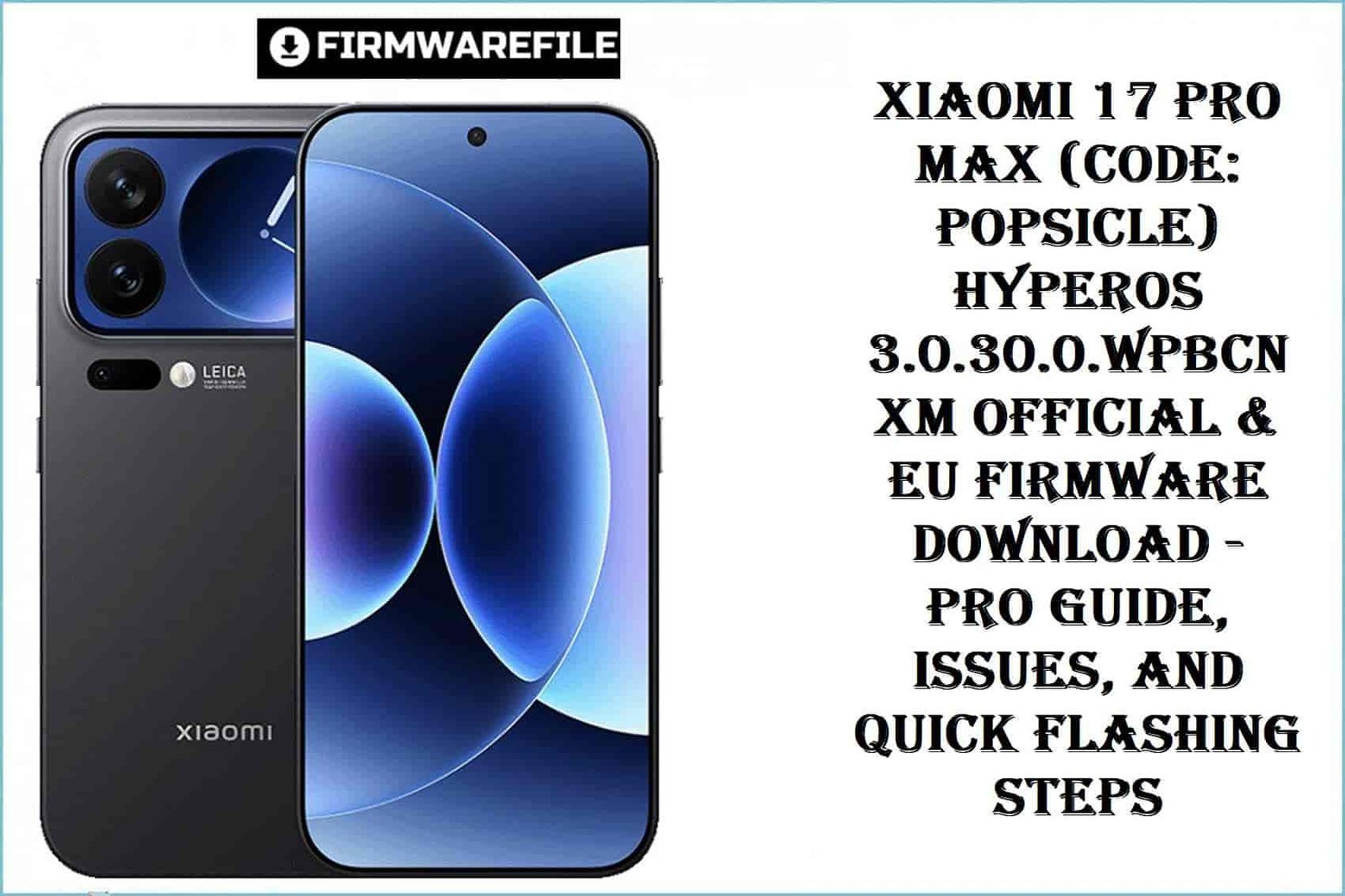
Xiaomi 17 Pro Max (Code: popsicle) HyperOS 3.0.30.0.WPBCNXM Official & EU Firmware Download – Pro Guide, Issues, and Quick Flashing Steps
The Xiaomi 17 Pro Max, launched September 2025, sets new standards for flagship performance with its Snapdragon 8 Elite Gen 5, up to 1TB UFS 4.1 storage, 7500 mAh battery, and dual premium AMOLED displays. Codenamed “popsicle” (WPBCNXM), it features IP68 protection, Leica triple camera, stereo speakers (Dolby Atmos), and runs Android 16 with HyperOS 3. This device’s unique strength lies in ultra-fast charging (100W wired/wireless), but real-world feedback highlights Bluetooth stability concerns, Ultra Wideband misconfiguration, notification delay, Google Wallet tap-to-pay limits on some firmware, and random freezes—especially on early HyperOS builds.
Unlocking the bootloader on “popsicle” requires the new Xiaomi global portal with strict verification delays. Users switching from China/Global firmware notice UI and app differences and sometimes find network, Play, or fingerprint sensor issues if mismatched partitions are flashed—verify your “product” code before any operation and never force-flash “Max” firmware to vanilla or Pro devices.
CRUCIAL WARNING: Xiaomi 17 Pro Max (popsicle) comes in multiple display sizes and battery variants by region. Flashing incorrect China/Global, Pro/Max, or operator firmware may permanently disable 5G modem, biometrics, or cause “no service.” Always confirm “product” with fastboot getvar product first. Never use Max firmware on vanilla/Pro models! Bootloader unlock is required for EU/Custom ROM.
Prerequisites: Before You Begin
Click Here for the Essential Pre-Flashing Checklist
- Backup Data: Save everything before proceeding—flash wipes data.
- Check Model: Xiaomi 17 Pro Max (“popsicle”), not any Pro/vanilla variant.
- Charge Battery: 60%+ recommended before any flash.
- Bootloader Unlock: Required for EU and TWRP; official global Xiaomi portal (3-day delay).
- Windows PC & USB-C: Needed for Fastboot/MiFlash; use latest drivers.
Xiaomi 17 Pro Max (popsicle) HyperOS Firmware Details
- Device Name
- Xiaomi 17 Pro Max
- Model Codename
- popsicle (WPBCNXM)
- Chipset
- Qualcomm SM8850-AC Snapdragon 8 Elite Gen 5 (3 nm), Octa-core (2×4.6GHz Oryon V3 Phoenix L + 6×3.62GHz Oryon V3 Phoenix M), Adreno 840
- Android Version
- 16; HyperOS 3
- Firmware Version
- OS3.0.30.0.WPBCNXM
- Build Date
- 2025-10-31
- File Sizes
- 10.82GB (Fastboot), 8.0GB (EU ROM), 7.64GB (OTA)
- Install Types
- Fastboot; TWRP/Custom; OTA update
- Unique Features
- Dual LTPO AMOLED, 1024GB storage, 50MP Leica triple cam, UWB, 7500mAh battery, 100W charging
- Known Real-World Issues
- Bluetooth disconnects, fingerprint bugs with mismatched firmware, Google Pay limits on China builds, notification lag, random freezes (HyperOS 3)
Required Tools & Downloads
| File / Tool | Download Link |
|---|---|
| Mi Flash Tool | Download Tool |
| Xiaomi USB Drivers | Download Drivers |
| TWRP Recovery (for EU ROM) | Model-specific TWRP |
Xiaomi 17 Pro Max “popsicle” HyperOS 3.0 Firmware Download Table
| Filename | Type | Version | Build Date | Size | Region | Install Method | Notes | Download Link |
|---|---|---|---|---|---|---|---|---|
popsicle_images_OS3.0.30.0.WPBCNXM_20251031.0000.00_16.0_cn_d22a0fa970.tgz |
Fastboot | OS3.0.30.0.WPBCNXM | 2025-10-31 | 10.82GB | China | Mi Flash Tool | Official, no Google services, only Chinese/English UI | Download |
xiaomi.eu_POPSICLE_OS3.0.30.0.WPBCNXM_16.zip |
EU ROM (ZIP) | OS3.0.30.0.WPBCNXM | 2025-10-31 | 8.00GB | Europe/Global | TWRP or Fastboot (unlocked bootloader) | Multi-language, Google, unofficial, patched features | Download |
popsicle-ota_full-OS3.0.30.0.WPBCNXM-user-16.0-5cc4eb5e91.zip |
OTA | OS3.0.30.0.WPBCNXM | 2025-10-31 | 7.64GB | China | Settings > About Phone > System Update > Choose update package | OTA sideload, only if stock system is unmodified | Download |
Quick Flashing Guide
- Download Xiaomi USB drivers and Mi Flash Tool. Extract
popsicle_images_OS3.0.30.0.WPBCNXM_20251031.0000.00_16.0_cn_d22a0fa970.tgzon your PC. - Reboot device to Fastboot (Volume Down + Power), then connect via USB.
- In Mi Flash Tool, select the extracted “images” folder, then click “Flash.”
- Wait for the success notice. Disconnect and boot to system.
Quick EU ROM Flash Guide
- Unlock bootloader via official Xiaomi portal (wait 3 days).
- Boot into TWRP/recovery, push
xiaomi.eu_POPSICLE_OS3.0.30.0.WPBCNXM_16.zipto storage. - Install the ZIP in TWRP, then reboot.
Detailed EU ROM Flashing Guide
Quick OTA Flash Guide
- Copy
popsicle-ota_full-OS3.0.30.0.WPBCNXM-user-16.0-5cc4eb5e91.zipto internal storage. - Settings > About Phone > System Update > Tap menu > “Choose update package”.
- Select the ZIP, and update automatically.
Frequently Asked Questions (FAQs)
- Q1. Can I install Google apps easily on China firmware?
- Manual install is possible (Googlefier, microG) but push notifications and payment may not work. EU ROM is strongly recommended for seamless GMS.
- Q2. After update, Bluetooth disconnects randomly or UWB stops working—how to fix?
- Update to latest OTA, clear Bluetooth/UWB data, and try a full reset. Issues are common on early HyperOS releases for Max.
- Q3. Why does my device freeze or lag after flashing?
- Users report random freezes and lag on HyperOS 3 if multiple updates are skipped. Perform a clean flash and avoid restoring all old app data at once.
- Q4. Can I use “Max” firmware with regular/Pro models?
- No! Cross-model firmware may brick the modem and disable display/fingerprint sensors. Always match “product” code exactly.