Xiaomi Mi CC9 Meitu Firmware Flash File Download [Stock Rom]
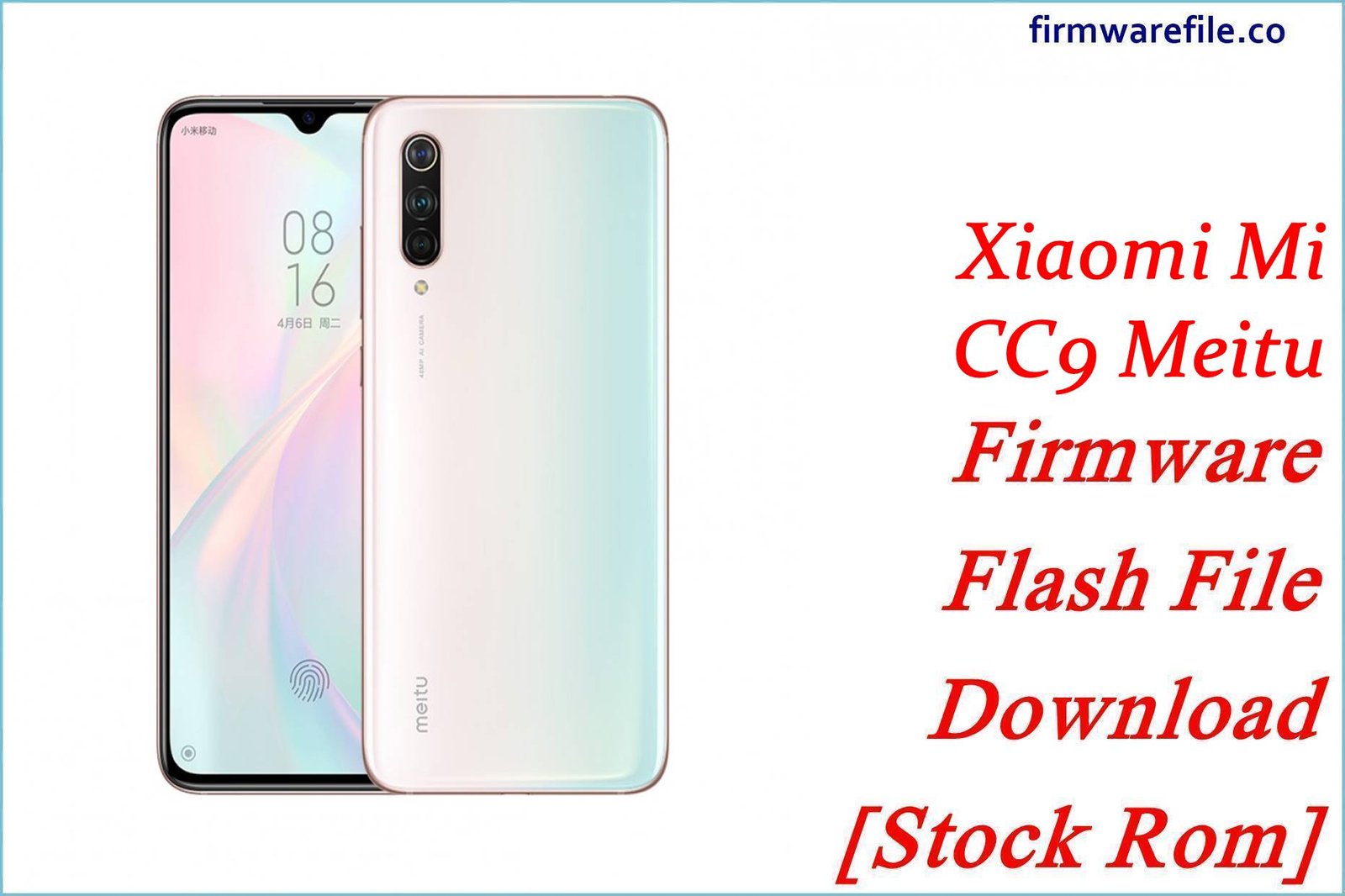
The Xiaomi Mi CC9 Meitu Edition (codename vela) was a specialized 2019 smartphone developed in partnership with Meitu, focusing on advanced photography and beauty enhancements. It featured a unique design and camera software tuned specifically for selfies and portrait photography.
This page provides the official China Fastboot ROM for this specialized device and a compatible TWRP custom recovery for advanced users.
⚠️ Critical Warning: This device was exclusively sold in China and shares its platform with the Mi CC9 (pyxis). However, it uses unique firmware. Always confirm your device codename is vela before flashing to avoid permanent damage.
Quick Device Specs
- Device: Mi CC9 Meitu Edition
- Chipset: Qualcomm Snapdragon 710
- Special Feature: Meitu-enhanced camera algorithms
- Camera: 48MP triple rear, 32MP front
- Design: Unique gradient color patterns
- Final Official OS: Android 11, MIUI 12.5
Required Tools & Drivers
| File / Tool | Download Link |
|---|---|
| Xiaomi Mi Flash Tool | Latest Version |
| Xiaomi USB Drivers | Separate Driver Pack |
| Bootloader Unlock Tool | Official Unlock Page |
Firmware & Tools
| Type | Region / Purpose | Version (Build) | Android | Download |
|---|---|---|---|---|
| Fastboot ROM (Stock) | China | V12.5.5.0.RFECNXM | 11.0 | Official Link |
| Custom Recovery | TWRP (by wzsx150) | 3.3.2B-0302 | N/A | Community Link |
FAQs (Firmware)
Q1. Is this device different from the standard Mi CC9? Yes. While sharing the same chipset as the Mi CC9 (pyxis), the Meitu Edition features unique camera software algorithms, different design aesthetics, and specialized beauty enhancement features developed in partnership with Meitu.
Q2. Is there a global ROM or Xiaomi.eu version available?
Due to the specialized nature of this device and its limited release, development of custom ROMs like Xiaomi.eu is extremely limited. Users typically maintain the stock Chinese ROM or explore AOSP-based custom ROMs from XDA-Developers.
Q3. What’s the main purpose of TWRP for this device?
TWRP allows for custom ROM installation, system backups, and modifications that aren’t possible with the stock recovery. It’s essential for advanced users looking to customize their device beyond the stock MIUI experience.
Next Steps
📥 You’ve now got the official ROM file and custom recovery. 👉 For a step‑by‑step flashing and troubleshooting guide, read our full Mi CC9 Meitu Edition Flashing/Unbrick Tutorial.