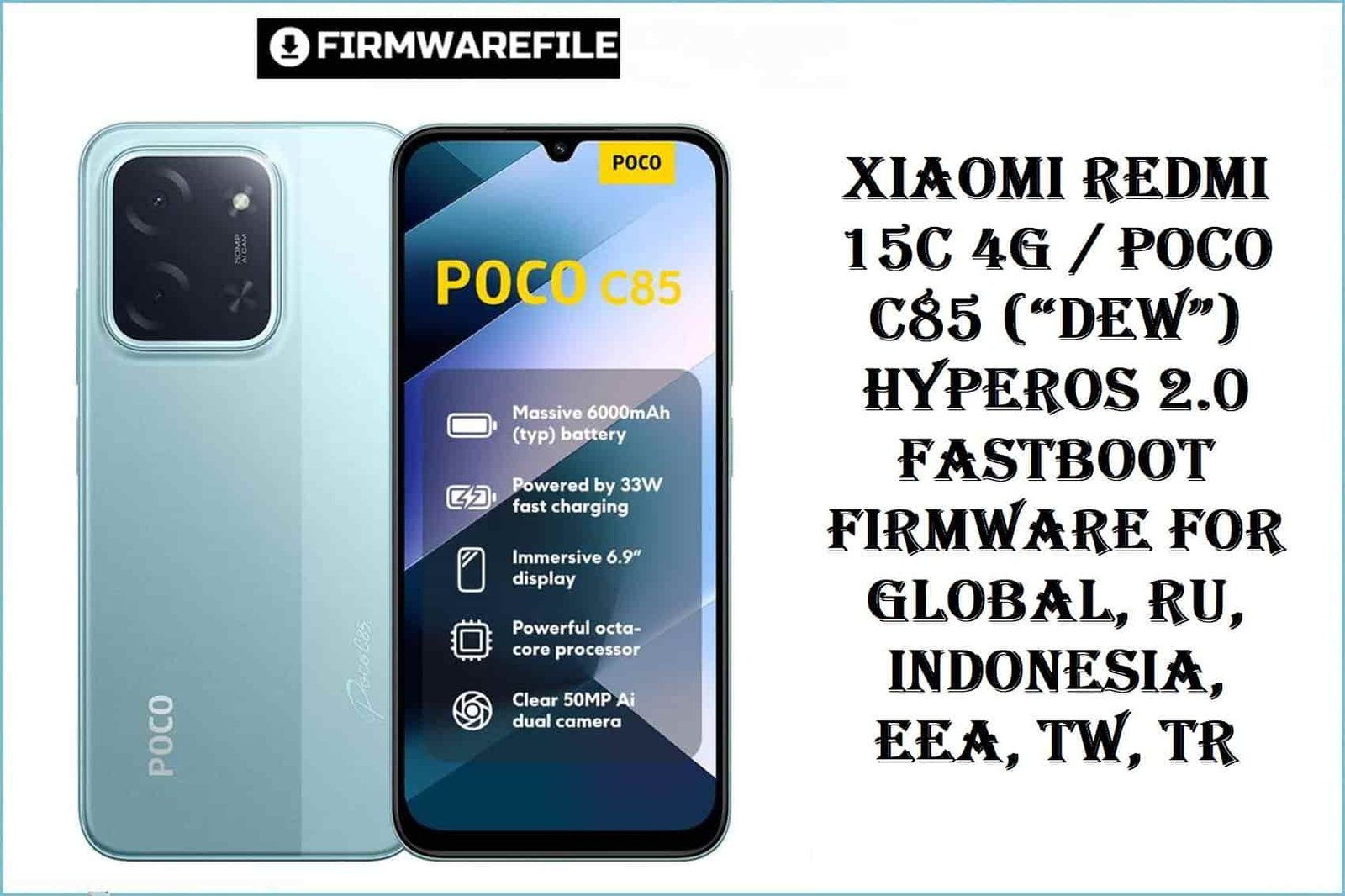
Xiaomi Redmi 15C 4G / POCO C85 (“dew”) HyperOS 2.0 Fastboot Firmware for Global, RU, Indonesia, EEA, TW, TR
The Xiaomi Redmi 15C 4G (codename: dew), also rebadged as POCO C85, launched globally in 2025, is powered by a MediaTek Helio G81 Ultra (12nm) chipset, a 6.9-inch 120Hz IPS display, and a massive 5000mAh battery. It ships with Android 15 (HyperOS 2.0) and sees distinct firmware for each global region. Real user complaints often target regionally-mismatched flashing: NFC loss, OTA outage, and regional app incompatibilities are top risks. The device is value-packed, but resistant to region-hopping!
CRUCIAL WARNING:
Flashing the wrong regional firmware on Redmi 15C/POCO C85 (“dew”) permanently disables Google Pay, NFC, FM, or 4G in many cases. Always check your region variant (Settings > About, or fastboot getvar product) and only flash a matching ROM. There is no EDL (emergency) unbrick for this Mediatek platform! Do not relock the bootloader unless using a 100% region-matched ROM and tool.
Prerequisites: Before You Begin
Click Here for the Essential Pre-Flashing Checklist
- Backup Everything: Fastboot firmware flashing will wipe user data completely.
- Charge Battery: Minimum 50% is critical to avoid interruptions.
- Bootloader: Must be unlocked via Xiaomi’s official unlock tool.
- Right firmware: Confirm your region: Global, RU, Indonesia, EEA, TW, Turkey.
Redmi 15C / POCO C85 (“dew”) Firmware Details
- Codename
- dew
- Model/Brand
- Redmi 15C 4G / POCO C85
- Chipset
- MediaTek Helio G81 Ultra (12nm) Octa-core, Mali-G52 GPU
- Android Version
- Android 15, HyperOS 2.0
- RAM/Storage
- Varies by SKU: 4/6/8GB RAM, up to 256GB
- Battery
- 5000mAh, 33W Fast Charging
- Regions & ROMs
- Global, RU, Indonesia, EEA, Taiwan, Turkey
Required Tools & Downloads
| File / Tool | Download Link |
|---|---|
| Mi Flash Tool (for MediaTek Helio) | Download Mi Flash Tool |
| MediaTek USB VCOM Drivers | Download Drivers |
Official “dew” HyperOS 2.0 Fastboot ROM Table
| Filename | Build/Android | Region | Build Date | Size | Flashing Type | Notes | Download Link |
|---|---|---|---|---|---|---|---|
| dew_global_images_OS2.0.213.0.VBNMIXM_20251010.0000.00_15.0_global_a96de49a69.tgz | OS2.0.213.0 (HyperOS 2.0, Android 15) | Global | 2025-10-10 | 7.19GB | Fastboot (.tgz, Mi Flash) | For all global/“MIXM” devices. GMS & worldwide features. | Download |
| dew_ru_global_images_OS2.0.206.0.VBNRUXM_20250927.0000.00_15.0_ru_12c95f7298.tgz | OS2.0.206.0 (HyperOS 2.0, Android 15) | Russia (RU) | 2025-09-27 | 7.08GB | Fastboot (.tgz, Mi Flash) | RU-only services, Russian apps/support for Google features in RU region. | Download |
| dew_id_global_images_OS2.0.205.0.VBNIDXM_20251030.0000.00_15.0_id_9b693ade89.tgz | OS2.0.205.0 (HyperOS 2.0, Android 15) | Indonesia (ID) | 2025-10-30 | 6.80GB | Fastboot (.tgz, Mi Flash) | Indonesia/“IDXM” builds: Call recorder, no banned features. Frequent updates. | Download |
| dew_eea_global_images_OS2.0.213.0.VBNEUXM_20251010.0000.00_15.0_eea_989cb6f7f1.tgz | OS2.0.213.0 (HyperOS 2.0, Android 15) | Europe (EEA) | 2025-10-10 | 6.73GB | Fastboot (.tgz, Mi Flash) | EEA: GDPR compliance, Google Pay, full EU app compatibility. | Download |
| dew_tw_global_images_OS2.0.204.0.VBNTWXM_20251030.0000.00_15.0_tw_39835b3462.tgz | OS2.0.204.0 (HyperOS 2.0, Android 15) | Taiwan (TW) | 2025-10-30 | 6.52GB | Fastboot (.tgz, Mi Flash) | TW version. Local updates and network compliance. | Download |
| dew_tr_global_images_OS2.0.204.0.VBNTRXM_20251030.0000.00_15.0_tr_2f542f78dd.tgz | OS2.0.204.0 (HyperOS 2.0, Android 15) | Turkey (TR) | 2025-10-30 | 6.29GB | Fastboot (.tgz, Mi Flash) | TR version, Turkish apps, dialer localizations. | Download |
Quick Flashing Guide (Fastboot ROM)
- Unlock the bootloader using the official Xiaomi/Mi Unlock tool. Extract firmware (e.g.
dew_global_images_OS2.0.213.0.VBNMIXM_20251010.0000.00_15.0_global_a96de49a69.tgz). - Install MediaTek USB VCOM drivers. Extract and run the
Mi Flash Toolon your computer. - Boot the phone to Fastboot (power off, then hold Vol Down + Power). Connect to your PC.
- Load the
imagesfolder in Mi Flash Tool. Choose “clean all” and press “Flash”. - Wait for the success prompt, disconnect, and reboot the device.
Full step-by-step details:
Full Tutorial: Flash Xiaomi Firmware
Frequently Asked Questions (FAQs)
- Q1. Why is region-matching critical on ‘dew’?
- Firmware has different modem/network/NFC settings per region. Flashing a mismatched region disables some radios, Google or local services.
- Q2. What real-world problems does fastboot flashing solve for 15C/C85?
- Major fixes include bootloops, failed OTA, misbehaving local apps, and restoring broken network/NFC after corrupt custom ROM install.
- Q3. Why are there so many variants for Redmi 15C/POCO C85?
- Each region has distinct regulations, features, and carrier requirements. POCO C85 branding is used in some markets instead of Redmi 15C, but hardware is identical.